Admin website access
Network Extender 3
User Guide
3-4
5. Open Internet Explorer and enter https://172.31.1.1/ into the address bar.
6. Click Continue and accept the self-signed Internet site certificate warning to
launch the 4G LTE Network Extender 3 for Enterprise Admin Website.
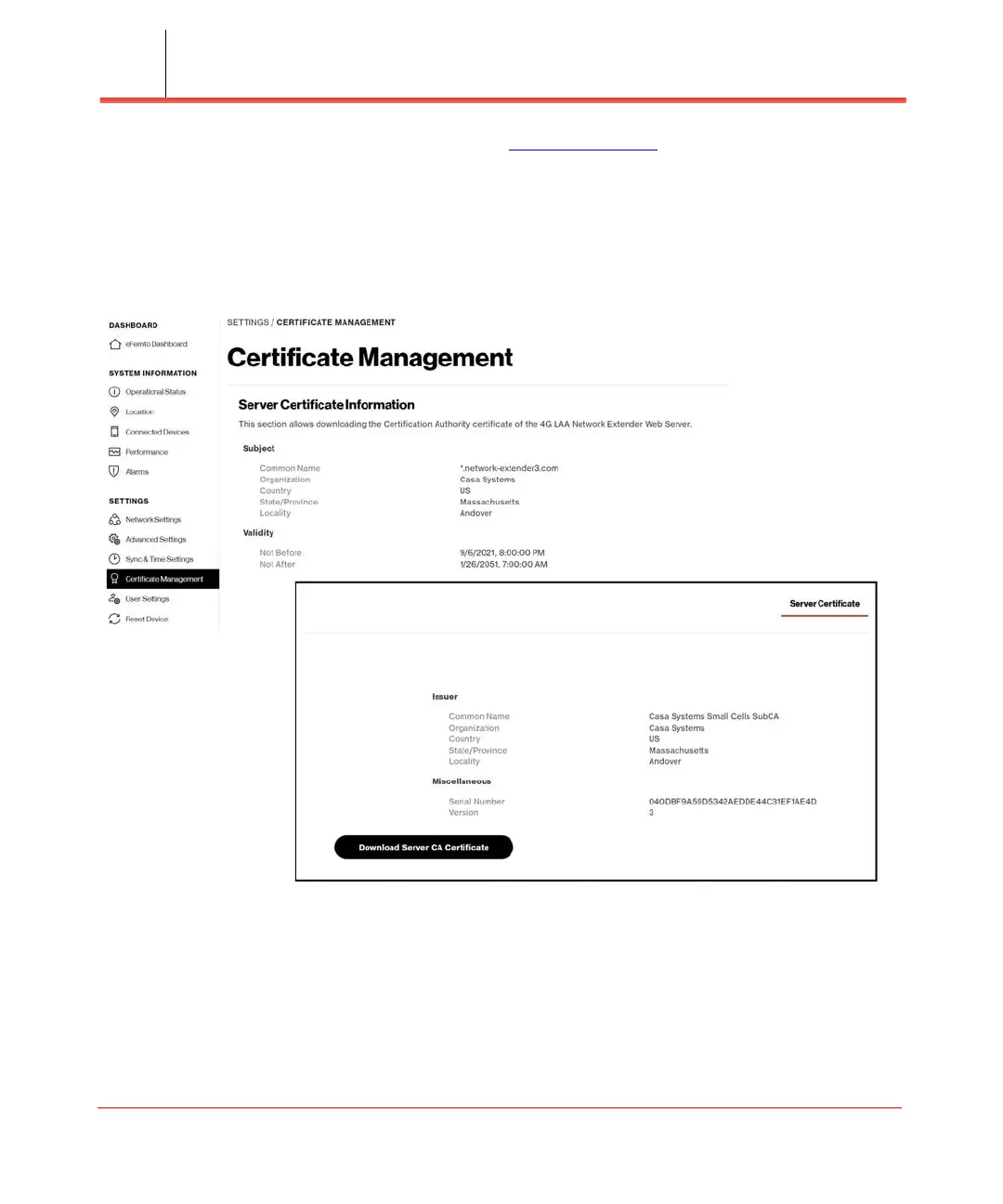
Note: The device CA certificate can be downloaded from the Certificate Management page and
added to trusted certificates in the Web browser to avoid future warnings (see Figure 3-2).
Figure 3-2. Certificate Management



 To Next Page