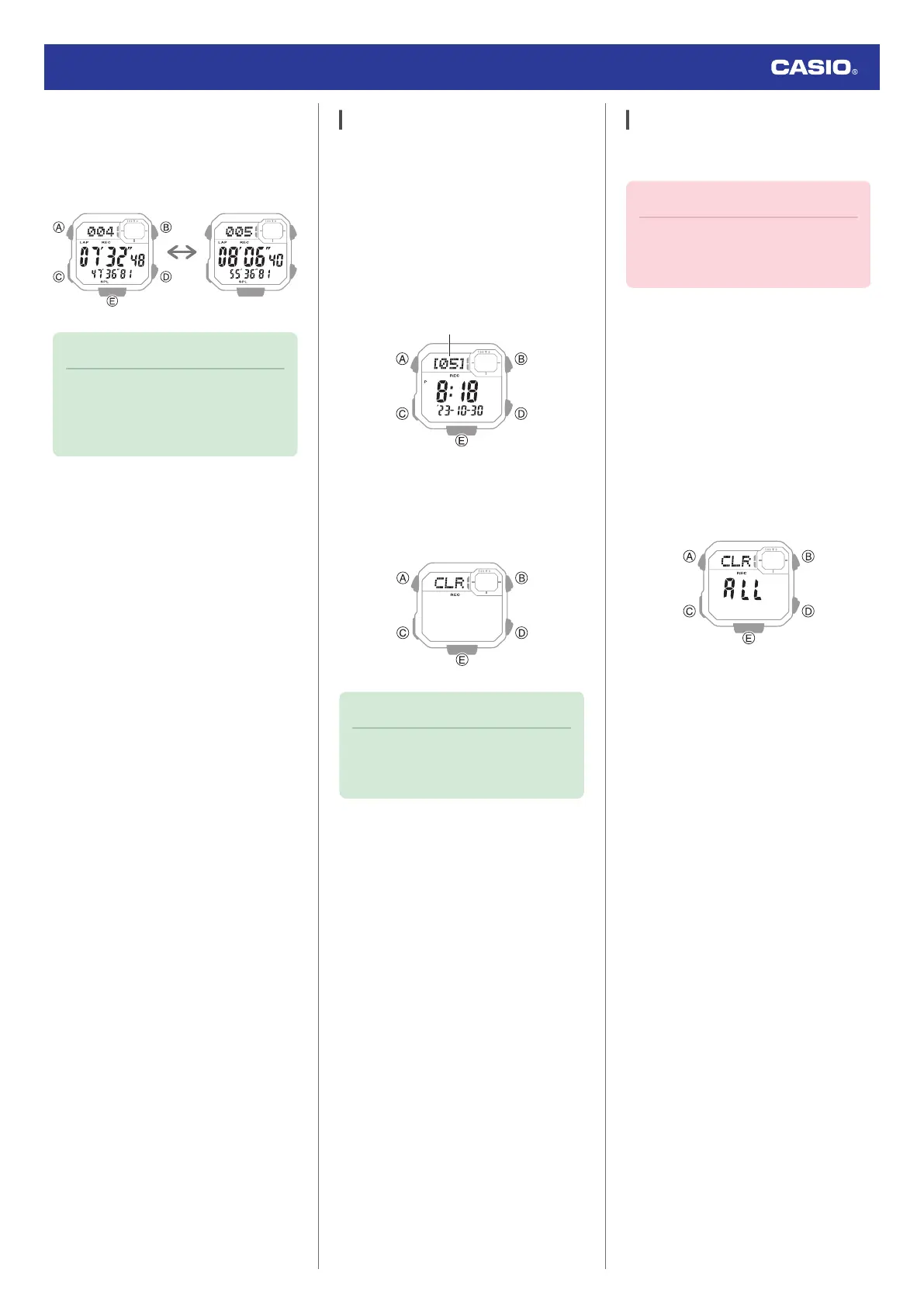
3. Press (D) to display the lap time of the
currently displayed lap number.
[LAP]: Lap time
[SPL]: Split time
Note
●
A record of the measured data is
created and assigned a number for
each measurement operation (from
start to stop).
Deleting a Particular Record
Use the procedure below to delete a selected
data record.
1. Enter the Recall Mode.
l
Navigating Between Modes
2. Press (A) to display the number of the
measurement you want to delete.
●
Each press of (A) advances to the next
measurement number.
3. Hold down (D) and (E) at the same time
for at least two seconds. Release the
buttons when [CLR] stops flashing.
This deletes the displayed data.
Note
●
You cannot delete data while an
elapsed time measurement operation
is in progress.
Deleting All Records
You can use the procedure below to clear all
data records in watch memory.
Important!
●
The all record delete operation cannot
be performed while a stopwatch
measurement operation is in progress.
1. Enter the Recall Mode.
l
Navigating Between Modes
2. Hold down (D) and (E) at the same time
for at least five seconds. Release the
buttons when [CLR ALL] stops flashing.
[CLR] flashes and then stops flashing to
indicate that the displayed data record
was deleted. Keeping the buttons
depressed will cause [ALL] to flash and
then stop flashing to indicate that all data
has been deleted.
Watch Operation Guide 3564
22



 To Next Page