EN-47
Configuring Function Settings
• The tone and other parameters revert to their initial defaults whenever you turn on power (page EN-9).
• The following settings are retained even when power is turned off.
Tuning, Registration Memory Freeze Target, Display Contrast
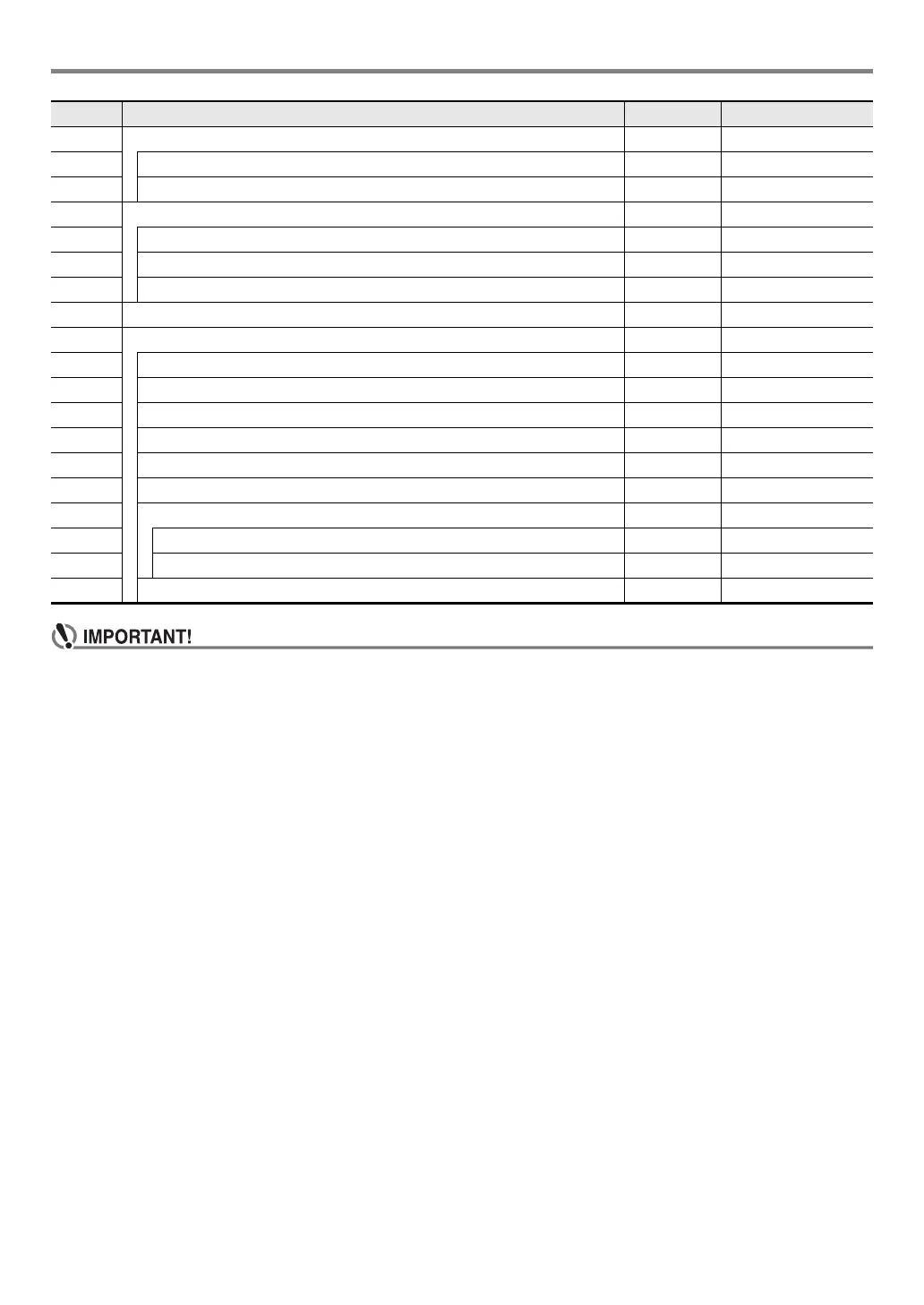
41 Metronome (ENTER) Metronom
42 Metronome Beat Beat 0 - 9
43 Metronome Volume Volume 0 - 127
44 MIDI (ENTER) MIDI
45 Keyboard Channel Keybd Ch 1 - 16
46 Local Control Local On/Off
47 Accomp Out AcompOut On/Off
48 Media (page EN-50) (ENTER) Media
49 Other (ENTER) Other
50 Right-hand (Melody) Part Channel PartR Ch 1 - 16
51 Left-hand Part Channel PartL Ch 1 - 16
52 Music Preset Key Change MP Key –5 - 6
53 Operation Lock Op Lock On/Off
54 Display Contrast Contrast 1 - 17
55 Auto Power Off AutoOff On/Off
56 Reset (ENTER) Reset
57 Function Settings (page EN-48) Setting –
58 Factory Reset (page EN-48)Factory–
59 Firmware Version Version –
No. Function Display Setting Range


 To Next Page