QUICK START GUIDE
22
1.
Press the power button to turn
on the camera.
2.
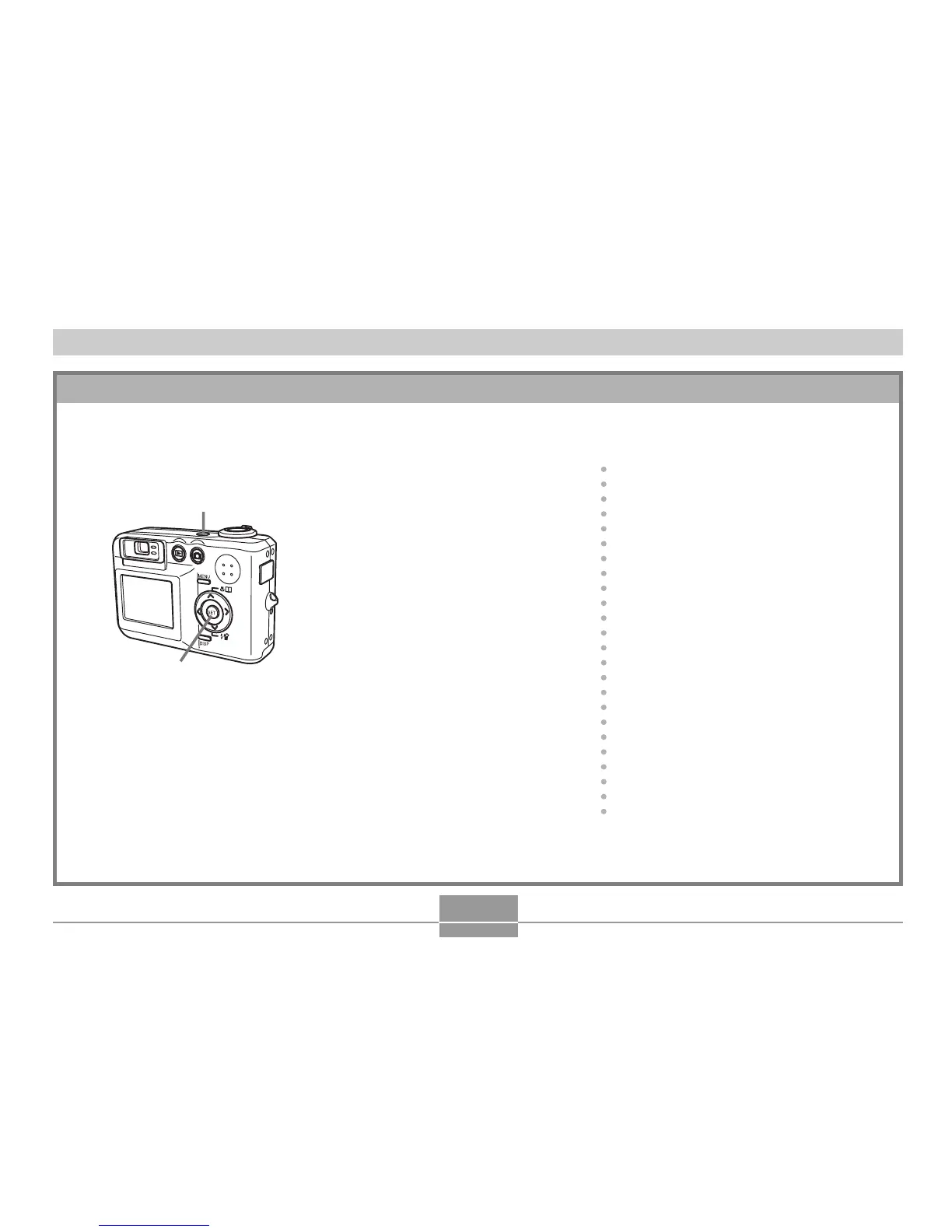
Use [#], [$], [!], and ["] to
select the language you want.
3.
Press [SET] to register the
language setting.
4.
Use [#], [$], [!], and ["] to
select the geographical area
you want, and then press
[SET].
5.
Use [#] and [$] to select the
city you want, and then press
[SET].
1,
10
2, 3, 4, 5, 6, 7, 8, 9
To configure display language and clock settings
• Be sure to configure the following settings before using the camera to record images.
(See page 47 for details.)
6.
Use [#] and [$] to select the
summer time (DST) setting you
want, and then press [SET].
7.
Use [#] and [$] to select the
date format setting you want,
and then press [SET].
8.
Set the date and the time.
9.
Press [SET] to register the
clock settings and exit the
setting screen.
10.
Press the power button to turn
off the camera.




 To Next Page