33
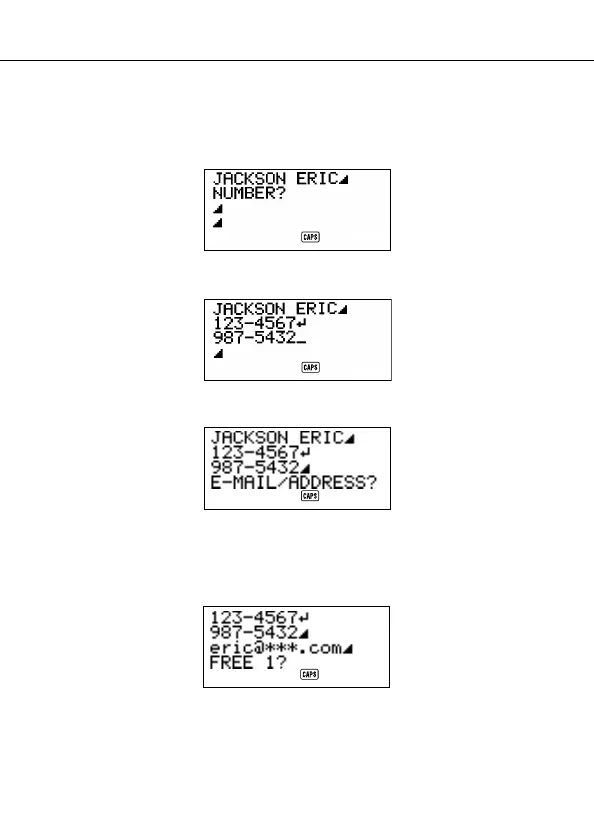
2. Input the name with the last name first, since the data is sorted according to
the name entry.
3. Press
NEXT. You can press the L key in place of the NEXT key. The
“NUMBER?” prompt appears to ask you to input the telephone number.
4. Input the telephone number.
5. After inputting a telephone number, press NEXT to advance to address input.
6. Input the e-mail address and home address.
• The display scrolls automatically as you input more data.
7. After inputting the e-mail address and home address, press
NEXT to advance
to the FREE input.
8. Input any other information you want.
Using the Telephone Directory



 To Next Page