77
PART 5
Calculator Functions
Using the Calculator
Whenever you enter the Calculator Mode, some of the keys on the SF Unit
keyboard take on calculator functions.
To enter the Calculator Mode
Press CAL/CONV to enter the Calculator Mode.
About the Calculator Mode keys...
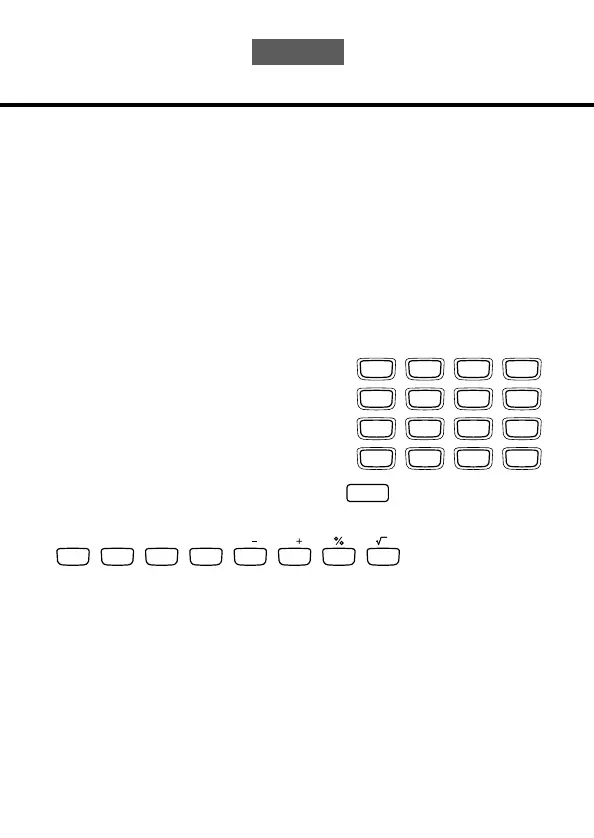
The following illustration shows the SF Unit keys that are used in the Calculator
Mode.
•
AC — clears the calculator completely (except the calculator memory).
• Use
C to clear a value if you have not yet entered the operator following that
value.
•
CLEAR — clears the calculator.
• Use the number keys (
0 through 9 ) to enter values. Press • to input a decimal
point.
7 8 9 ÷
4 5 6
#
1 2 3
–
0
.
=+
TIME/DATE
Q
AC C MC MR M M
W E R T Y U I


 To Next Page