82
PART 5 Calculator Functions
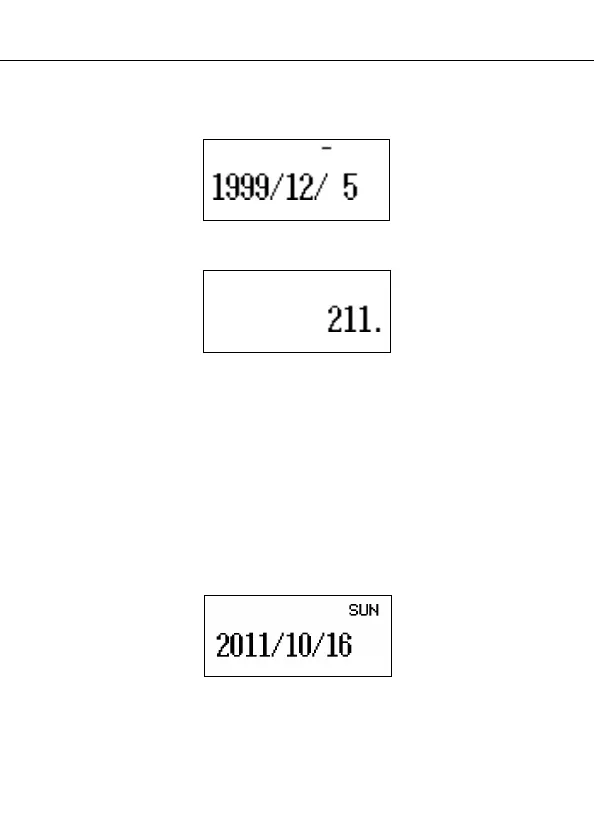
4. Enter the earlier date, pressing TIME/DATE
after the
year and month entries.
u 5. Press & to display the result.
To calculate the date that is a specific number of days after
another date
} 1. Enter the Calculator Mode.
2. Enter the date, pressing TIME/DATE after the year and
month entries.
• Here, we will calculate the date that comes 300 days
from December 20, 2010.
q 3. Press ! for the addition operation.
300 4. Enter the number of days.
u 5. Press & to display the result.
• Use subtraction instead of addition to calculate a date
that is a specific number of days before a date.
1999
O
12
O
5
2010
O
12
O
20


 To Next Page