53
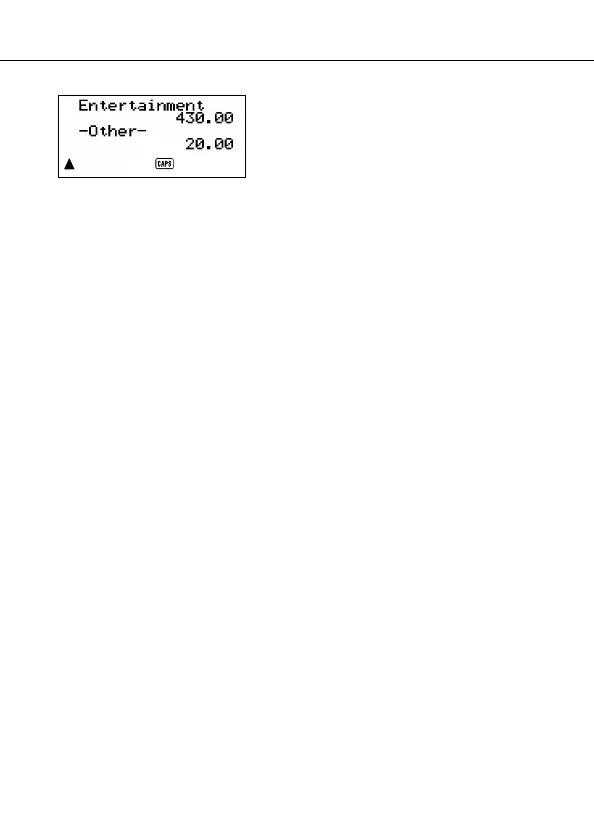
• Items for which the PAYMENT TYPE/
EXPENSE TYPE is not specified (be-
cause this specification was skipped
during data input) are totalized under
“-Other-”.
• To return from this display to specification of the total format (step 4 above),
press
ESC. Now you can repeat steps 4 and 5 to calculate totals for the same
period using different specifications.
6. To return to the normal Expense Mode screen, press
ESC twice.
About the total amount display
The amount for each type subtotal and the grand total can be an amount with an
integer up to 10 digits long, plus a two-digit decimal part. This means that the
maximum value is 9,999,999,999.99. Any value greater than this is displayed as
“AMT TOO LONG”.
Where to find other information
• For information on searching for and recalling data already stored in
memory, see “Recalling data stored in memory” on page 59.
• For information on editing, deleting and copying data already stored in
memory, see “Editing, Deleting, and Copying data” on page 62.
Using the Expense Mode


 To Next Page