88
PART 5 Calculator Functions
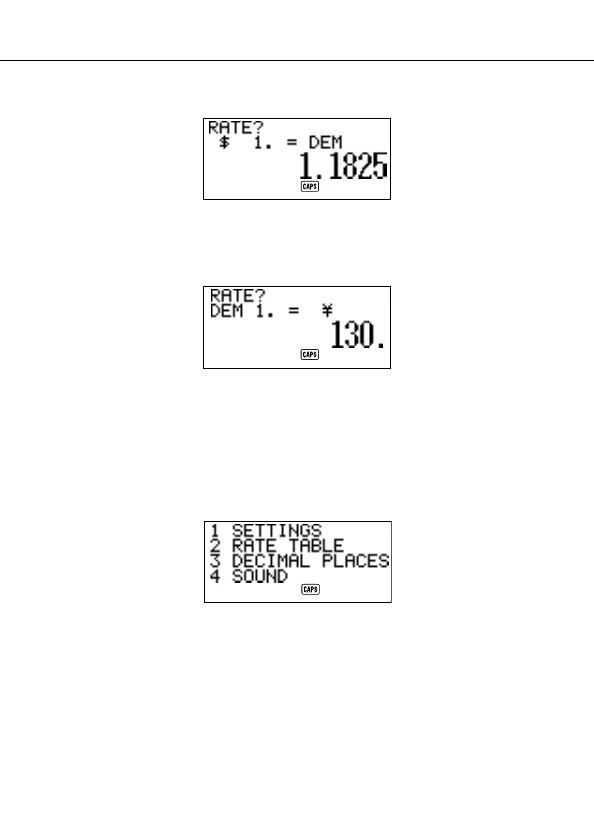
5. Enter
1 . 1 8 2 5.
6. Press SET.
• This stores the input value into memory.
7. Input a rate for converting deutsche marks to yen.
8. Press SET.
To specify decimal value handling
1. Enter the Conversion Mode.
2. Use K and L to move the cursor to the currency whose decimal place
setting you want to change, and then press
FUNC.


 To Next Page