50
PART 3 Data Management Functions
5. Input a description of the expense, along with any other comments you want
to include.
6. After you finish inputting data, you can use the K and L keys to scroll
through the data entries and make any changes that you want.
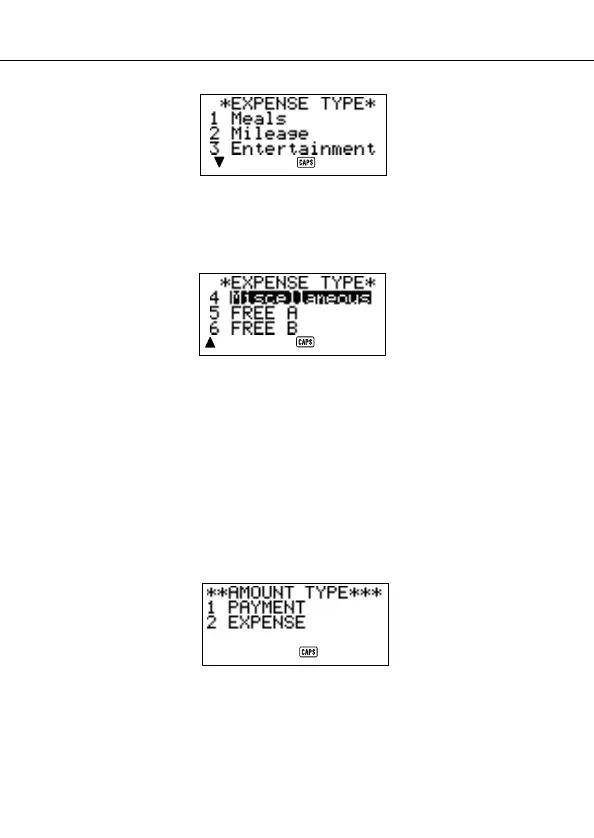
• Whenever you return to the expense type or payment type item, the currently
selected label is highlighted on the display.
7. Press
SET to store the data item in memory.
To change the amount type
Use the following procedure to specify whether the payment or expense type
should appear on the Index Display.
1. Press
EXP/REM to enter the Expense Mode.
2. Press
FUNC once to display the first function menu, and then press 2 to select
AMOUNT TYPE.


 To Next Page