– 13 –
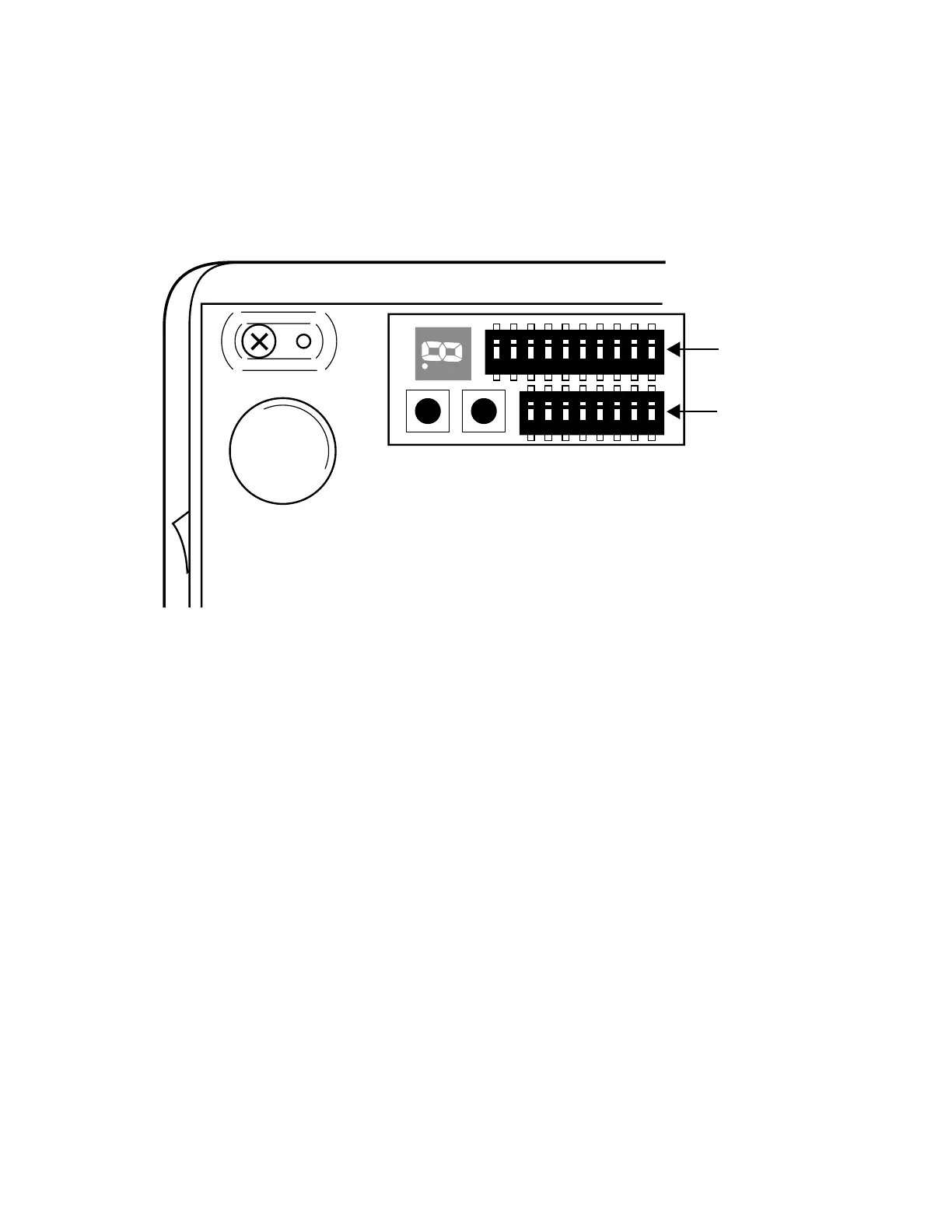
For changing DIP switch setting
1: Make sure that Power of the printer is turned off.
2: Loose the screw and remove the metal plate at the bottom of the printer.
3: Change the status of DIP switch by using something with a point.
4: Replace the metal cover and fasten the screw.
DIP SWITCH POSITION
CAUTION: The new status becomes effective when the printer power is turned on.
ON
ON
1
1
OFF
DIP 1
ON
OFF
DIP 2
ON
Remove the screw and metal cover.


 To Next Page