Q
Q
Q
Q
Q
SMART COMPUTER
FAQ
Why does uploaded ride data that has been deleted from the web
still show as “Uploaded” on the app?
Why is the smart computer’s screen in sleep mode upon
returning to the bicycle?
Why is there variation in the measurements for ascending altitude?
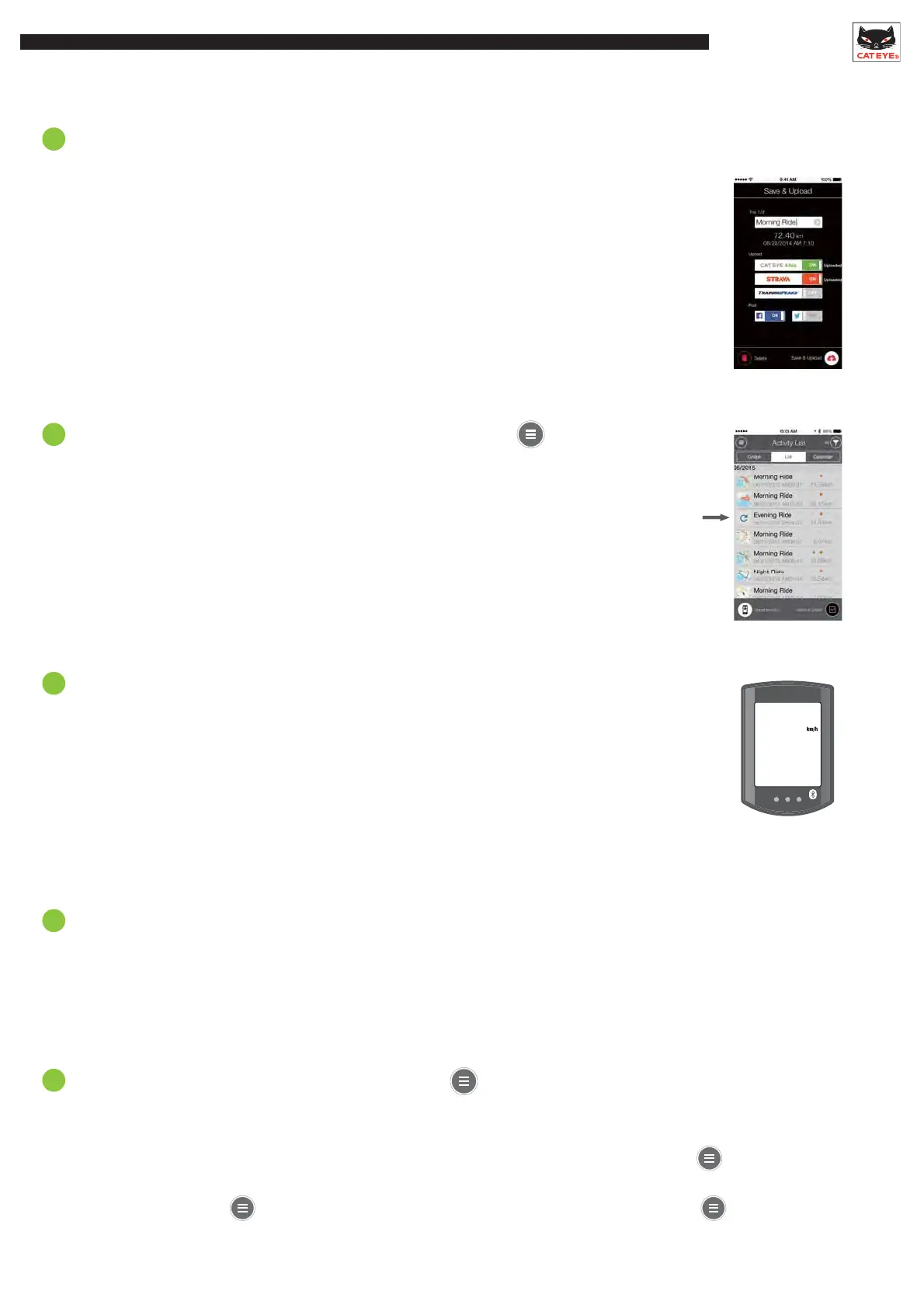
Why isn’t all ride data displayed under Upload?
Why don’t some map thumbnails show under Activity List?
Upload Account
Activity List
The app shows whether data has been uploaded in the past.
There is no way for the app to know if the data has been deleted from the web.
Note that it is still possible to re-upload ride data that is displayed as Uploaded.
If a refresh mark is displayed in place of the map, the map
display will be reloaded when the activity is opened.
*Depending on the signal strength and smartphone
performance, the display may show as incomplete.
When the smartphone moves away from the bicycle even for a short time,
the smart computer may automatically enter sleep mode.
Press the MODE button to reconnect with the smartphone.
Because altitude measurements rely on the smartphone’s GPS function,
the measured altitude may be different from the actual altitude.
Sleep mode
Only ride data that has not been uploaded to CATEYE Atlas, STRAVA, or Training Peaks is displayed.
To upload previously uploaded ride data to another site,select a different site from .
*Uploading through will push data to those sites turned to ON under .
Tap to reload











 To Next Page