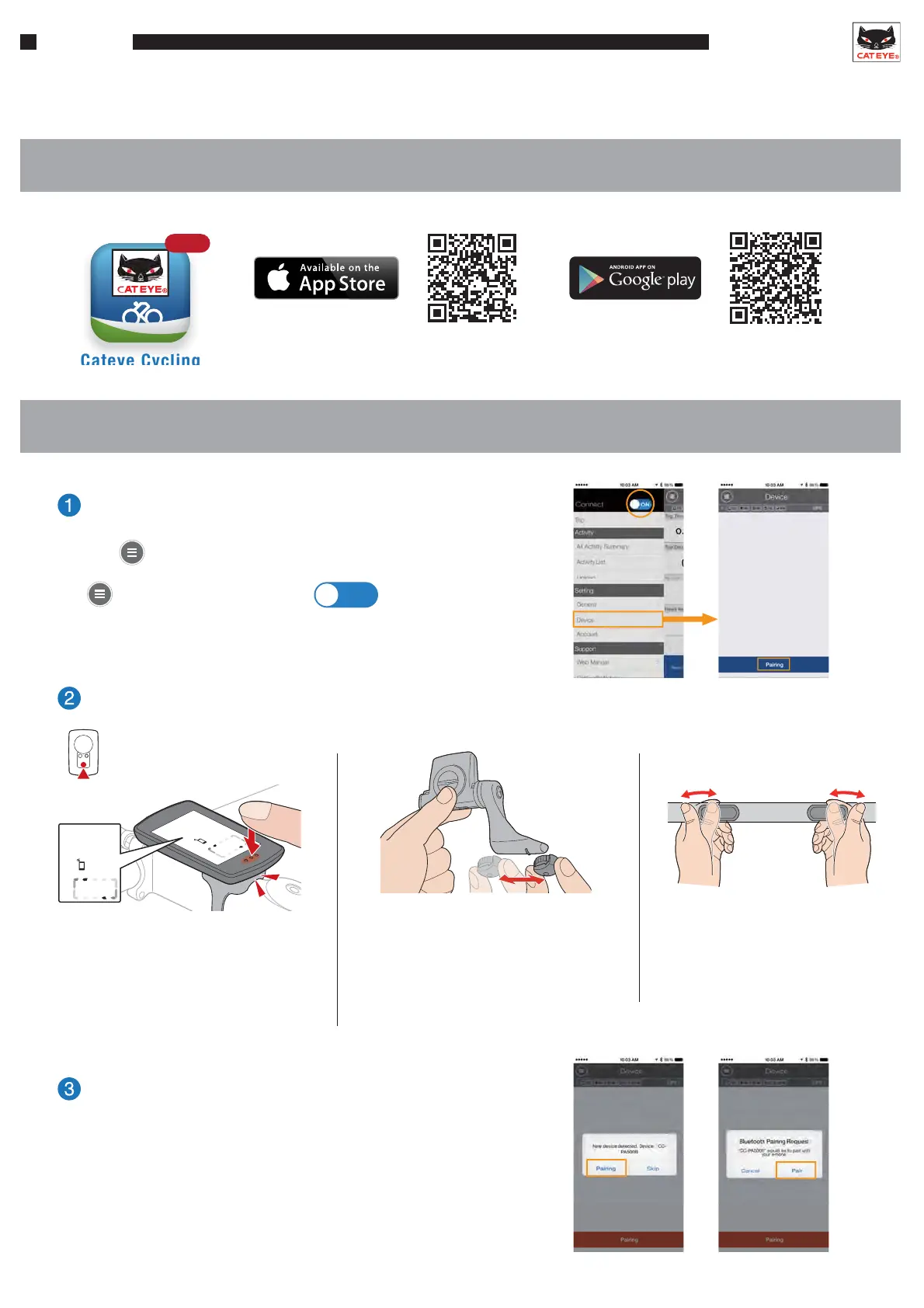
Cateye Cycling
Free
Use the above QR codes or search for “Cateye Cycling” on the App Store or on Google play.
Download the app and register (pair) the devices (smart computer and/or sensors) to the smartphone.
After the device is detected, tap “Pairing”
to pair the device (Fig. 1).
*When pairing a PADRONE SMART to an iPhone,
the screen to the right (Fig. 2) will also be displayed.
(Fig. 1) (Fig. 2)
< Speed/cadence sensor (ISC sensor) > < Heart rate sensor >
Move the magnet through
the sensor zone several times.
Rub both electrode pads
with your thumbs.
Press and hold the MODE button until the
smartphone search screen is displayed,
then release.
< Smart computer >
Send a signal from the device.
*When the smart computer is mounted
on a bracket, pressing the surface of
the unit depresses the MODE button
on the back of the computer.
MODE
Search screen
Use the smartphone to search for connectable devices.
Tap
Device > Pairing
ON
* Connect must be set to .
1. Downloading the app
2. Pairing the device
Setup
SMART COMPUTER
Setup











 To Next Page