CATEYE PADRONE
+
Quick Start Manual
Measuring screen
(Setup completed)
Setting the hour
Setting the minute
Backlight (Night Mode)
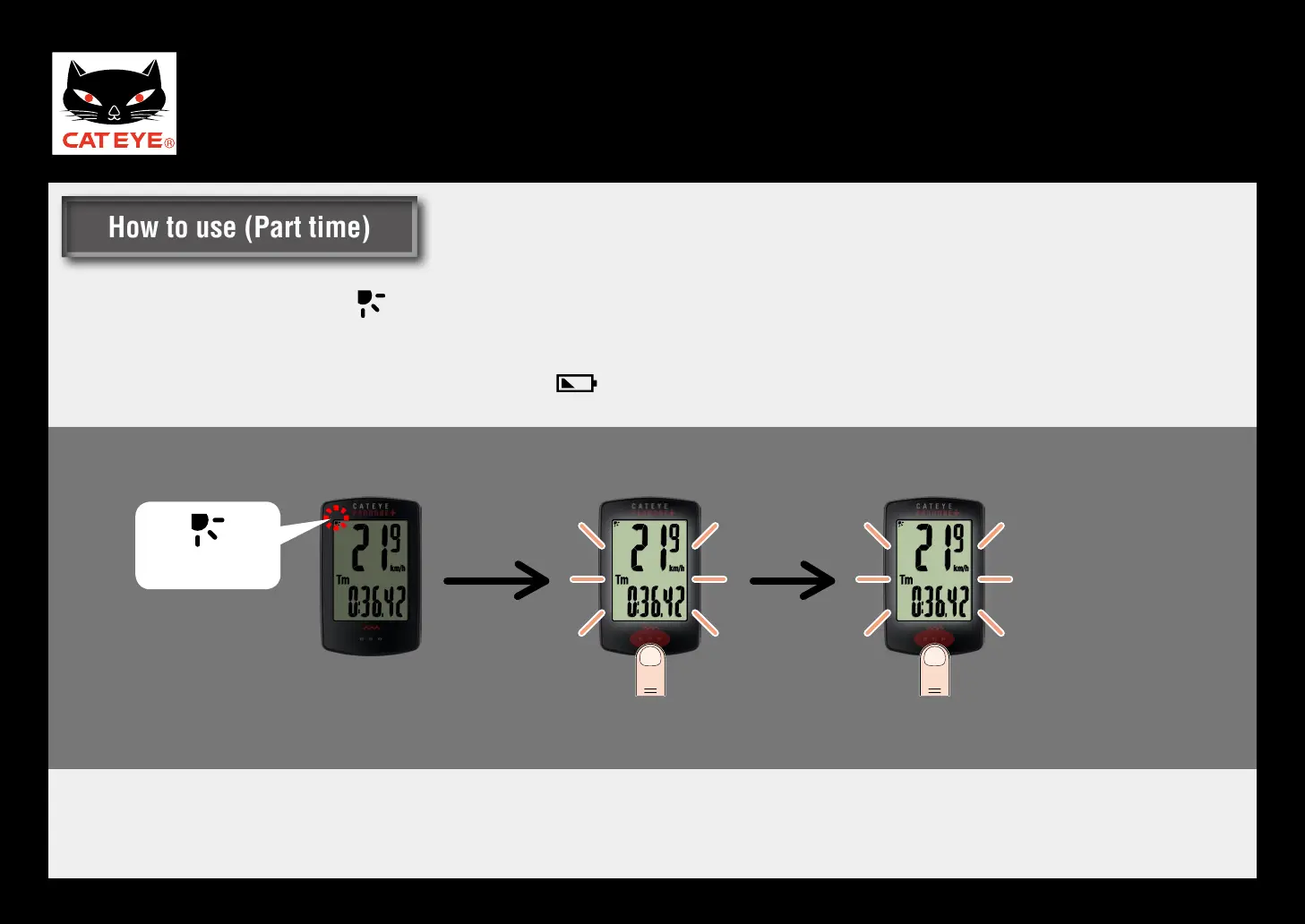
When Night Mode is ON ( turns on), the backlight will turn ON for the specified amount of time.
When Part time is selected, the backlight will come ON for 5 seconds when the MODE button is pressed.
* When the remaining battery power is low (when turns on), the backlight will not turn on.
*1 : Pressing the MODE button will turn the backlight ON, but the button function will be disabled.
*2 : Pressing the button again while the backlight is ON will enable the button function and extend the illumination time by
5 seconds.
Dot
(
MODE
)
Dot
(
MODE
)
Backlight off
Backlight ON (*1)
Backlight ON (*2)
Night Mode
How to use (Part time)How to use (Part time)












 To Next Page