CATEYE PADRONE
+
Quick Start Manual
Setting up the computer
Setting the speed unit
Entering the tire circumference
Setting the clock display
Clear all data (initialization)
Measuring screen
(Setup completed)
Setting the hour
Setting the minute
Setting the clock display
Entering the tire circumference
Setting the speed unit
Clear all data (initialization)
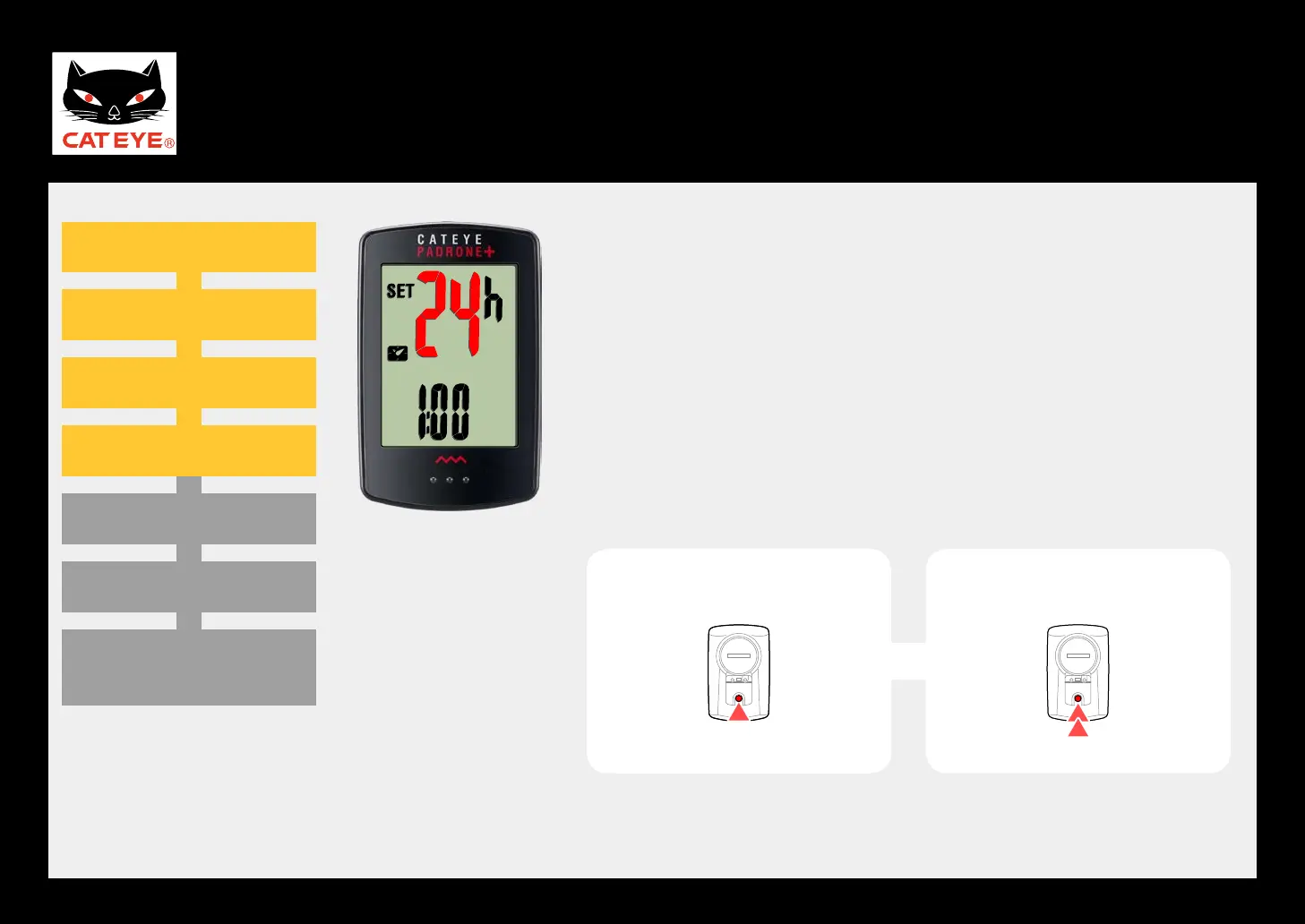
24h
↔
12h
Setting the clock display
When the MODE button is pressed, either “12h” or “24h”
is selected for the clock display. Select the display of
your choice.
After selecting, press and hold the MODE button to pro-
ceed to the next step “Setting the hour”.
Clock display
To the next step
(Press
and hold)












 To Next Page