CATEYE PADRONE
+
Quick Start Manual
Measuring screen
(Setup completed)
Setting the hour
Setting the minute
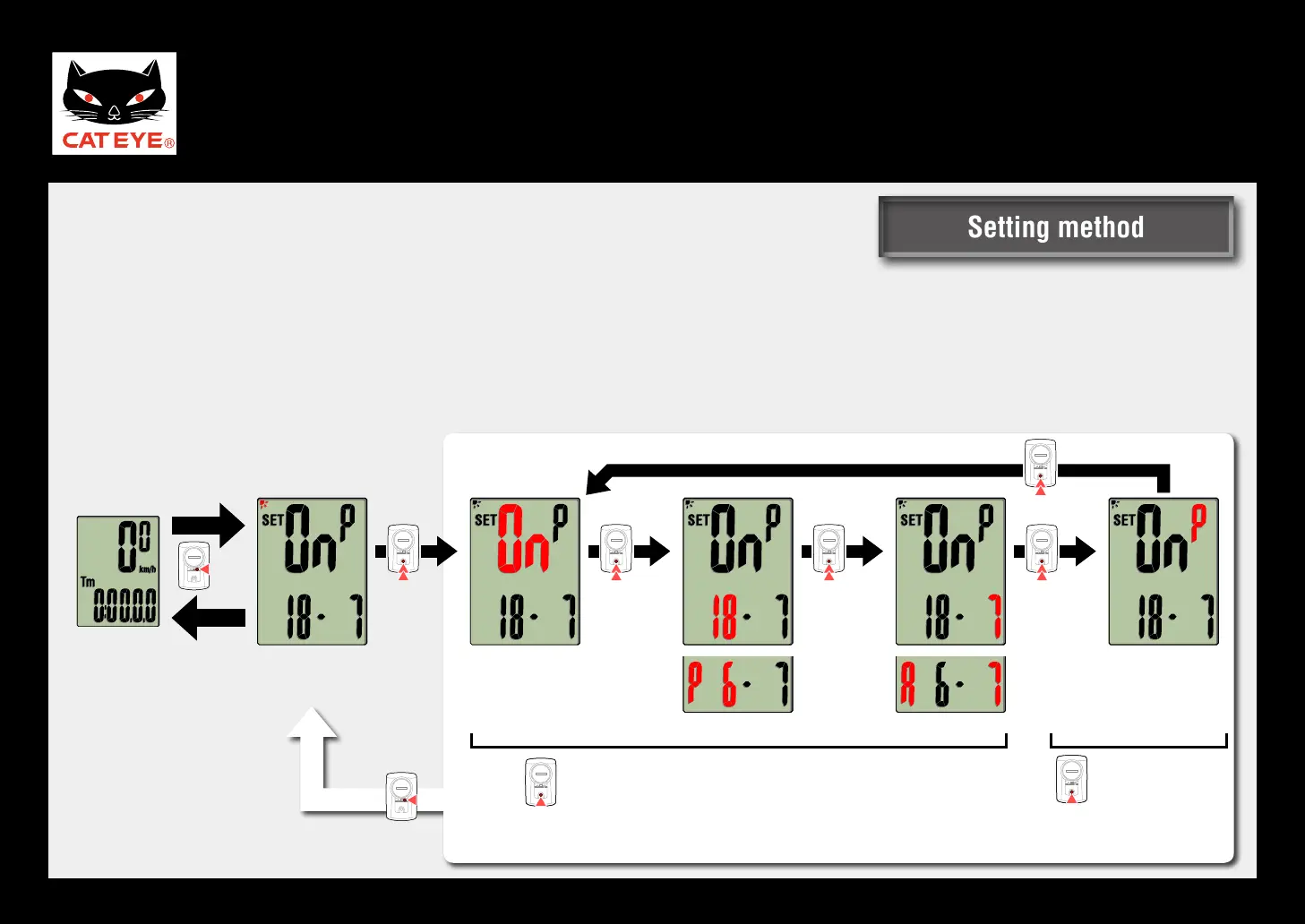
Backlight (Night Mode)
On the measuring screen, press the
MENU
button to display the “Night Mode setting” on the menu screen.
Press and hold the MODE button, and then turn Night Mode ON/OFF and set the start time, end time,
and the illumination method.
* After changing settings, make sure to press the MENU button to confirm changes.
*1: When the display format is set to 12h, A (a.m.) or P (p.m.) will be displayed.
Press and
hold
Press and
hold
Press and
hold
(
*1
) (
*1
)
Press and
hold
Press and hold
Measuring
screen
Night Mode
setting
Menu screen
Night Mode
ON/OFF
Start time
Confirm
End time
Switch between ON/OFF or increase the value
P
(
Part time
)
↔
F
(
Full time
)
Illumination
method
Setting methodSetting method












 To Next Page