Check the Trash Liner:Check that the Trash Liner is properly fitted and the cover of the Waste
Bin is closed.
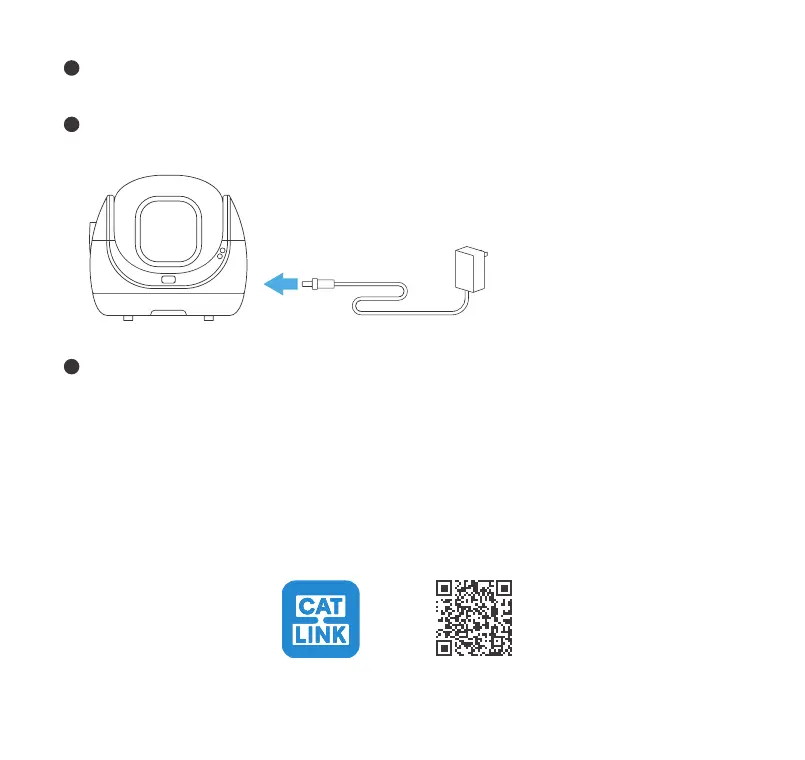
Power-on:If the Globe is incorrectly positioned after powering on, the device will automatical-
ly reset it through a self-check.
4
5
Wi-Fi connection
6
4
Toll free: +1 833 440 2772 Email: support@catlink.cn
NOTE:
Place the Unit as close to the router as possible, and make sure the Unit is powered on.
Authorize location information, and turn on GPS on your Android phone.
Use only letters and numbers in the WiFi name to avoid connection issues.
Use a 2.4GHz WiFi network to connect the product. 5GHz WiFi is not supported, and certain locations such
as hotels and airports that require special certification of WiFi may also not be supported.
●
●
●
●
Download the CATLINK app in the application market of your phone or scan the QR code.
①
CATLINK app
For Android & iOS



 To Next Page