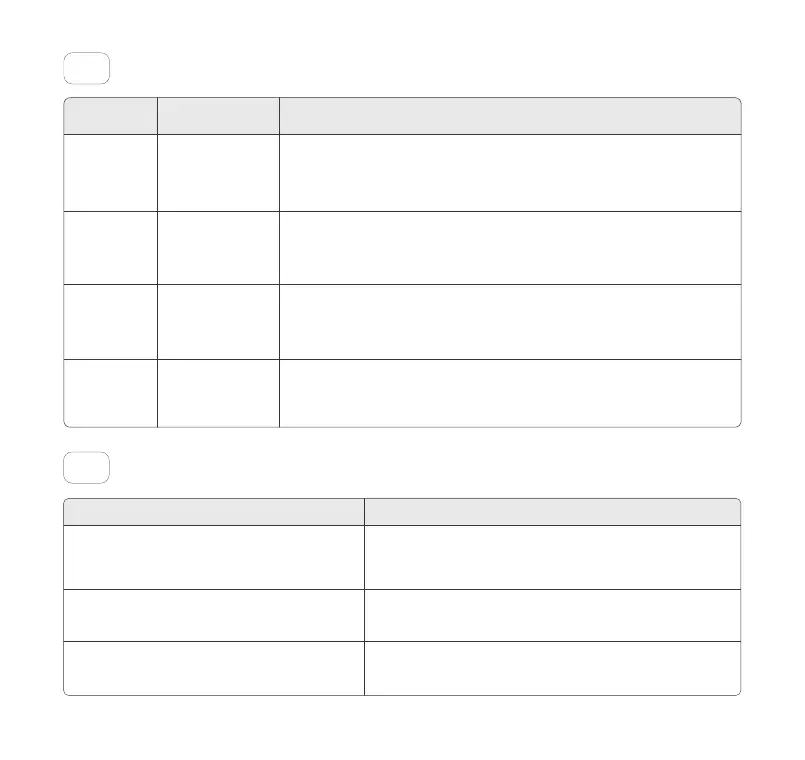
Troubleshooting11
1. Wipe the Indicator clean with a damp cloth.
2. Press the Clean Button once to let it perform a
self-cleaning.
Reinstall the Side Covers.
Press the Clean Button once to let it perform a self-clean-
ing.
The Unit stops working due to load cell
protection.
The Unit stops working due to anti-pinch
protection.
Trouble Solution
Safety Protection System10
ExplanationPriorityProtection
Gravity
Sensor
Infrared
Sensor
Level 1
Level 2
Level 3
Level 4
Injury Prevention
Sensor
Motor
Protection
If an object enters while the Globe is rotating, the infrared protection will be triggered,
causing the Globe to stop rotating. The blue safety indicator light will remain on, and an
abnormal notification will appear in the app. Once the object has been detected to
leave, the Globe will resume rotating.
If an object weighing over 3.3 lbs enters during the rotation of the Globe, the weighing
protection will automatically stop the rotation. Once the object leaves, the Globe will
resume rotating.
While the Globe is rotating, if Side Covers are not properly in place, the anti-pinch
protection will be triggered, causing the Globe to stop rotating. The safety indicator
light will flash purple quickly and an abnormal notification will be sent through the app.
This protection can only be lifted after manual intervention.
In the event of unexpected motor resistance during rotation, the Globe will stop
rotating and an abnormal notification will appear in the app. The Globe will automati-
cally resume after 10 seconds.
Toll free: +1 833 440 2772 Email: support@catlink.cn
12
The Unit stops working due to infrared sensor
protection.



 To Next Page