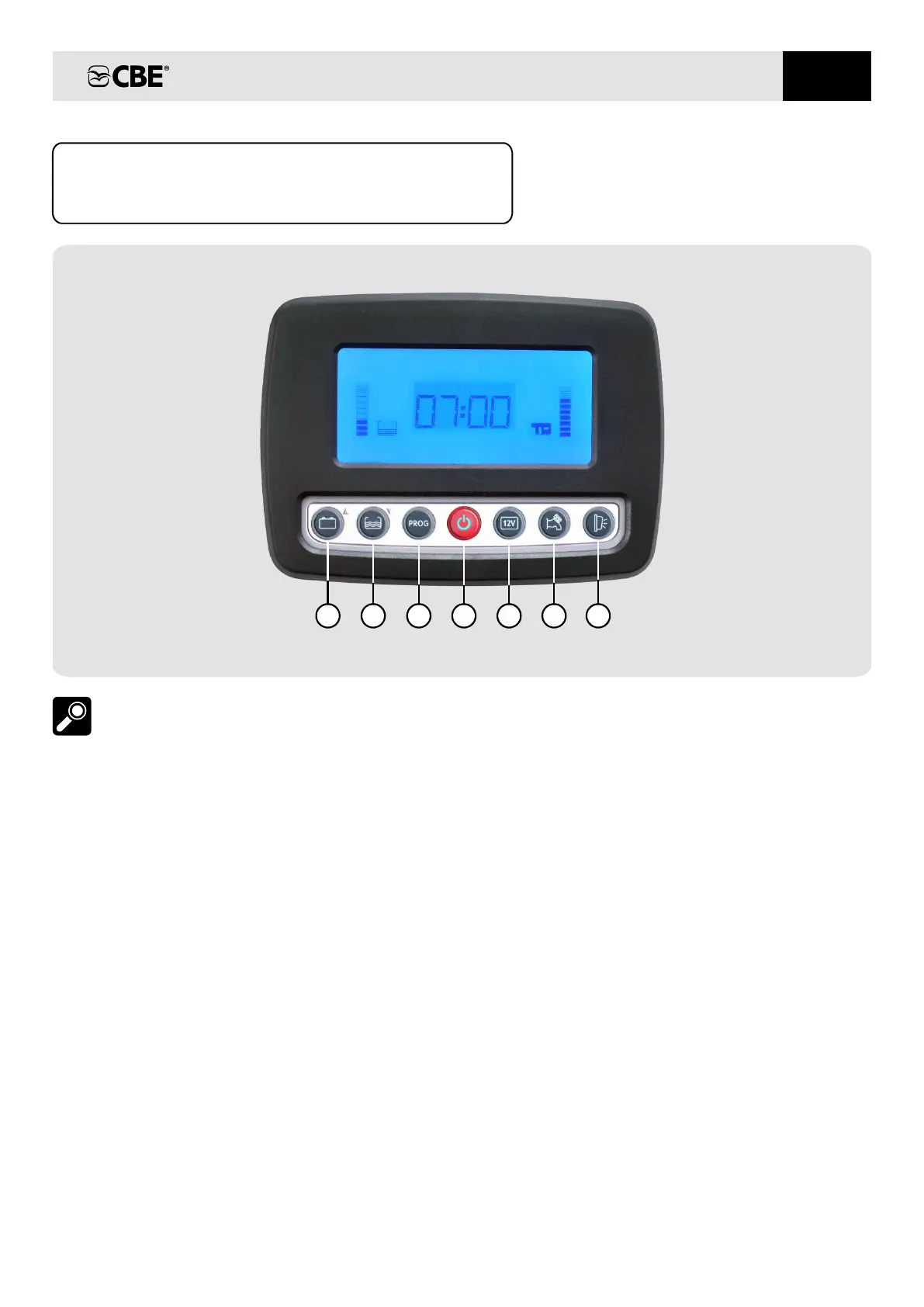
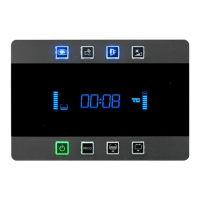
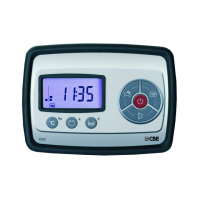
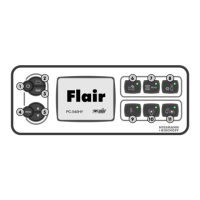
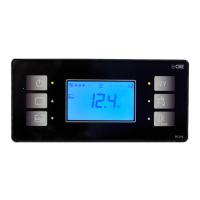
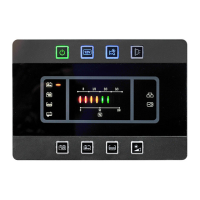
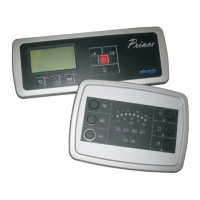
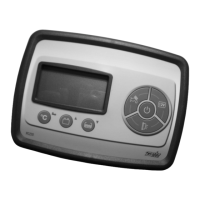
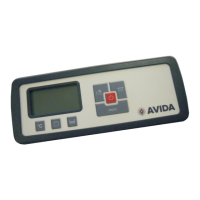
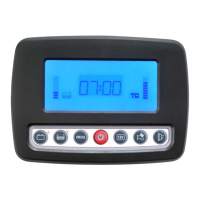
CONTROL PANEL “PC320-ST”
DESCRIPTIONS
2) Button for the control of water tank (in
%), for water refilling function operation
(see " WATER TANK REFILLING"
function) and for the regolation of the
programmable parameters’ setting (see
SETTING).
fresh
fresh
FRESH
4) On/off button (to turn on/off press for 2
seconds) at the start-up the display carries
out a functioning test and shows all symbols
(including unused symbols).
main
:
1) Button for control of car and leisure batteries
voltage (in Volt) and for the regolation of the
programmable parameters’ setting (see
SETTING).
3) PROG” button for system (see
SETTING).
setting "
If the relevant LED is green the control panel
is on, if it is red an alarm is on (batteries,
tanks, etc.).
5) “12V” button to switch the lights and the
heating/boiler on and off.
6) Button to switch the pump on and off.
NOTE: The watch is supplied from the leisure
battery (B2). Should B2 be disconnected,
the watch is able to keep working, without
visualization, for about week
2 .
7) Awning light button; this ext. light switches
automatically off when you start up the engine,
depends on the button rif.5.
EN
17
4 5 6
7
321


 To Next Page