5
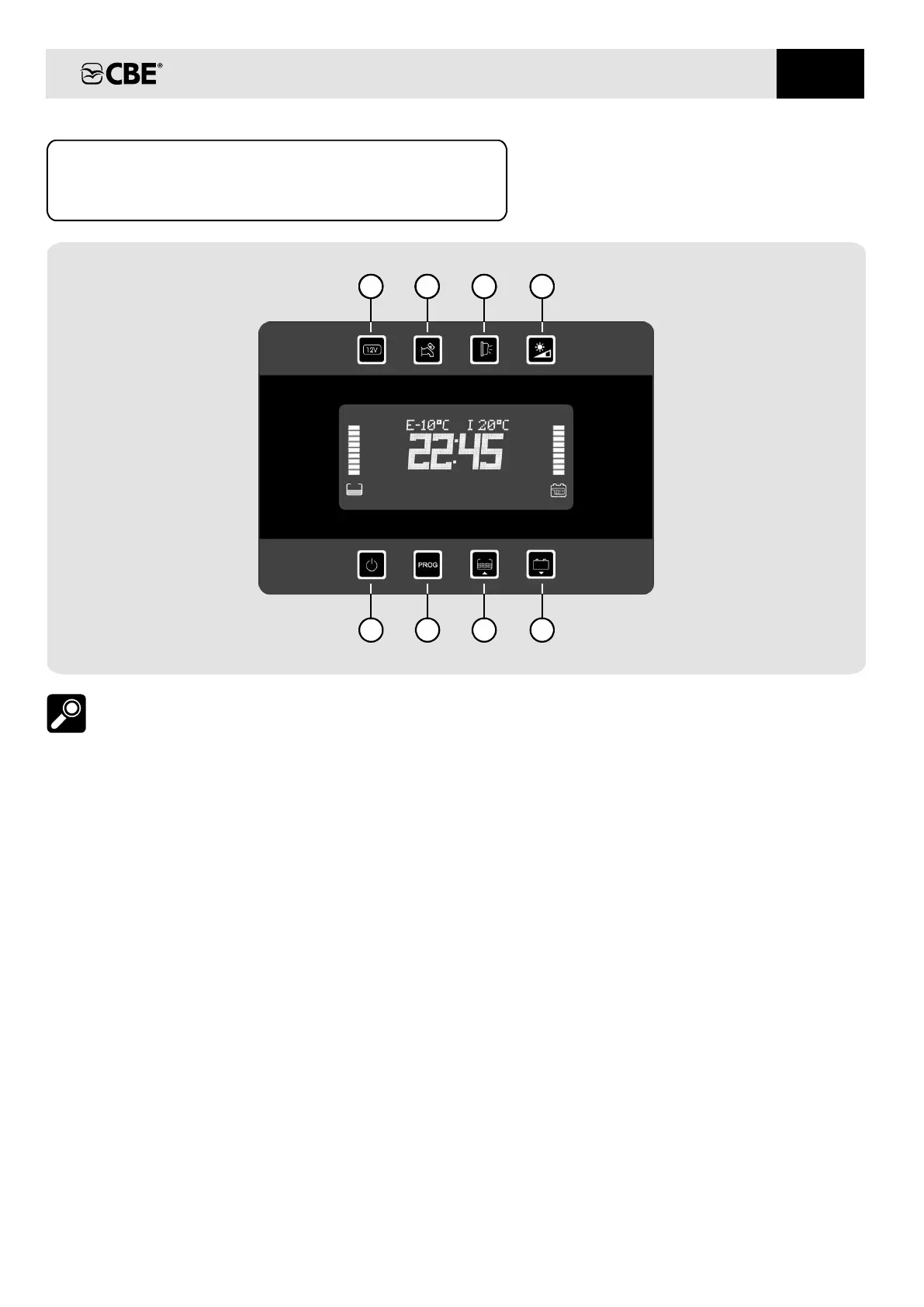
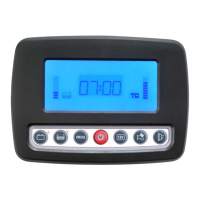
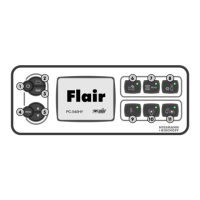
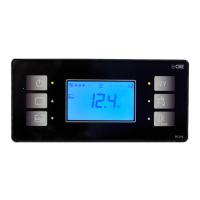
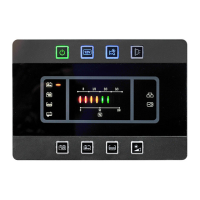
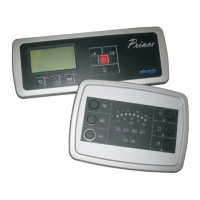
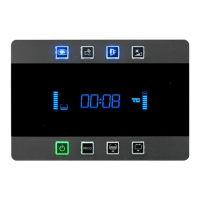
CONTROL PANEL “PC380-KT”
DESCRIPTIONS
situation (see also the “TWILIGHT” function).
4) Button with integrated twilight sensor to set the
intensity of the LED backlighting in a night“ ”
5) On/off button (to turn on/off press for 2
seconds) at the start-up the display carries out
a functioning test and shows all symbols
(including unused symbols).
main
:
If the relevant LED is green the control panel is
on, if it is red an alarm is on (batteries, tanks,
etc.).
1)
«12V» b circuit
(lights and awning light).
utton to switch the light on and off
2) Button to switch the pump on and off.water
3) Awning e awning light button; th light switches
automatically off when you start up the engine
(it depends on the 12V button).
8) Button for control of c and leisure
batteries voltage (in Volt), load and recharge
current (in Ampere) for the leisure battery and
for the parameters’ setting (see SETTING).
hassis
clock willShould B2 be disconnected, the
keep working, without visualization, for
approx 1 week.
NOTE: The is supplied from the
leisure battery (B2).
digital clock power
7) Button for the control of fresh and waste water
tank (in %), for the information on the
programmable parameters’ setting (see
SETTING).
6) “PROG” button for system (see
SETTING).
setting
1 2 3 4
1
2 3
4
5 76
8
EN


 To Next Page