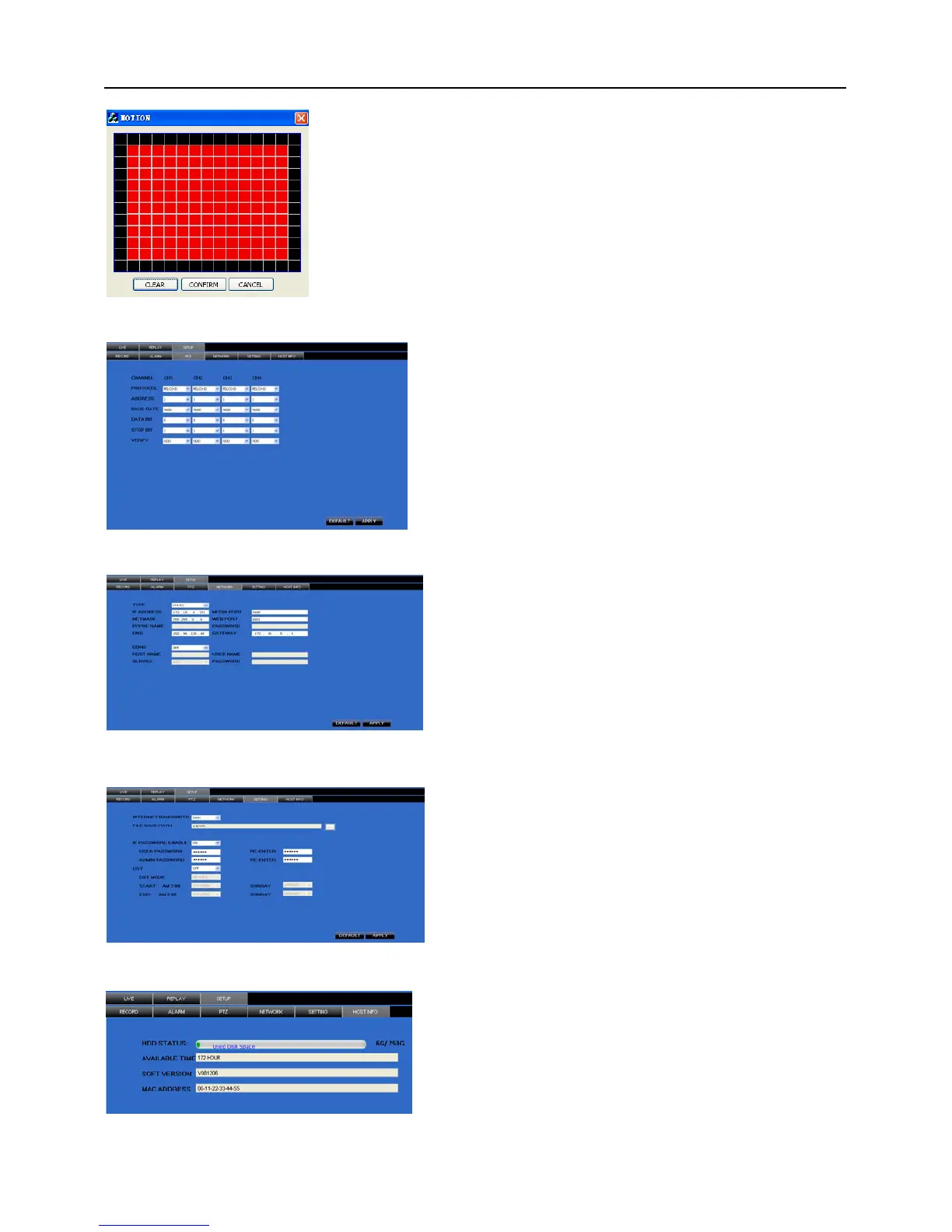
System allows you setup motion detection settings for each channel
of DVR remotely (shown as Picture 6-8)
Picture 6-9
Click [PTZ control] to setup PTZ cameras. Remote
setup methods are the same as local DVR setup.
Please refer to Section 5.2.5.3 (shown as Picture
6-9).
Click [Network] to enter into [Network]
menu. Remote setup methods are the same as
local DVR setup.
Please refer to Section 5.2.3. – Network
Set.
Picture 6-10
Picture 6-11
Click [setting] menu to enter into the menu interface
(shown as Picture 6-11);
Click […] button to preview net-viewer recording
saving path and screen capture saving path.
The menu also allows you to set a lower bandwidth for
Internet video transmission, set user password, turn
daylight saving time on/off, etc.
Click [Host Info.] to enter into the sub menu (shown as
Picture 6-12). Here you can check Usage rate of HDD,
available recording time, software version and MAC address.
Picture 6-12


 To Next Page