User Manual
30
6.3.1.4 Log out
Log out of the system.
6.3.2 PTZ Control
Note: below-mentioned series no will be consistent with the remark no shown as Picture 6-2.
○2.PTZ direction control: Control PTZ moving direction
○3.Zoom, Focus and Iris Control: control direction, zoom, focus and iris of PTZ.
○4.Presetting bit Control
CUR:display current presetting bit or input a presetting bit you want to fix at according edit box。
Load:Load one presetting bit setting you have saved last time.
Save: Save presetting bit.
Set: set presetting bit parameter (Details setting method please refer to section 5.5- cruise set.
GOTO: on the preview mode, please input one presetting bit no and click [GOTO] button, you could
fix the presetting bit quickly.
Clean: clean presetting bit setting
Cruise: control cruise status (including on and off).
6.3.3 Live Play Control
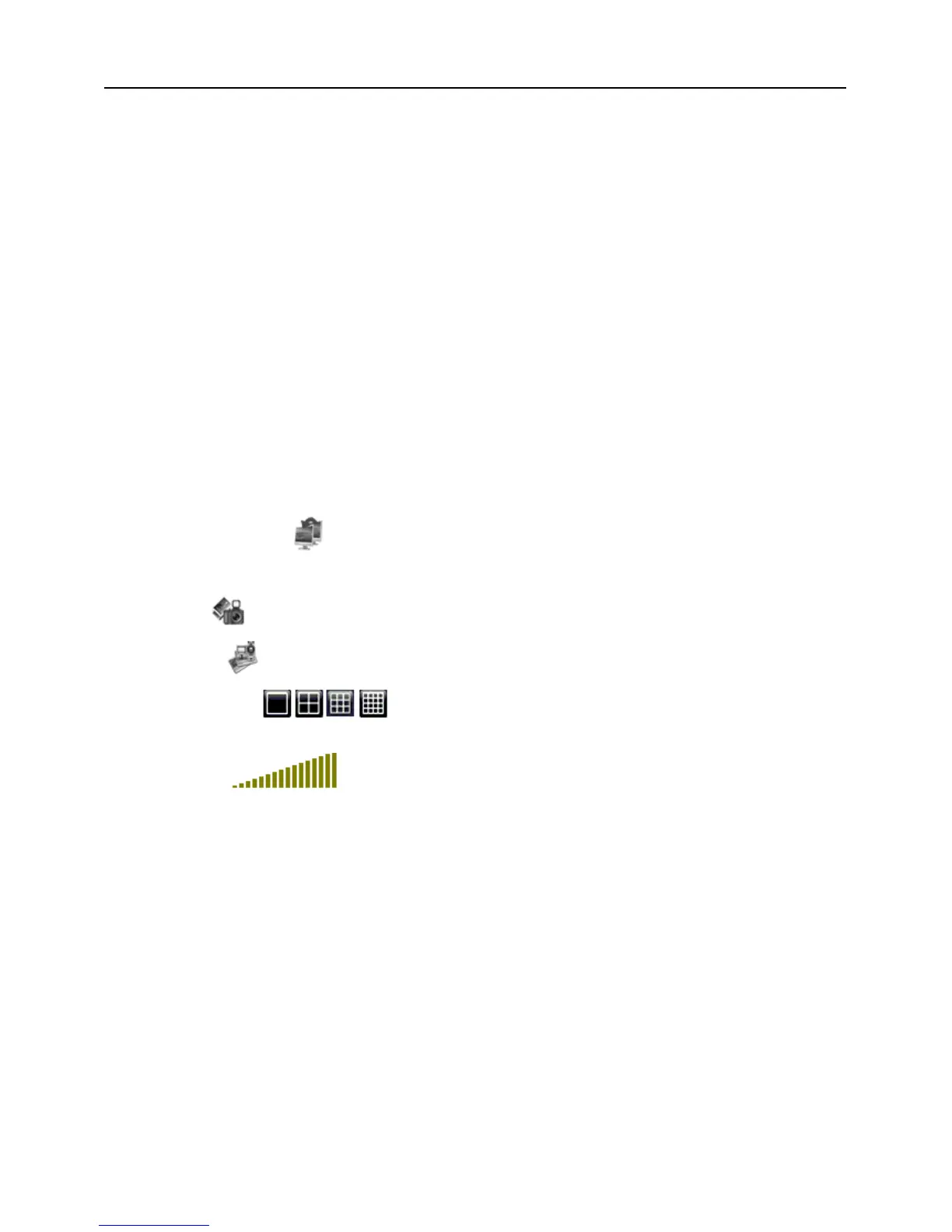
⑤On / Off Live display [ ]:When Live display status is “On”, Clicking the button closes Live display. When
“Off” clicking the button opens the Live display.
⑥.Capture [
]:Capture Screen image and save to PC as *bmp image.
⑦.Recording [
]:Operate DVR recording remotely
⑧Channel display [
]:The icons stand for Single Channel display, Quad Channel display, 3x3
Channel display and 4x4 Channel display respectively.
⑨.Volume control [
] Click or slide the control bar to adjust sound volume.
(Numbers 2, 3, 4 on Picture 6-3)
(Numbers 6 through 10 on Picture 6-3)


 To Next Page