Action Explanation
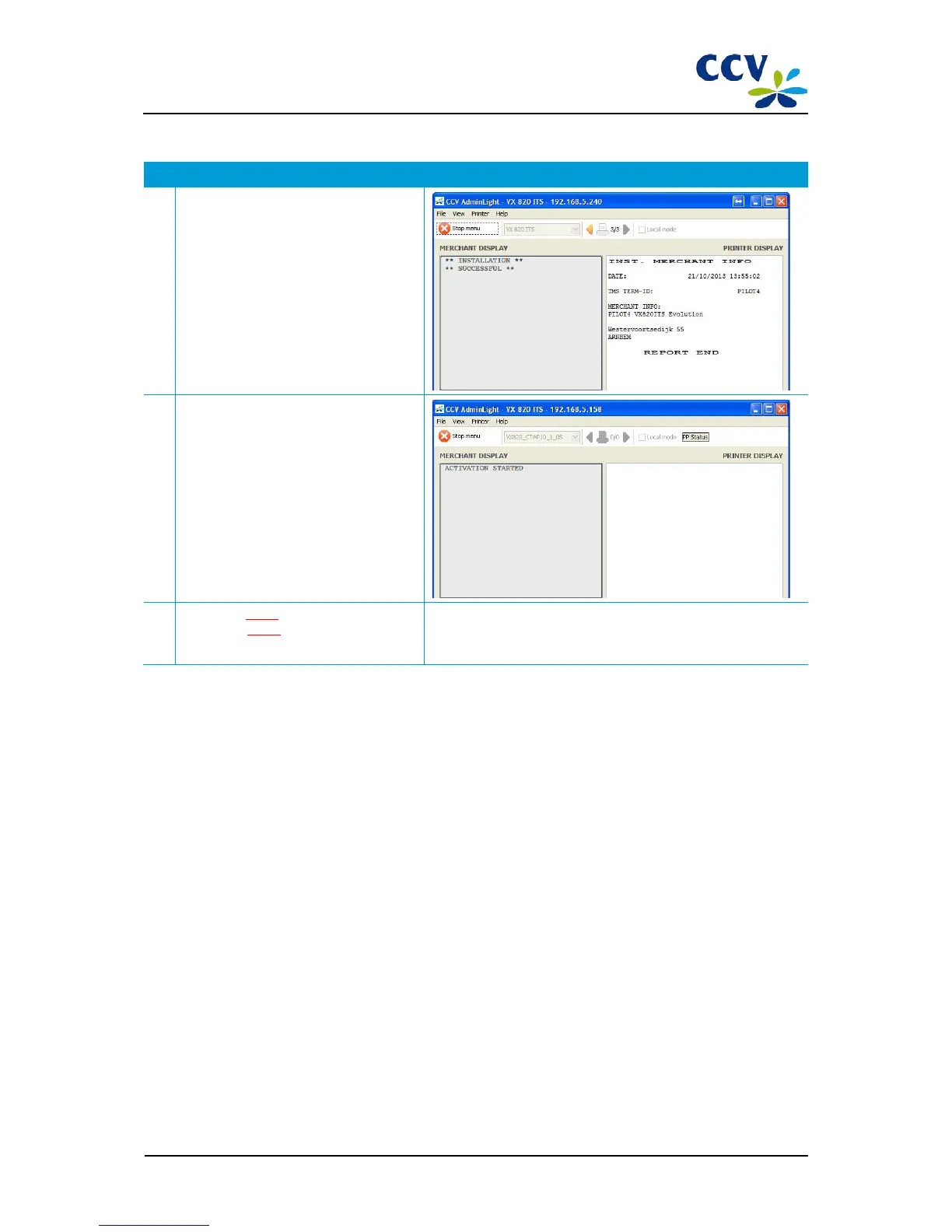
14 Wait until the installation process is
completed.
When the installation has been completed
successfully, the following notification will
appear in AdminLight: 'INSTALLATION
SUCCESSFUL'. The session with
AdminLight will end automatically.
15 Wait until the PIN pad is activated.
The activation process is not visible in
AdminLight. When the activation has
been completed successfully, the
following notification will appear on the
display of the PIN pad: 'WELCOME YOUR
CARD PLEASE'.
16 Proceed to step 7 (Configuring OPI
settings) or step 8 (Checking whether the
PIN pad operates correctly).
You carry out step 7 only if you want the OPI communication run
via RS232 rather than via the Ethernet.
CID087A/15042015 © CCV Services B.V. 16 / 45



 To Next Page