& service manual (version 1.0)
3.3.2 The touchscreen of the PIN pad
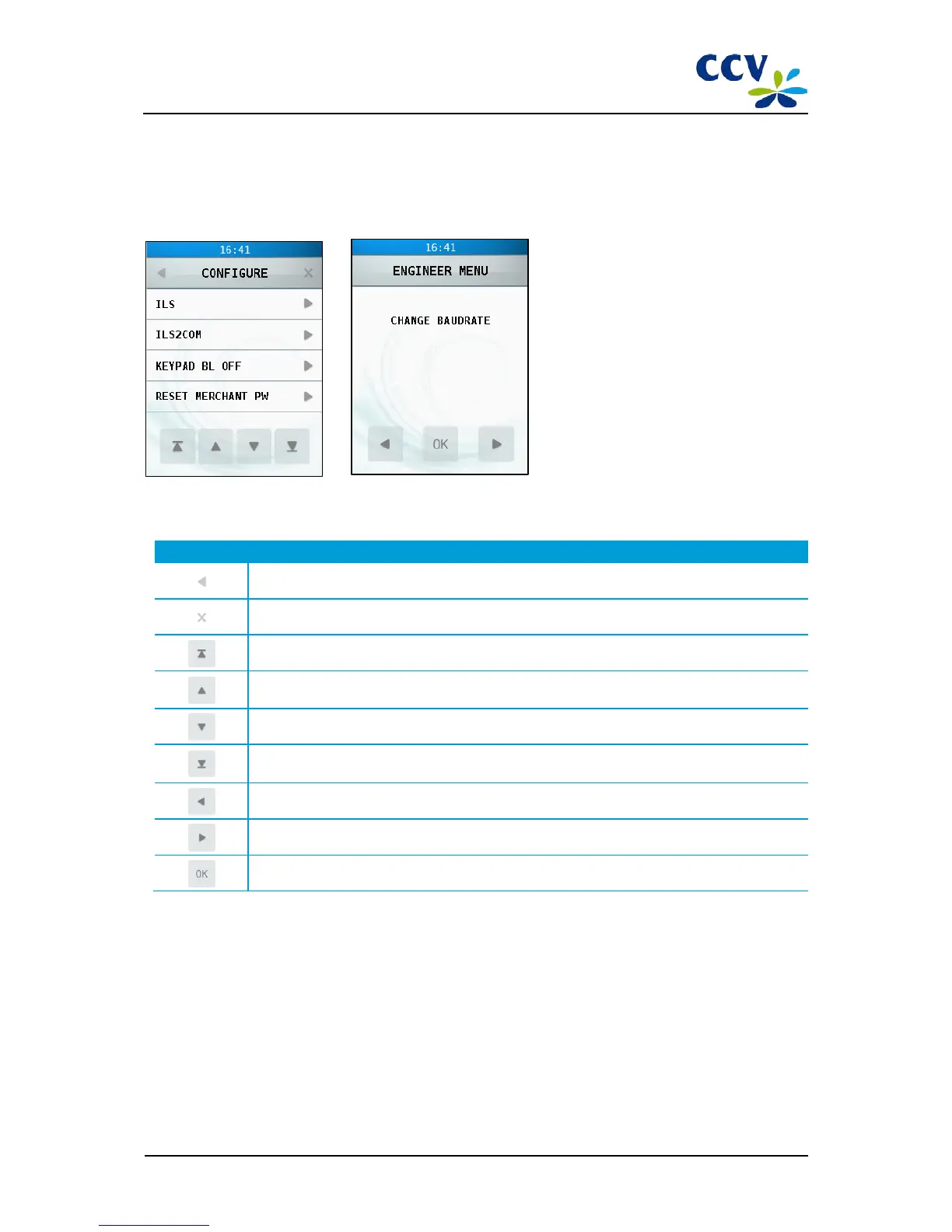
The VX 820 ITS PIN pad is provided with a touchscreen with which you can operate the menu of the PIN pad. Touch a
menu option to open it.
The touchscreen also shows symbols with which you can carry out functions. Touch the desired symbol to carry out the
corresponding function.
Symbol Function
Scroll to the previous menu
Scroll to the first line of the menu
Scroll up one line in the menu
Scroll down one line in the menu
Scroll to the last line of the menu
Scroll to the previous menu option
Scroll to the next menu option
Choose the menu option displayed
CID087A/15042015 © CCV Services B.V. 30 / 45



 To Next Page