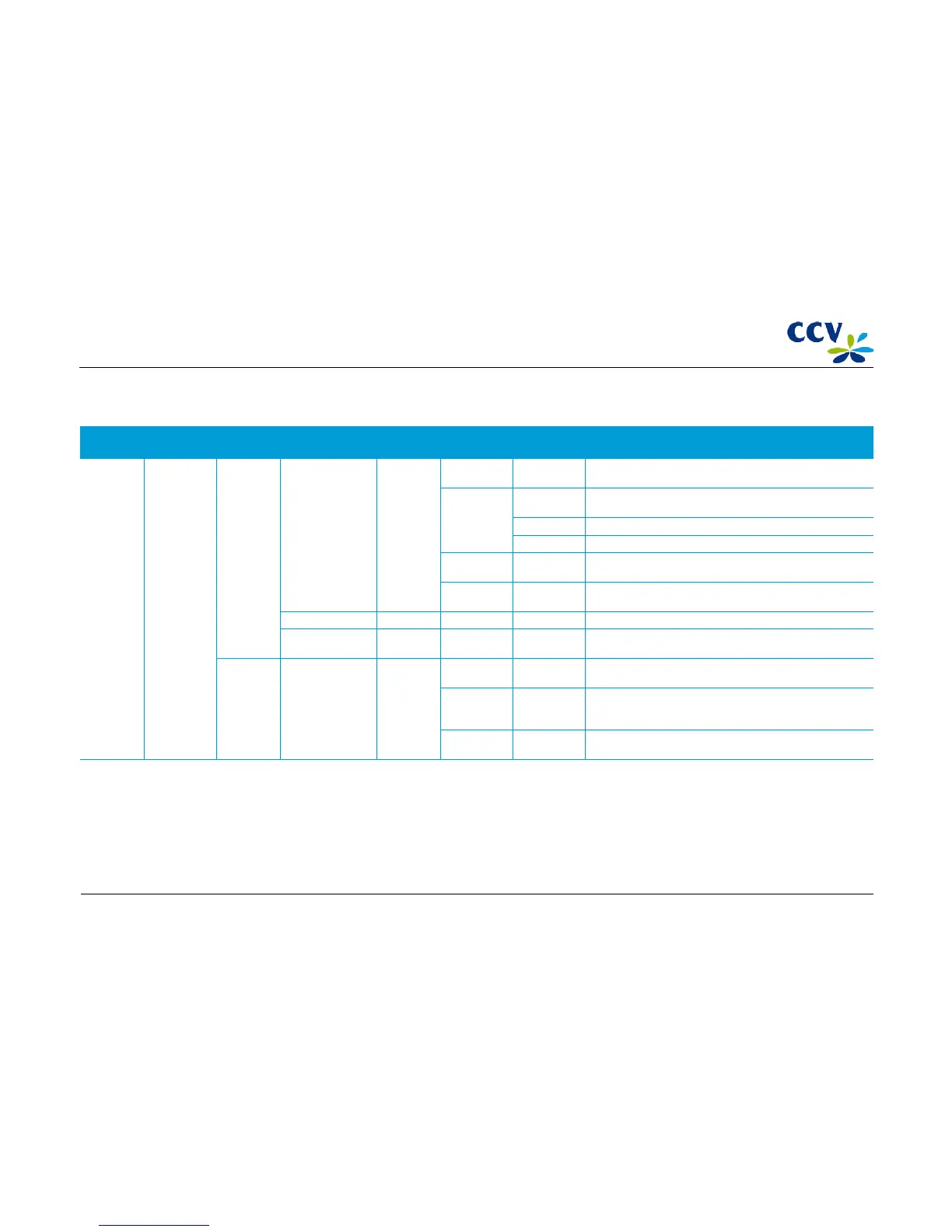
4.3.4 Configure
Menu
option
Menu option Menu
option
Menu option Menu
option
Menu option Menu option Description
Merchant
menu
Configure Terminal Communication TCP/IP Reset all
(DHCP)
Reset all communication settings to set the terminal to DHCP.
Static IP
address
Terminal IP
address
Enter the terminal IP address.
Subnet mask Enter the subnet mask.
Gateway Enter the gateway.
IP address
DNS1
Enter the IP address of a domain server. This address may also be
retrieved via DHCP.
IP address
DNS2
Enter the IP address of a second domain server. This address may
also be retrieved via DHCP.
Merchant password Change the password of the merchant menu
Keypad BL on /
Keypad BL off (*)
Switch the backlight of the keypad on or off.
C-TAP Edit relations Select
acquirer
Add brand Select brand Link a certain payment card to a selected acquirer. Only payment
cards that are not yet linked to an acquirer can be selected.
Delete brand Select brand Remove the link between a certain payment card and the
selected acquirer. Only payment cards that are linked to the
selected acquirer can be selected.
Change
merchant id
Select brand Change the merchant id of a certain payment card that is linked
to a selected acquirer.
(*) Which menu option you can choose depends on whether the backlight of the keyboard is on or off.
CID087A/15042015 © CCV Services B.V. 37 / 45



 To Next Page