& service manual (version 1.0)
4.4.3 Functions
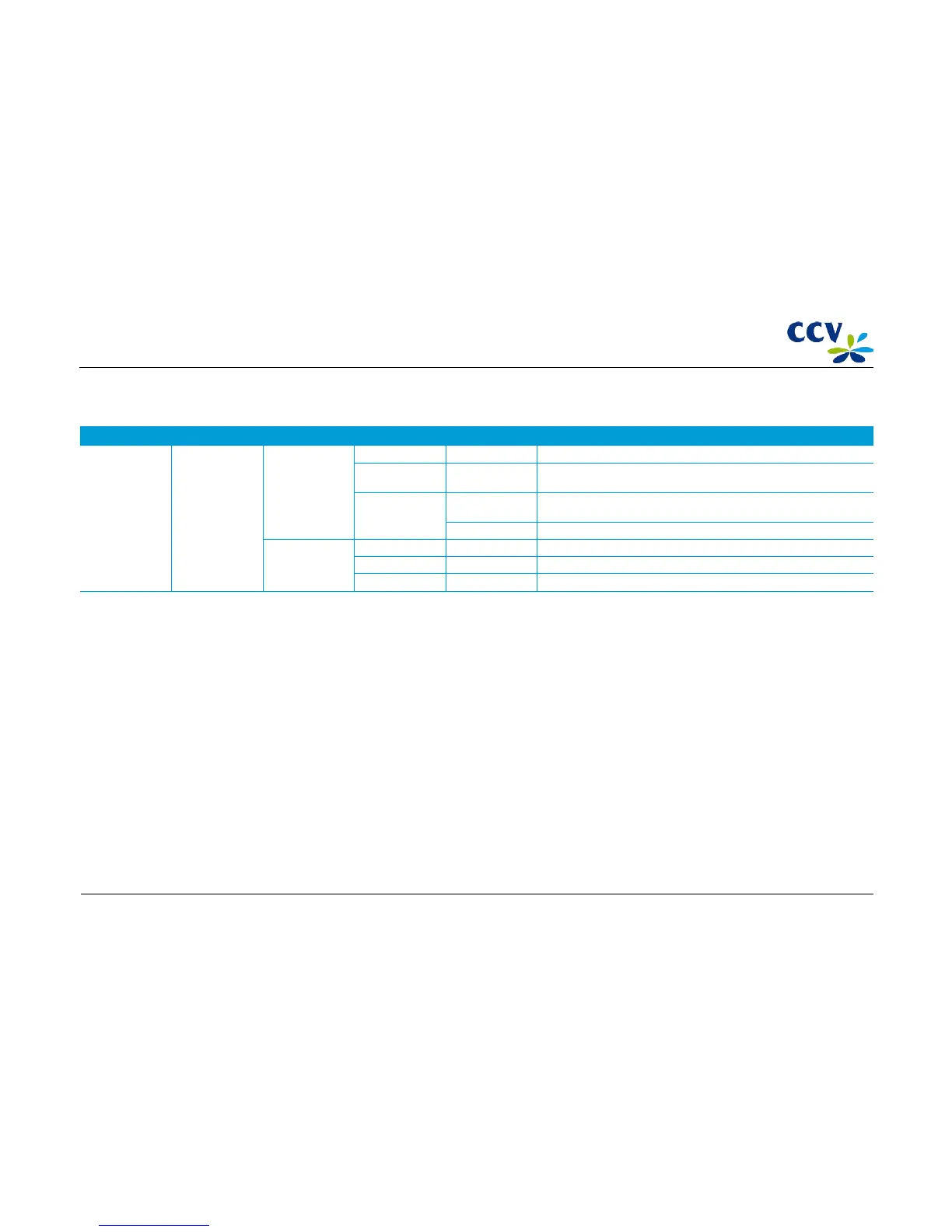
Menu option Menu option Menu option Menu option Menu option Description
Service menu Functions Terminal Normal Contact TMS for a normal version inspection.
Emergency Contact TMS for an emergency call. TMS does not start a software download,
but only retrieves the functional parameters.
HW installation Terminal install. Start
a hardware installation session with TMS for a complete, new
installation of a point-of-sale terminal.
PIN pad install. Start a hardware installation session with TMS to link up a new PIN pad.
C-TAP Contact acquirer Select acquirer Start a parameter download session with the selected acquirer.
Clear logs Remove open transactions and acquirer parameter requests.
Load TSC scheme Select scheme Load the selected TSC scheme.
CID087A/15042015 © CCV Services B.V. 40 / 45



 To Next Page