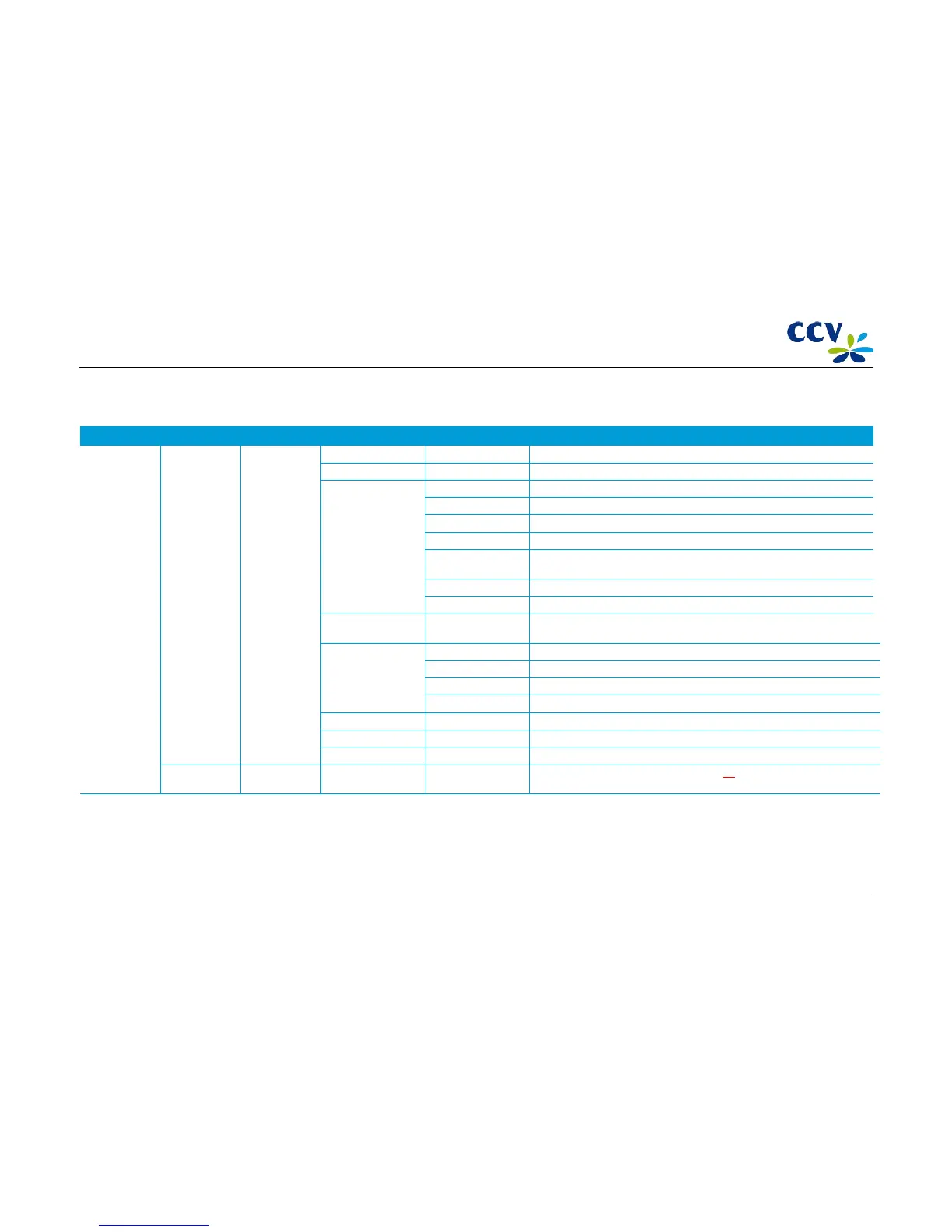
4.4.6 The PIN pad menu
Menu option Menu option Menu option Menu option Menu option Description
Service menu Diagnosis Pp engineer
menu (*)
Change baud rate Select baud rate Select the RIO baud rate.
Change comport Change the COM port via which the PIN pad communicates with the POS.
Diagnostics Keypad test Test whether the keys of the keypad are functioning correctly.
Calibrate screen Calibrate the touchscreen.
Buzzer test Test whether the buzzer is functioning correctly.
Magnetic card test Test whether the magnet-strip reader is functioning correctly.
Merchant ic crd test Test the operation of the SAM locks by checking whether the installed SAM
cards are recognised.
Customer ic crd test Test whether the payment-card reader is functioning correctly.
CTLS test Test whether the contactless reader is functioning correctly.
Applications <Select application> You are now entering the menu of the selected application. Which information
you are able to view depends on the application.
Key info System key info Show the KVC values of the uploaded System keys.
CCV key info Show the KVC values of the uploaded CCV keys.
RSA key pair info Show information of the RSA key pair.
DUKPT key info Show information of the DUKPT keys.
Display MAC (X9.9) Calculate the ANSI x 9.9 MAC value for all software and display the results.
Display SHA-MAC Calculate the ANSI x 9.9 MAC value for all software and display the results.
Exit service menu Leave the service menu
Merchant menu Open the merchant menu. Refer to section 4.3 for more information about the
merchant menu.
(*) You cannot choose the menu options in the PIN pad menu by means of AdminLight, but only on location via the VX 820 ITS PIN pad.
CID087A/15042015 © CCV Services B.V. 44 / 45



 To Next Page