Action Explanation
14 Wait until the installation process is
completed.
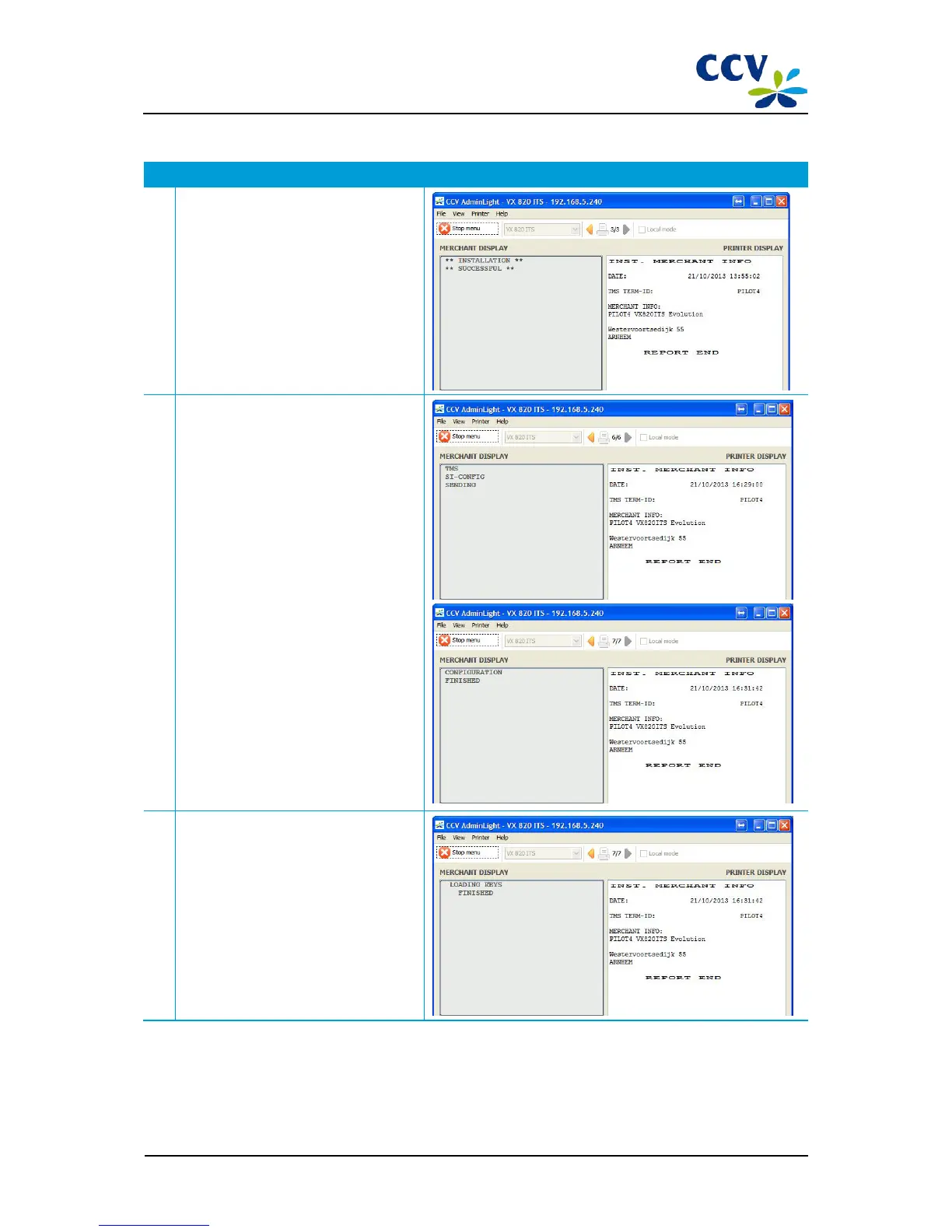
When the installation has been completed
successfully, the following notification will
appear in AdminLight: 'INSTALLATION
SUCCESSFUL'. Next, a configuration
session is started.
15 Wait until the configuration session is
completed.
When the configuration session has been
completed successfully, the following
notification will appear in AdminLight:
'CONFIGURATION FINISHED'. Next, keys
may be uploaded to the PIN pad.
16 Wait until the keys are uploaded.
When the keys are uploaded, the
following notification will appear in
AdminLight: 'LOADING KEYS FINISHED'.
Next, an acquirer parameter session is
started.



 To Next Page