16
cdvi.com
cdvigroup.com
EN
INSTALLATION MANUAL
CBB
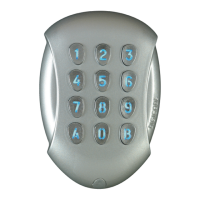
Self-contained Keypad - braille keys
B. Setting code length
1. Enter the master code twice.
-Fortherstuse,thefactory
mastercodeis:1 2 3 4 5.
2. Press
*
4 to input the number of digits
in the codes.
-GreenLEDlightsonfor1second.
-Enter4,5or6fornumberofdigits.
-Press
*
and#toconrm
-ThegreenLEDlightsonfor1second
toconrmthenewcodelength.
3. Press
*
5 to change the master code.
-GreenLEDlightsonfor1second.
-Enterthe4,5or6digitsofthenew
mastercode.
-ThegreenLEDlightsonduring1second
toconrmthenewmastercode.
You MUST change the master code
before you exit from programming
if you have changed the digit length
4. Press
#
to exit from the programming
mode.
TheredLEDlightsofftoconrm
thatthekeypadisinstand-byoperatingmode.
Red LED fl ashing 4 times indicates
a data computing error.
C. Programming a New Master Code
1. Enter the master code twice.
-Fortherstuse,thefactory
mastercodeis:1 2 3 4 5.
-RedLEDlightsontoconrm
entryinprogrammingmode.
2. Press
*
5 to program the master code.
-GreenLEDlightsonfor1second.
-Enter4,5or6fornumberofdigits.
-Press
*
and#toconr
-ThegreenLEDlightsonfor1second
toconrmthenewmastercode.
3. Press
#
to exit from the programming
mode.
TheredLEDlightsofftoconrm
thatthekeypadisinstand-by
operatingmode.
D. Adding, changing or deleting
a user code
Relay 1
Group1: From location 00 to location 59,
Relay 2
Group2: From location 60 to location 79.
Relay 3
Group3: From location 80 to location 99.
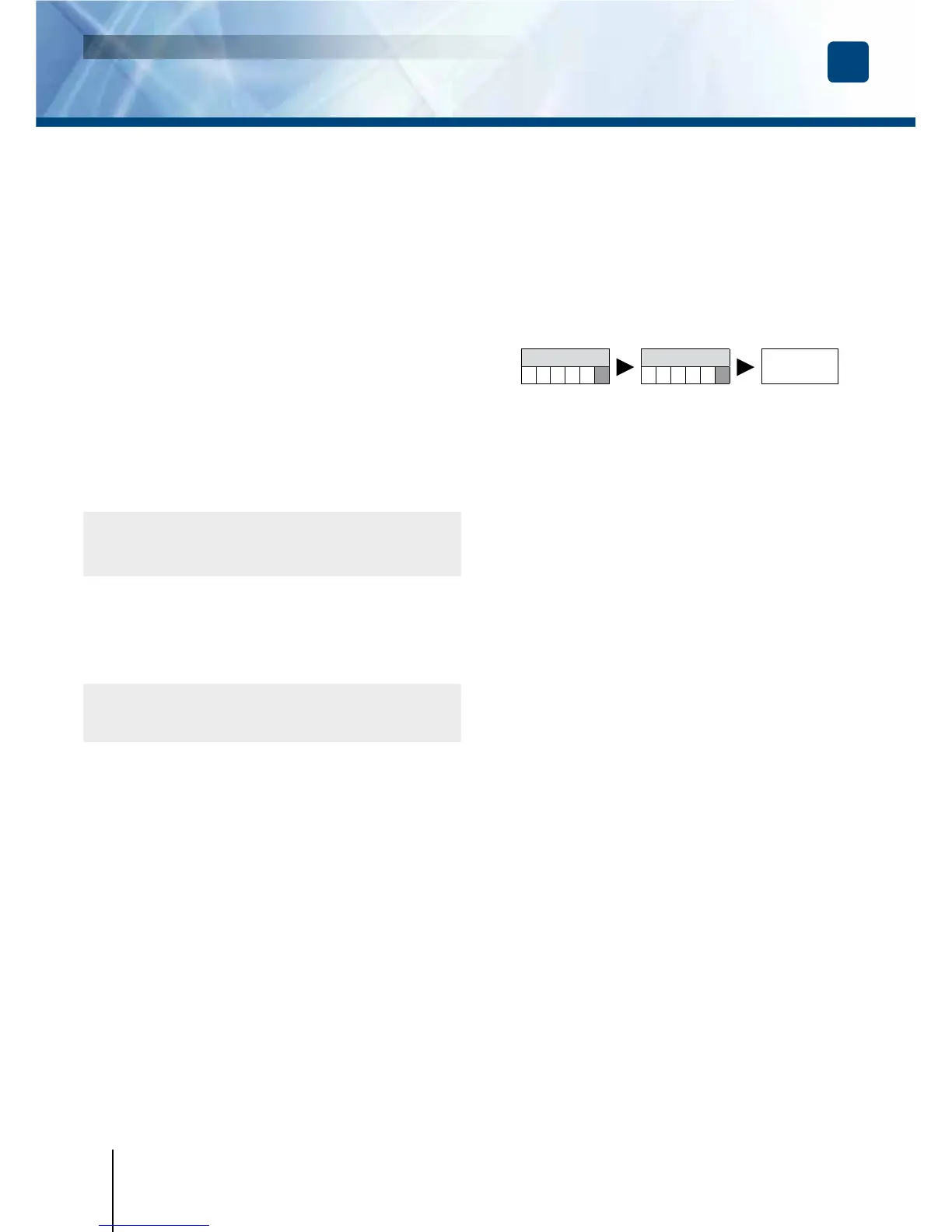
Master code
Master code
RED Led
lights on
1. Enter the master code twice.
-Fortherstusethefactorymastercode
is:1 2 3 4 5.
-TheredLED’slightontoconrmentry
inprogrammingmode.
2. Enter the user location
to be programmed (from 00 to 99).
-Ifthelocationisfree,thegreenLED’slight
onduring1second
,enterthe4,5or6digits
ofthecode.
-Ifthelocationisoccupied,theredLED’s
flashes4times.
-Enterthe4,5or6digitsofthecode
orenter0 0 0 0 0 0
or
0 0 0 0 0 or 0 0 0 0
tocanceltheexistingcode.
-IfthePincodeisalreadyprogrammed
orisidenticaltothemastercode,
then4beepsareemitted.
-Codes0 0 0 0 0 0or0 0 0 0 0
or0 0 0 0servetocancelanexisting
codeandhencecannotbeused
asanusualcode.
3. Press
#
to exit from the programming mode.
TheredLEDlightsofftoconrmthatthe
keypadisinstand-byoperatingmode.
E. Time outputs
1. Enter the master code twice.
-Fortherstuse,thefactory
mastercodeis:1 2 3 4 5.
-RedLEDlightsontoconrm
entryinprogrammingmode.


 To Next Page