18
cdvi.com
cdvigroup.com
EN
INSTALLATION MANUAL
CBB
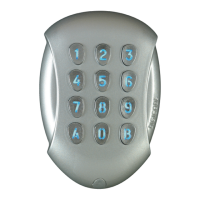
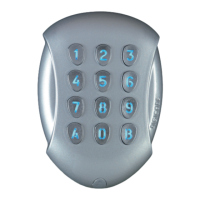
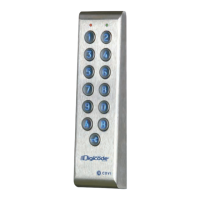
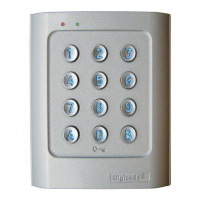
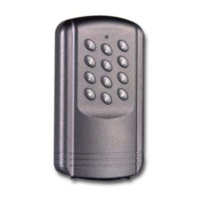
Self-contained Keypad - braille keys
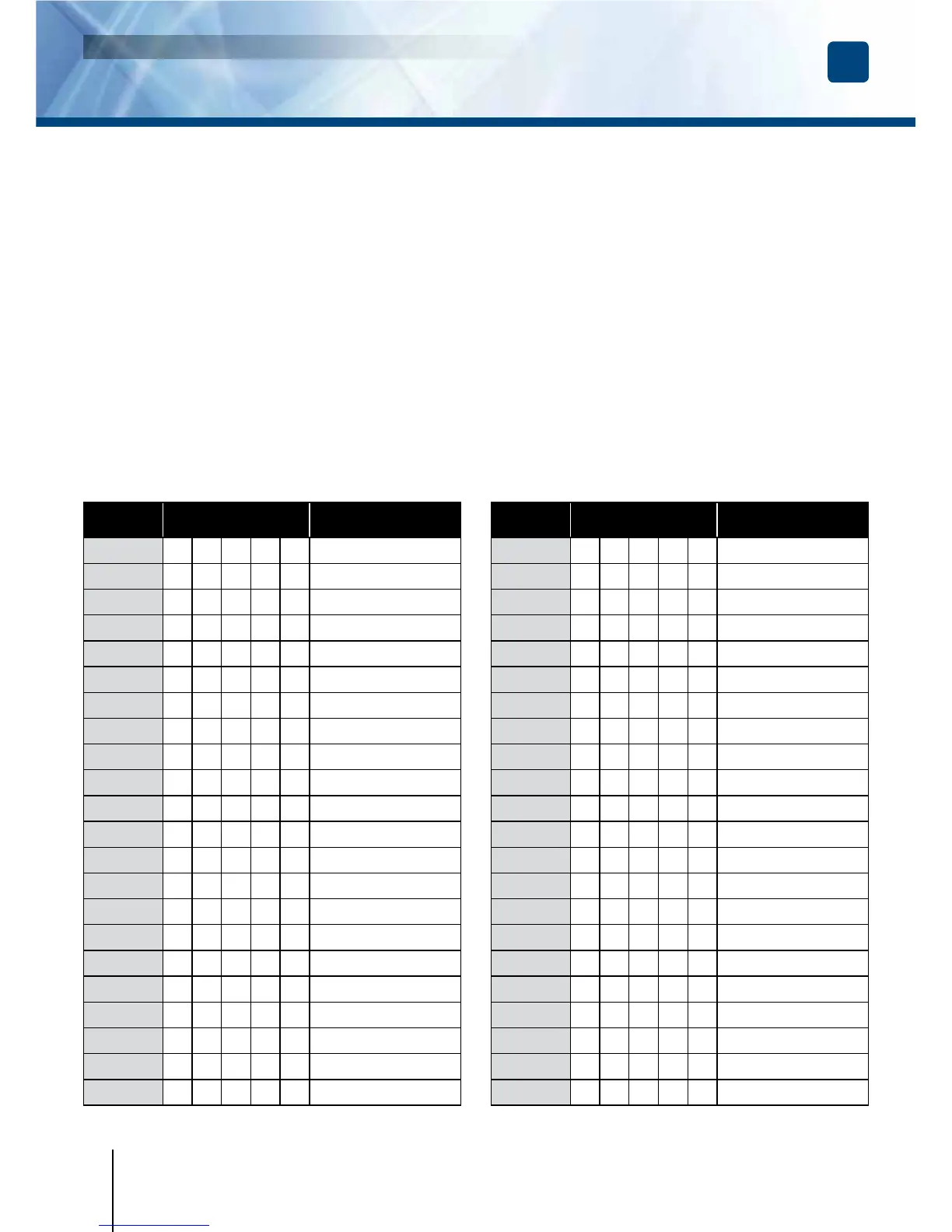
User
location
Code Name, First name
00
01
02
03
04
05
06
07
08
09
10
11
12
13
14
15
16
17
18
19
20
21
User code table.
I. Programming the audible signal
Theaudiblesignalisalwaysaudibleduring
programming.Itisalsoaudibleonacommand
toopen,followingtherecognitionofacode.
Bydefault,whentheopeningcodeisentered,
no“key”beepisaudible.Itispossible
toauthorisekeybeepsbyproceeding
asfollows:
1. Enter the master code twice.
-Fortherstuse,thefactory
mastercodeis:1 2 3 4 5.
-RedLEDlightsontoconrm
entryinprogrammingmode.
2. Press
**
.
-Onebeepisemitted.
-Press0todisabletheaudiblesignal
duringakeypress.
-Press1toenabletheaudiblesignal
duringakeypress.
-Abeepisemittedtoconrm
thenewsetting.
4. Press
#
to exit
from the programming mode.
Twobeepssoundareemittedtoconrm
thereturntothenormaloperatingmode.
User
location
Code Name, First name
22
23
24
25
25
26
27
28
29
30
31
32
33
34
35
36
37
38
39
40
41
42


 To Next Page