51
2
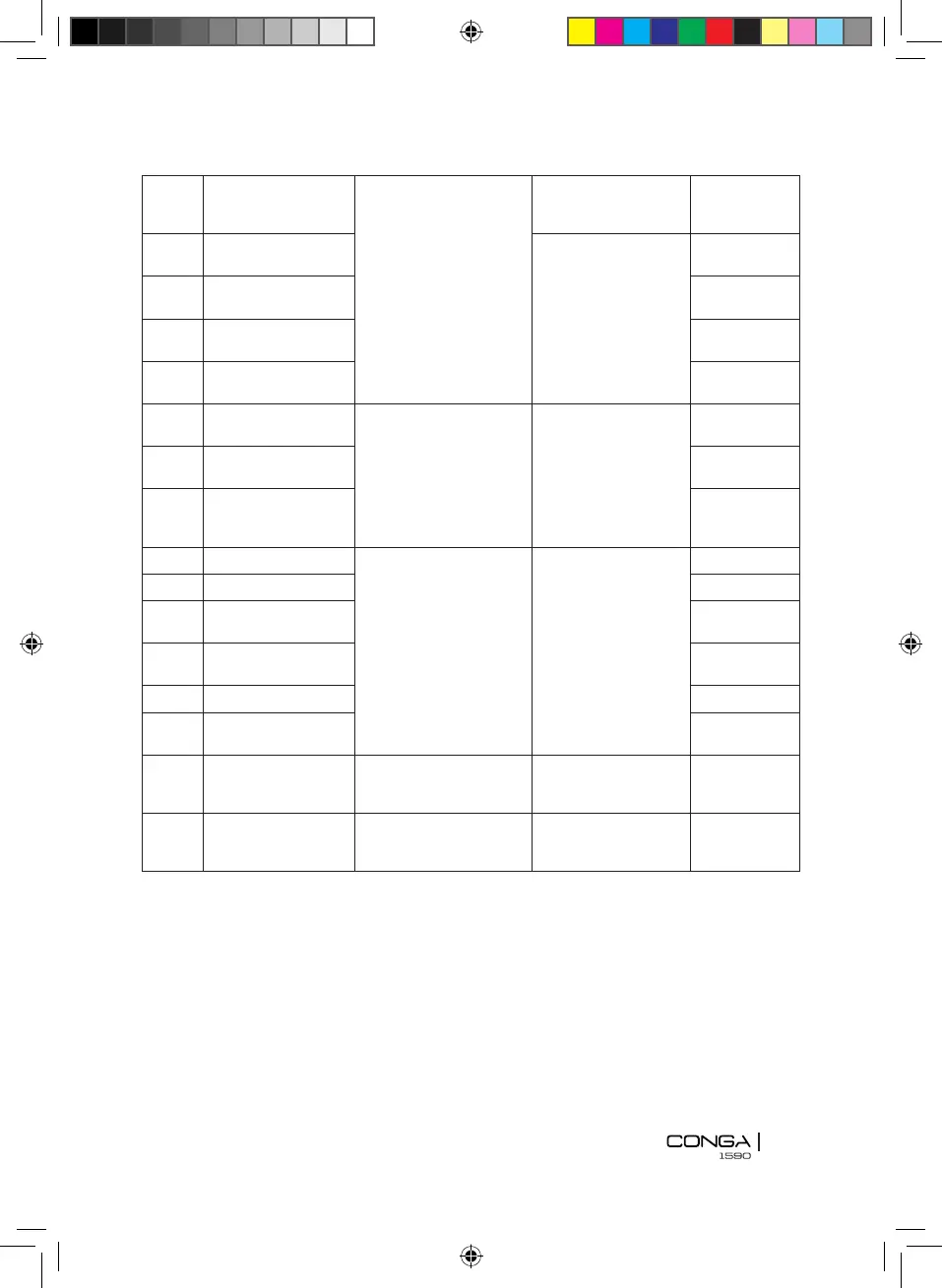
Left side free-fall
sensor error
Place the robot on a
at stable surface
The robot’s display
lights up in blue and
ashes quickly
1 long beep
3
Right side free-fall
sensor error
The robot’s dis-play
lights up in blue and
ashes slowly
1 long beep
4
Front free-fall sen-
sor error
1 long beep
5
Left wheel off the
ground
1 long beep
6
Right wheel off the
ground
1 long beep
7
Left side anti-colli-
sion sensor error
Clean or unblock the
front bumper
The robot’s display
lights up steady red
and blue
1 long beep
8
Right side anti-co-
llision sensor error
1 long beep
9
Front anti-collision
sensor error
1 long beep
10 Left wheel error Ckeck if the wheel or
brush is entangled or
blocked and clean it
The robot’s display
ashes switching
from blue to red
1 long beep
11 Right wheel error 1 long beep
12
Left-side brush
error
1 long beep
13
Right-side brush
error
1 long beep
14 Fan motor error 1 long beep
15
Main brush error 1 long beep
16
Low battery Charge the robot Battery indicator
light lights up red
4 short
beeps
17
Wi-Fi connection
failure
Check the Wi-Fi
connec-tion and try
connecting again
Wi-Fi light indicator
blinks quickly
0 beeps.
Note:
If none of the solutions solve the problem, try the steps below:
Switch off and switch back on the robot.
Contact the ofcial Technical Support Service ofCecotec.
7. TECHNICAL SPECIFICATIONS
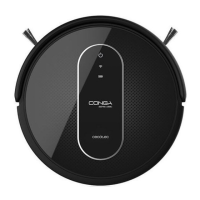
Model: Conga 1590 Active
Product reference: 05419
100-240 V, 50/60 Hz








 To Next Page