40 | CONGA 6090
ENGELSK
- To lengthen the battery’s service life, keep the robot charging on the
charging base when not in use.
- If the robot is not going to be used for a long time, remove the battery
from the product and store it in a dry and safe place.
- To replace the battery, follow the instructions below:
- Unscrew the 2 screws on the battery compartment, remove the battery
cover and the battery. Fig. 47
- Insert the new battery with the battery label facing up. Fig. 48
- Place the battery and the battery cover in its place and x properly the
screws back again.
5. TROUBLESHOOTING
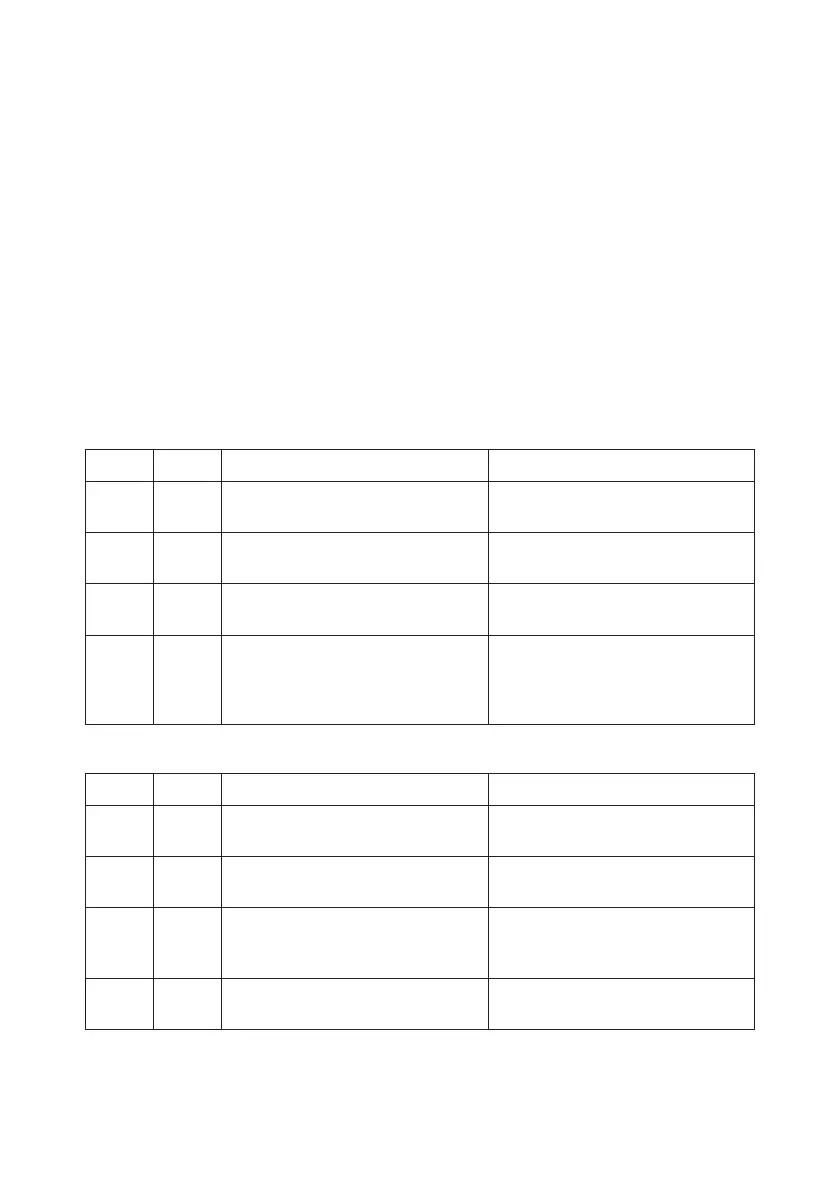
Beeps while the oscillating red light is on:
Bip Error Solution
01 1 Gyroscope error Place the robot on a stable surface
and restart it. Do not move it.
02 2 Bumper error Check the bumper and remove any
object that may be blocking it.
03 3 Free-fall sensor error Check if the bumper is dirty and
clean the sensor.
02 4 Low battery or
charging error
The robot has run out of battery
and you need to manually place it
on the
charging base.
Beeps while the indicator light is steady red:
Bip Error Solution
01 1 Driving wheel error Check if the driving wheel is
blocked.
02 2 Robot’s side brushes
error
Check if the side brushes are
blocked and clean them.
03 3 Fan error Clean the dust or objects that may
be blocking
the air inlet channel.
02 4 Main brush error Check if the main brush is tangled
or blocked and clean it.









 To Next Page