17
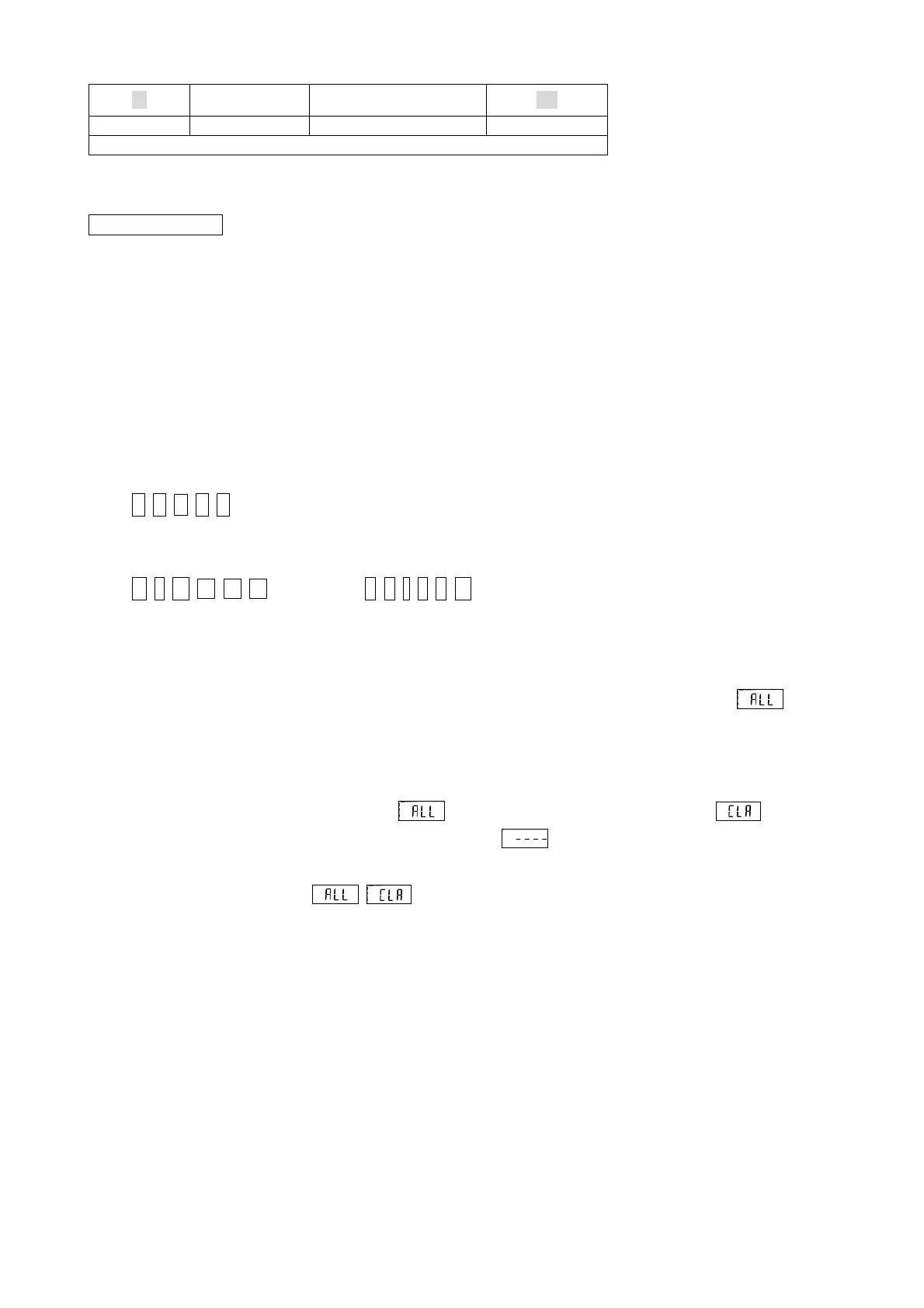
①Data Format at the Time of Real-time Output Mode
18 ± ○○○○○ OD
CAN Sign
CR
The contents of data
CAN: Cancellation
※ : at the time of a measured-value output
At the time of a memory data output "a data number"
At the time of the output in a clearance "a space"
: At the time of a Statistics Data output "N" The number of data, "MAX" Maximum,
"MIN" Minimum value, "m" Average value
SO : Double width expansion printing specification
± : Measurement sign + A direction with a bundle - The return direction
Measured value: A decimal point is also included. The last is a space when there is no decimal point.
1 0 . 0 0 ---- 10.00
SI : Double width expansion printing release
Unit : In N-m etc., the remainder is a space.
N ・ m ---- N・m ( k g f ・ c m ---- kgf・cm )
CR :Carriage return
6.3 All Elimination of Saved Data
1. When carrying out package elimination of all the data, it continues pushing until it displays as
by the CLEAR key. (About 4 seconds)
* Push continuously, and after a while (about 2 seconds), although Red LED switches on the light,
it continues pushing as it is.
2. If the CLEAR key is again pressed during blink, it will be indicated by blink with .
3. If the CLEAR key is pressed again, it will be displayed as and all data will be eliminated.
(The setting numerical value of each function is not cleared)
* When operation is left during ・ blink, it will be in the state which can be measured.
(Memory is not cleared)
6.4 Change of Output Speed of Data
The speed of the output at the time of outputting the data saved can be changed.
A. For Printer Output (Low Speed) -- Setup "00"
B. For Personal Computer Output (High Speed) -- Setup "01"
This setup is adapted also for the change of the output timing of real-time output mode.
A. Low Speed (Every about 1 / 12 Seconds) -- Setup "00"
B. High Speed (Every about 1 / 180 Seconds) -- Setup "01"
(It is set as "01" at the time of purchase.)


 To Next Page