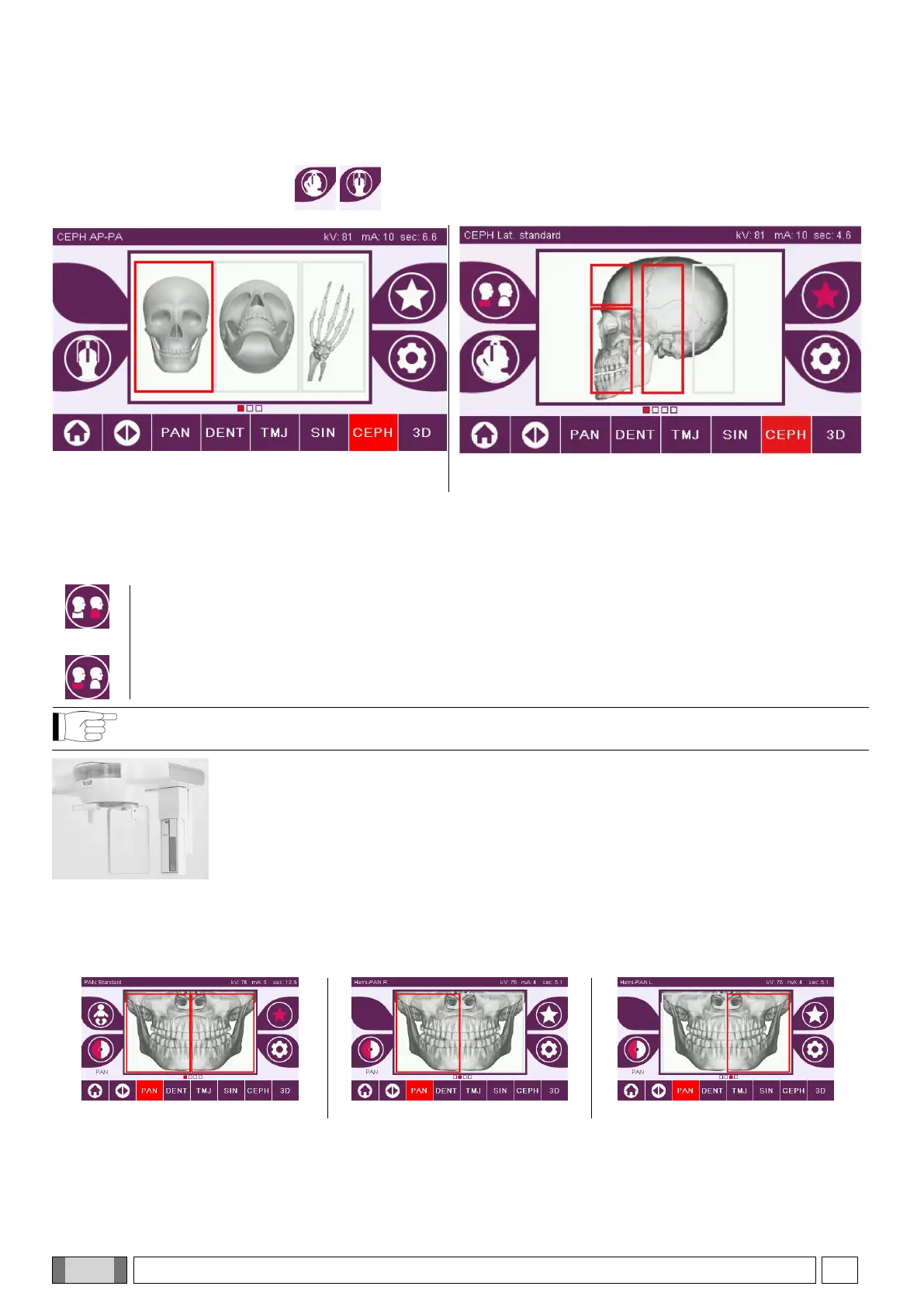
CEPH
For the teleradiographic examinations you can choose between LATERAL and FRONTAL projections.
The icon changes status as shown .
For ceph lateral examinations, it is possible to enable the shoulder anti-collision option if the patient anatomy requires
it.
The icon changes status as shown:
For a CEPH examination, turning the cephalostat from frontal to lateral position and vice versa also
determines the setting shown on the display of the control console.
5.2.6. SELECTING A REDUCED ANATOMIC REGION
For the X-ray examinations that permit it, you can choose from the anatomic regions available by tapping the boxes
that appear on the graphic representation of the anatomic region involved in the examination.
HALF PAN RIGHT examination
HALF PAN LEFT examination



 To Next Page