4. CONTROL PANEL
4.1. CONSOLE ONBOARD THE MACHINE
Vertical Laser Positioning -
canine or condyle cusp for
patient framing (+)
Vertical Laser Positioning -
canine or condyle cusp for
patient framing (-)
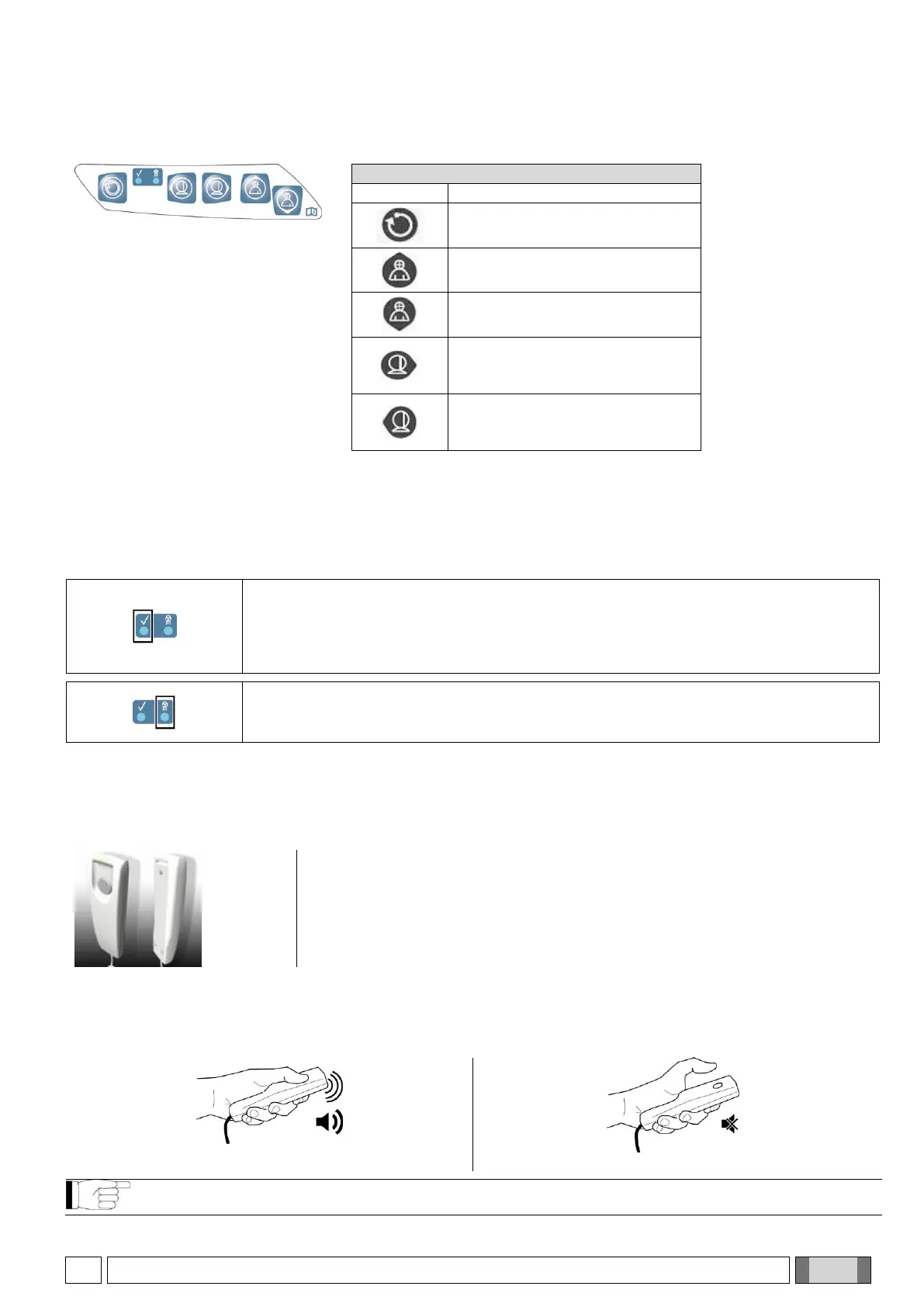
The control panel (console on-board the machine) allows controlling the X-ray device.
The control panel consists of 5 buttons with functions to move parts of the X-ray device (column, craniostat, laser
traces) used to position the Patient.
2 LEDs on the control panel indicate the system status:
RGB LED
If the X-ray device is ready, the green LED is on.
If the X-ray device is on and working, the LED is blue.
If the X-ray device is in standby, the LED is blue and flashing.
If the machine is in error, the LED is red.
The yellow LED on the right comes on when X-ray emission is in progress.
4.2. X-RAY EMISSION REMOTE CONTROL
The system can be equipped with a remote control to activate X-ray emission.
The remote control features:
1) A button to confirm the X-ray emission
2) Two LED lights
a. Green (machine ready for emission)
b. Yellow (X-ray emission in progress)
When the system is Ready (green LED steady-on), you can start X-ray emission by pressing the button on the
remote control and holding it down for the entire duration of the examination.
During the examination, the yellow LED on the remote control turns on and simultaneously an acoustic signal is
emitted.
If the button is released before the examination is completed, the image acquisition will be interrupted.



 To Next Page