EasyManua.ls Logo

CEFLA NewTom GO - Page 27

Default Icon
76 pages
Print Icon
To Next Page IconTo Next Page
To Previous Page IconTo Previous Page
Loading...
EN
OPERATOR'S MANUAL
27
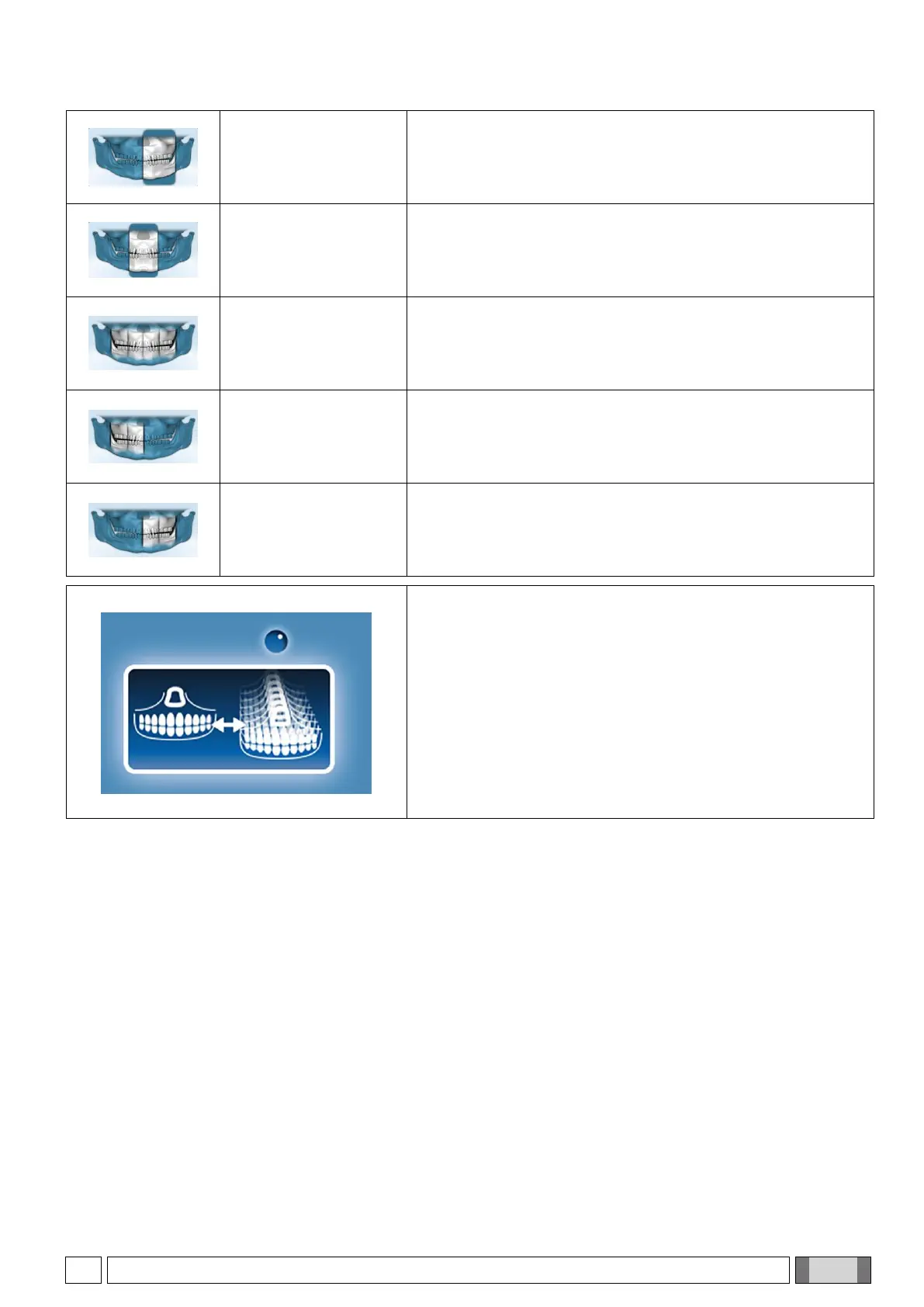
PAN DENT HALF L
Similar to PAN DENT but regarding only the left side.
PAN FRONTAL
Similar to PAN DENTITION but regarding only the front area.
PAN BITEWING
Set of optimised images that represent the crowns of all teeth
(
only for 3D machines
).
PAN BITEWING R
Set of optimised images that represent the crowns of the right-
hand teeth (
only for 3D machines
).
PAN BITEWING L
Set of optimised images that represent the crowns of the left-
hand teeth (
only for 3D machines
).
Patient positioning is very important in order to obtain the best
focusing of the anterior teeth. Please follow the
recommendations of paragraph 5.4 “Patient Positioning”.
However, in order to obtain a properly focused image, for each
PAN diagnostic program you can select to download a set of
multiple panoramic images, each with slightly different focusing
of the anterior teeth. If you prefer to manage just a single image,
you may let the application software to choose the best focused
image for you, by enabling the free focus option in the
application settings (see paragraph 5.2.2. SELECTING AN
EXAMINATION, button 3).

Table of Contents

Related product manuals