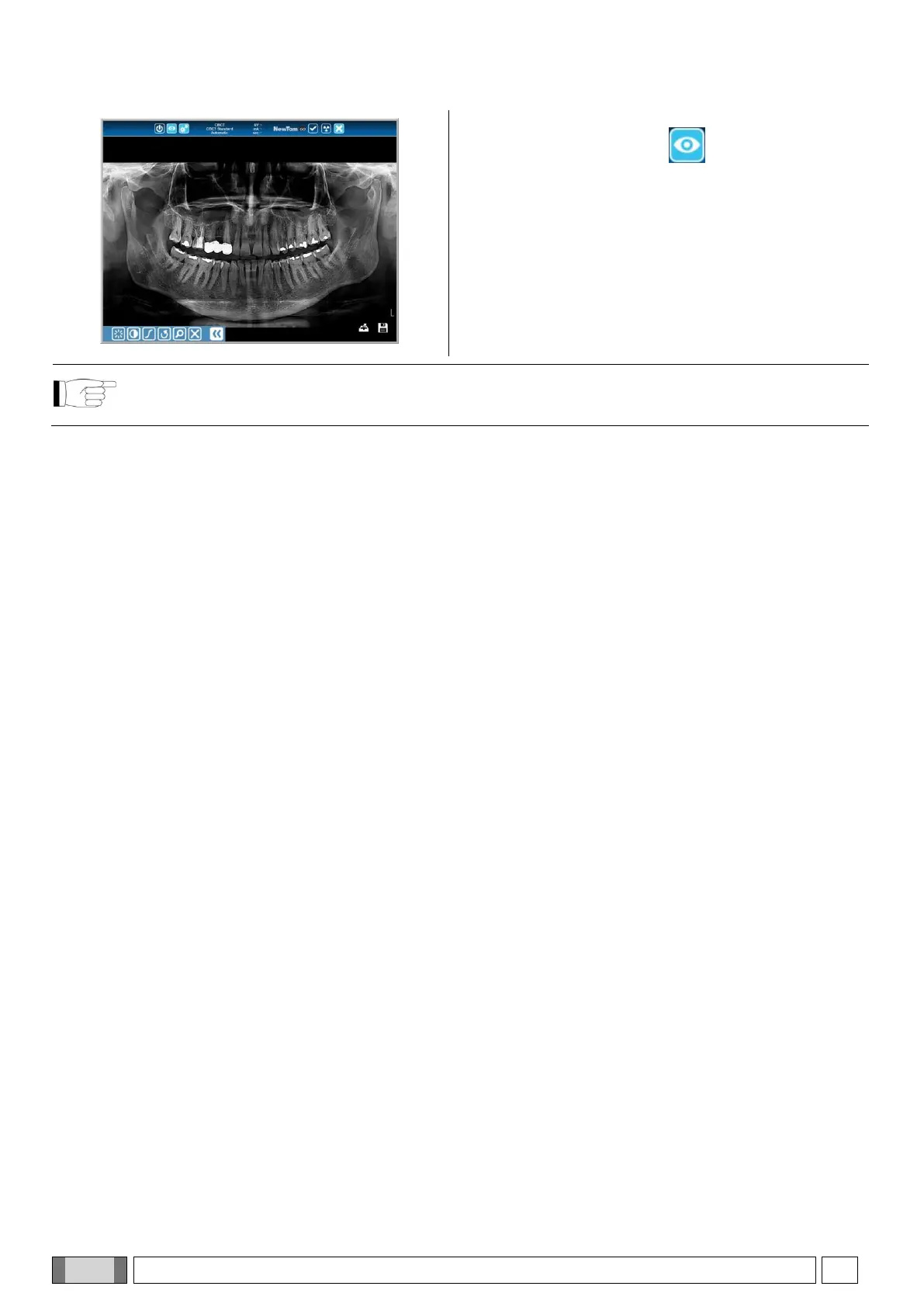
The image is downloaded on the PC and is displayed /
hidden by pressing the button on the upper tool bar
of the console on iPAD, if used.
Open the menu on the bottom left-hand side to access the
image editing tools; brightness, contrast, range and X,
which restores the image to its original status. On the
right-hand side, instead, there are 2 icons, the first sends
the image via e-mail (if the relevant option is enabled) and
the second is used to save the image (which is in the
iPAD image database).
The image on iPAD is provided just for preview purpose and it must not be adopted for diagnostic purposes.
The quality of image preview depends on the display of the mobile platform used: refer to paragraph 9.11
“Mobile device requirements”.



 To Next Page