In order to display the FAVOURITES starting page, press the icon.
If the 3D exam is among the favourites, it will be
possible to select it by touching its icon, otherwise the
3D section can be accessed by pressing the
icon.
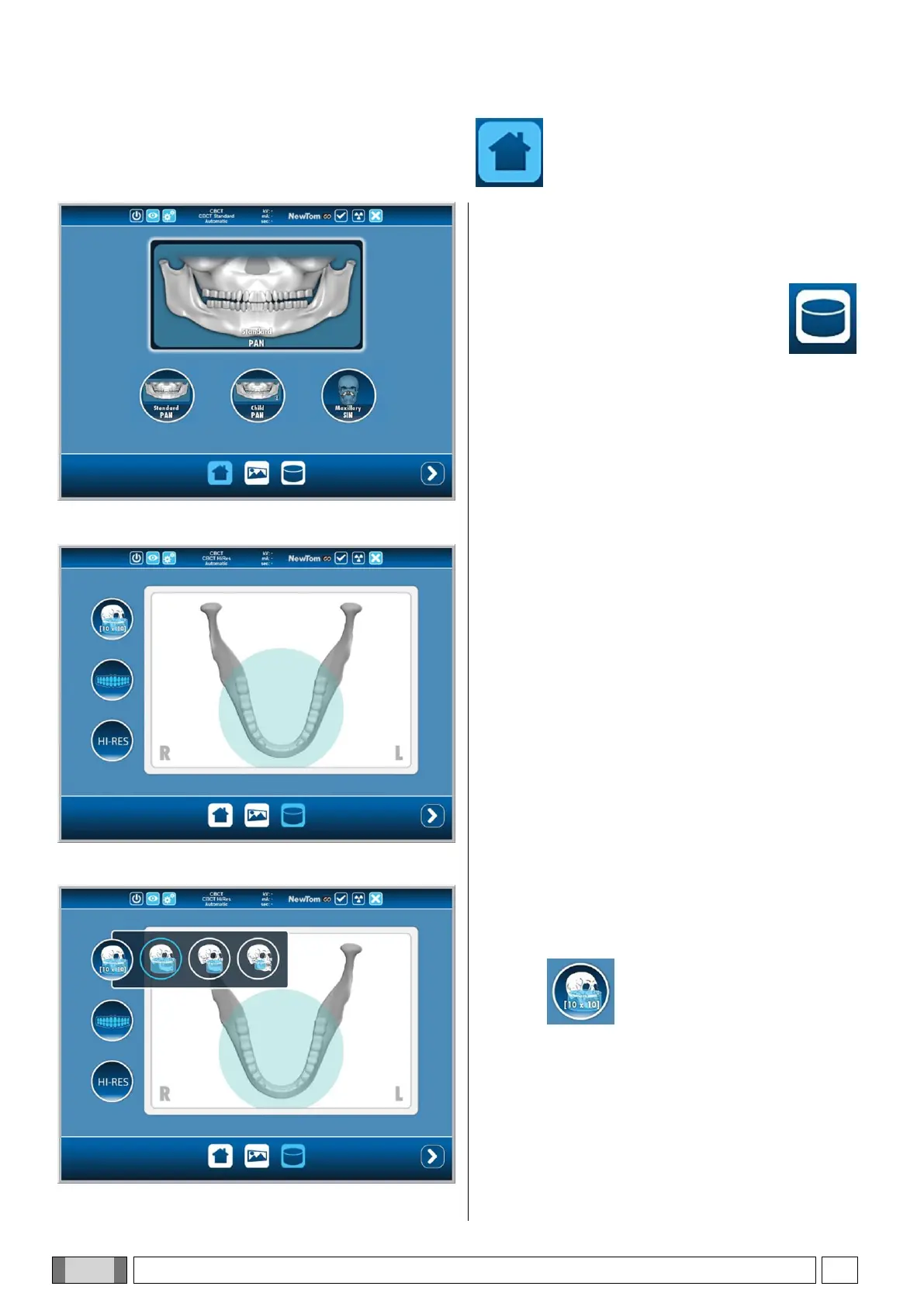
In both cases, the screen shown on the left will be
displayed, containing the correctly selected CBCT
program.
1) Selection of the field of view (FOV)
In order to display the list of the available fields of view,
select the icon.
In the menu, set the diameter of the desired field of
view. The following fields of view are available:
[10 x 10] (
volume diameter 10cm, height 10cm
)
[10 x 7]
[10 x 6]
[8 x 10]
[8 x 7]
[8 x 6]
[6 x 7]
[6 x 6]



 To Next Page