Maintenance of the system
______________________________________________________________________________________
NewTom VGi evo – Service Manual rev 6 9-1
9 Maintenance of the system
This chapter provides a list of procedures to test and eventually replace different components of the system.
WARNING:
Always switch the system off before any maintenance of the device!
NOTE:
The equipment doesn’t include parts inclined to deterioration.
Remote assistance support
Remote Assistance Support is a feature that allows to temporarily grant control of the computer with someone else over
the internet, such as a member of support team who can view the user desktop and share control of mouse and keyboard.
The remote assistance support tool can be used on the main workstation if it is configured to allow the internet
connection to this service. This means that Default Gateway and DNS Servers has to be specified in TCP/IP network
properties.
Depending on the system in use, the default setting values may be those provided by the service provider (ISP).
Consult the network administration if the main workstation is on a LAN (Local Area Network) or contact the Internet
Service Provider if you have problems getting connected to the internet.
Administrative access to Windows account is required anyway to establish internet connectivity.
It is a task of the distributor to acquire and manage the proper remote assistance support tool (Web-based screen-
sharing solution like TeamViewer™ or similar).
CAUTION:
Internet use activities, different from remote assistance support,
may expose the computer system to security risks and cause
improper functioning.
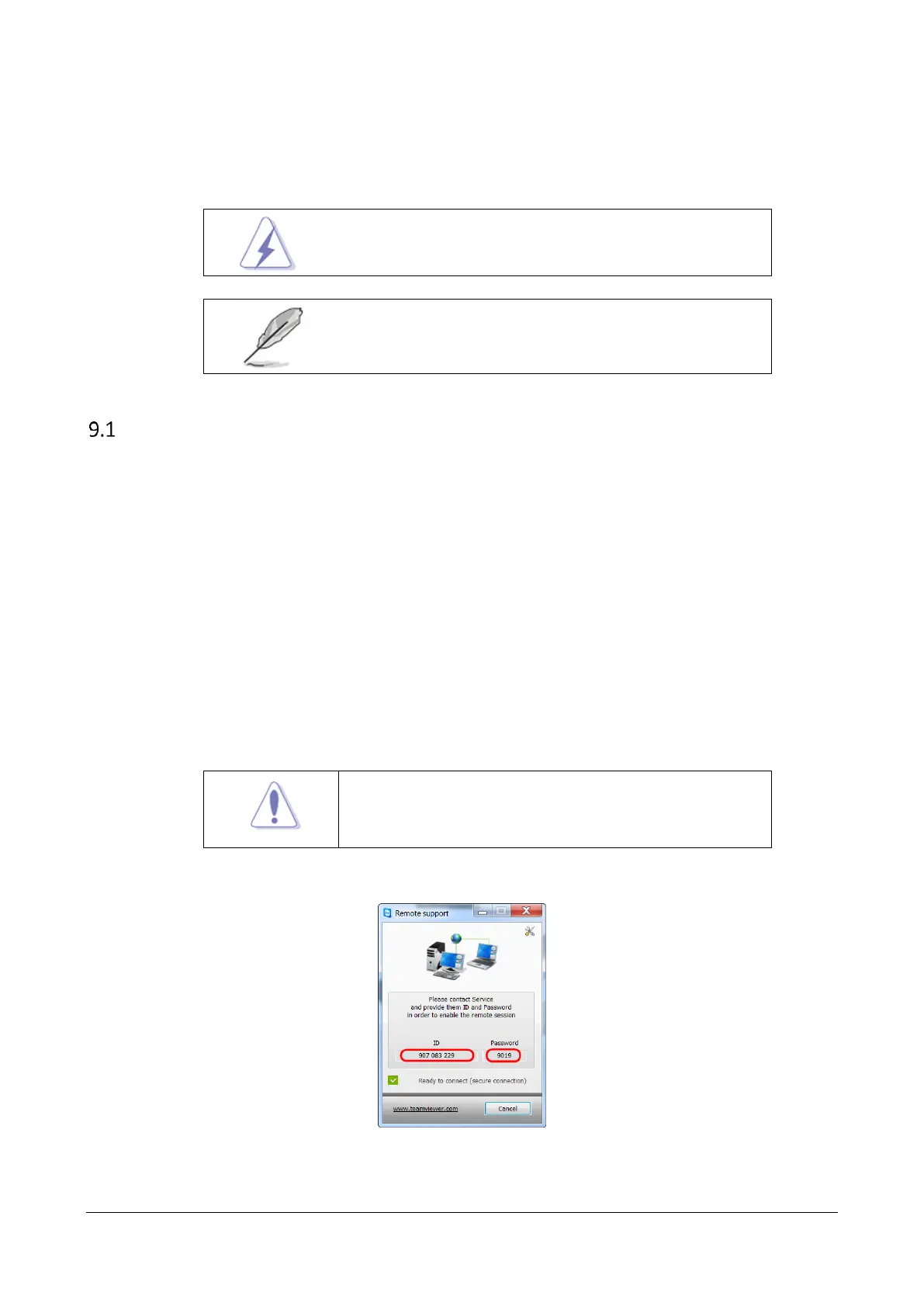
In order to obtain the TeamViewer login details select the Help
Remote support menu. The “Remote support”
window will appear (see below).



 To Next Page