Troubleshooting
______________________________________________________________________________________
NewTom VGi evo – Service Manual rev 6 11-3
Phantom analysis
At the end of the Qa Scan the Qa Phantom Report will be appear.
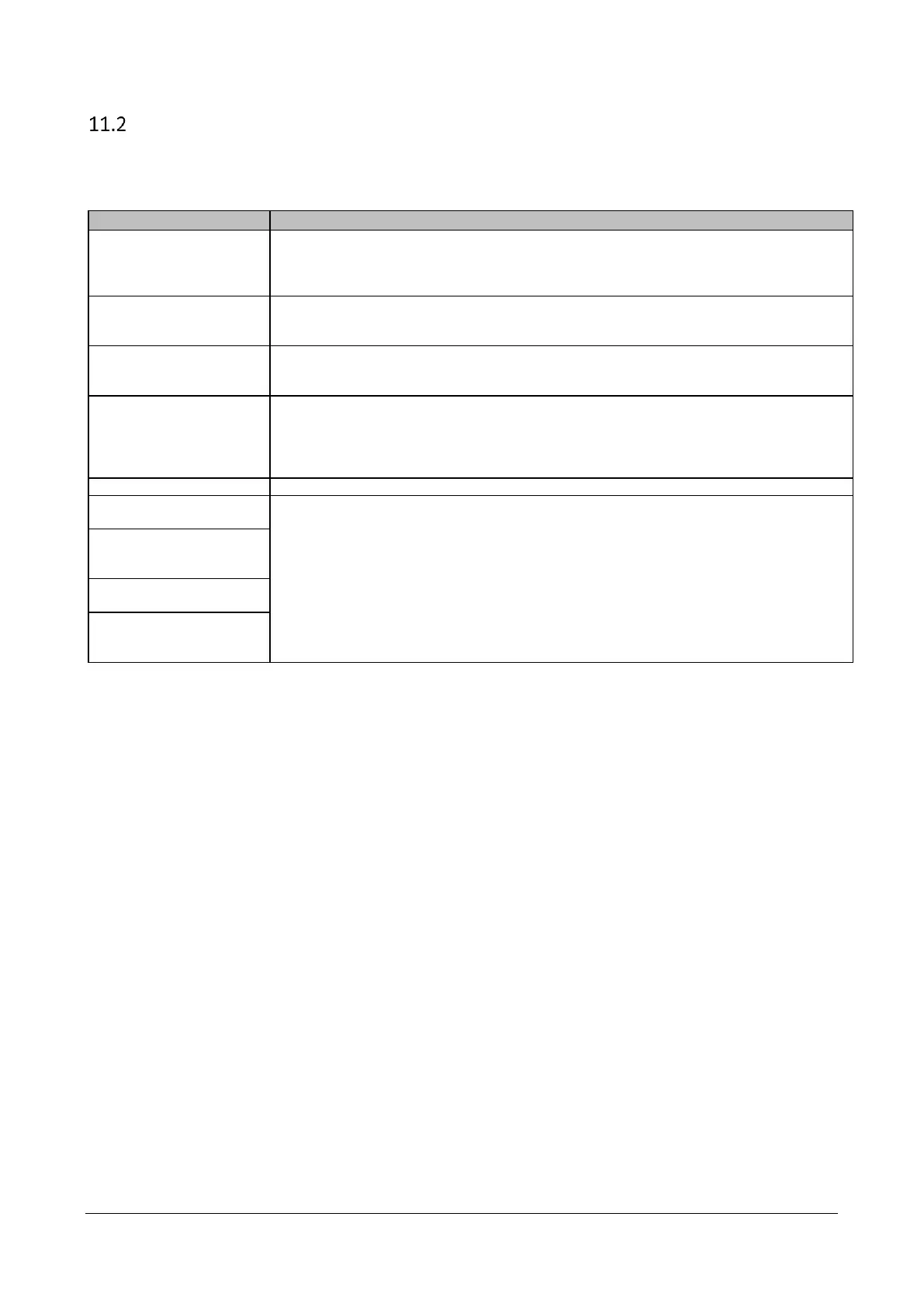
Here below the details of the values of the table:
What to do… when out of range
Verify the phantom acquisition during the first scout view. If inclined adjust the phantom
position.
Verify the phantom acquisition during the second scout view. If tilted level the table.
Change CM2 motor controller
First, perform a Daily Check then a new QA Phantom scan and analysis
Check the Xray source emission curve.
Check the Phantom is filled up of water.
Repeat the TIN calibration.
Make sure the calibration TIN is not damaged or warped. If the “Average Tin Error” value
in the Tin Report is higher than 1.00 pixel for the Full Field, the TIN must be replaced.



 To Next Page