EasyManua.ls Logo

Ceia HIPE/PTZ - User Manual

Ceia HIPE/PTZ
48 pages
Print Icon
To Next Page IconTo Next Page
Loading...
HI-PE multi-zone --- Rev. FI 050 GB 60K10 v2_1
1
ATTENTION!
This manual contains the necessary instructions for the CEIA equipment described in the test report attached to the end of the
manual itself (Factory Acceptance Test Report). These instructions are not, generally, applicable to equipment different from
that described in the test report.
Rev.:
FI 050 GB 60K10 v2_1
Program Version:
8.11
Date:
2005-04-18
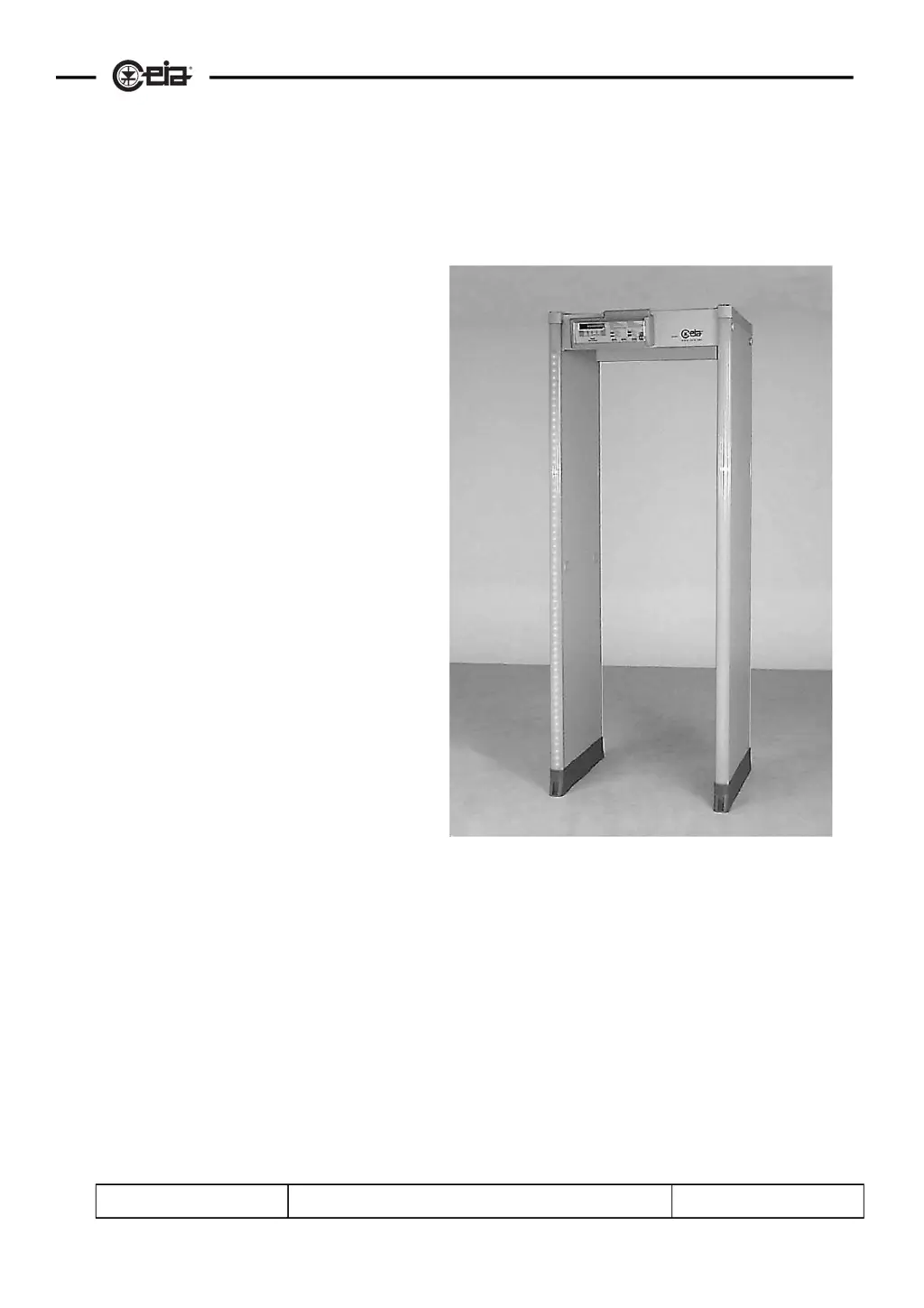
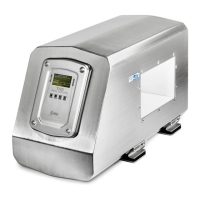
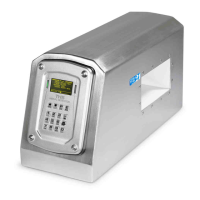
METAL DETECTOR
HI-PE multi-zone
Installation Use and Maintenance

Table of Contents

Questions and Answers

  • K
    Kenneth HoweAug 9, 2025
    What to do if the display is off on my Ceia Metal Detector with emergency batteries?
    • C
      cooksamuelAug 10, 2025
      If you have a Ceia Metal Detector and the display is off, and it is a model with emergency batteries, connect the equipment to the mains supply to recharge the batteries.
  • M
    Mary GomezAug 28, 2025
    Why does my Ceia HIPE/PTZ Metal Detector power come on and off repeatedly?
    • C
      Candace WallerAug 29, 2025
      If your Ceia Metal Detector's power comes on and off repeatedly, this could be due to an unstable or low power supply voltage. You should check the power supply voltage using instruments or by performing the Autotest procedure.
  • C
    crossmariaNov 18, 2025
    How to troubleshoot a Ceia HIPE/PTZ with a display that is off?
    • J
      Jennifer FieldsNov 18, 2025
      If the Ceia Metal Detector display is off, first ensure the power is on by setting PW = ON. Check all power connections including the mains cable, the electronics unit to TX antenna cable, and connector J2 on the electronics unit. If the power supply voltage is present (check via Autotest or instrument check on connector J2, contacts +/~ and -/GND), but the display remains off, replace the electronics unit. If the voltage only appears when disconnected from the electronics unit, replace the electronics unit. Also, check that the LED on the ALP card is on; if it's off, replace the external PSA power adapter; if it's on, replace the ALP card. If you are using a model with emergency batteries, connect the equipment to the mains to recharge them. If the malfunction is caused by the ALP card, c...

Summary

Installation, Use, and Safety Information

II - Installation

Assembly and Mechanical Setup

Provides instructions for unpacking, assembling, and mechanically connecting the detector.

Electrical Assembly and Connections

Covers connecting the electronics unit, power supply, and other electrical components.

III - Switching On and Display Messages

IV - Programming

Local Programming and Command Execution

Guide to accessing and executing commands via the device keypad.

Analysis Programs and Remote Setup

Covers IS command programs, remote access, serial communication, and system configuration.

Password Management and Access

Explains password levels, definition, and methods for accessing programming.

VI - Maintenance

Maintenance Schedule and Diagnosis

Provides a schedule for routine maintenance, error diagnosis, and troubleshooting.

Troubleshooting and Procedures

Guides users through resolving faults, compatibility issues, and performing autotests and battery replacement.

Ceia HIPE/PTZ Specifications

General IconGeneral
TypeWalk-through metal detector
ApplicationSecurity screening
Power Supply Voltage100-240 VAC
Operating FrequencyMultiple frequency
SensitivityAdjustable
Water ResistanceIP65
TechnologyAdvanced signal processing
Alarm IndicationAudio and visual
Operating Temperature-20°C to +70°C

Related product manuals