EasyManua.ls Logo

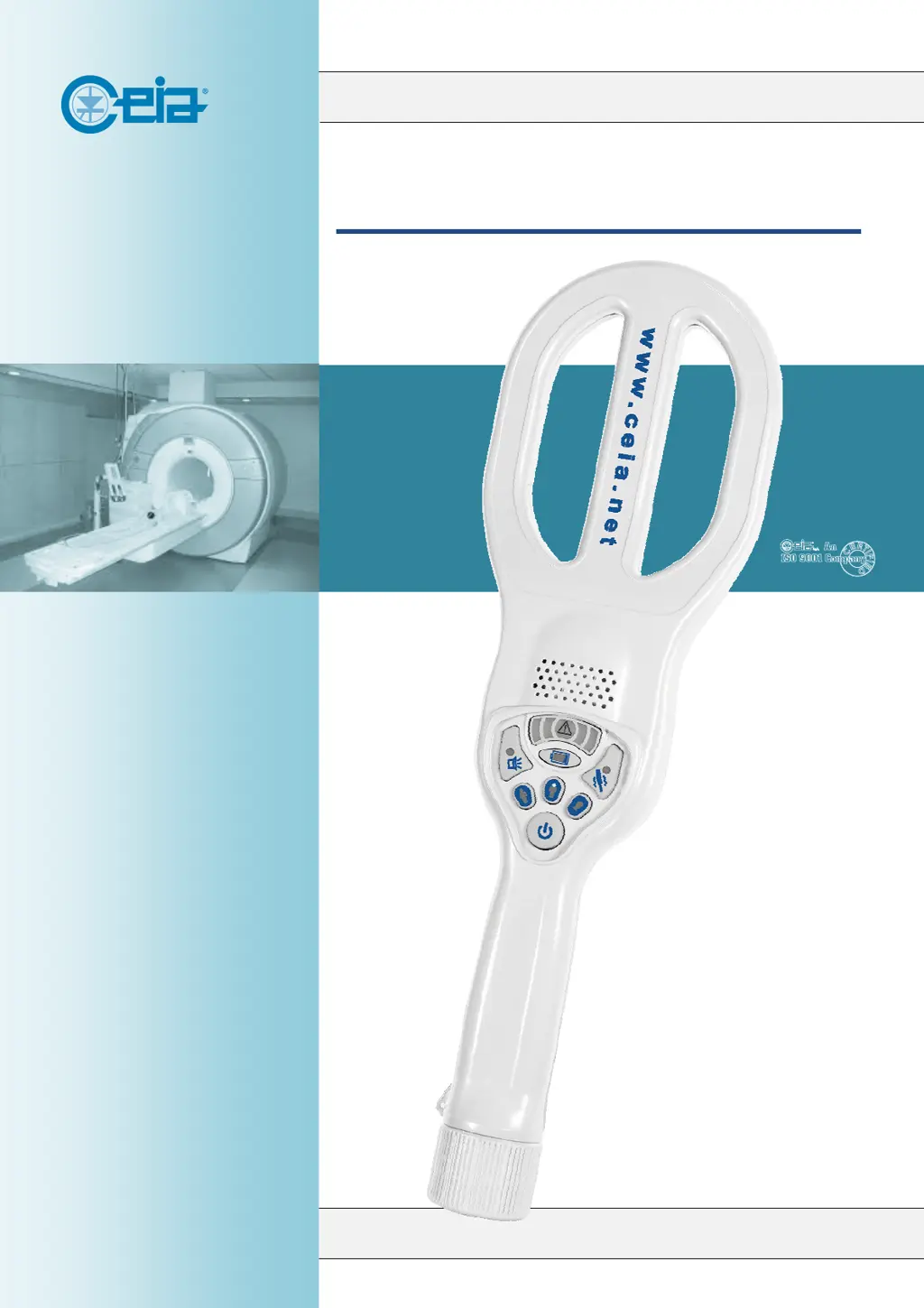
Ceia PD240CH - User Manual

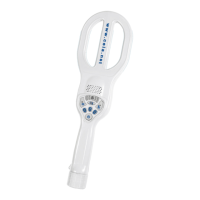
Ceia PD240CH
20 pages
Print Icon
To Next Page IconTo Next Page
Loading...
www.ceia.net
PD240CH
INSTRUCTION MANUALAAAAAAA
FI100K0025v1100UK
CEIA reserves the right to make changes, at any moment and without notice, to the models
(including programming), their accessories and options, to the prices and conditions of sale.

Questions and Answers

  • S
    Susan SmithAug 5, 2025
    Why does my Ceia PD240CH Metal Detector alarm after start-up?
    • N
      Nicholas RuizAug 6, 2025
      If the Ceia Metal Detector gives an alarm signal right after you turn it on, it might be due to starting it up too close to metal. Try moving the detector away from any metal and then reset the detector. Also, electromagnetic sources nearby could be the cause. Use a hand-held metal detector with a different operating channel.
  • R
    Richard WilliamsAug 12, 2025
    What to do if there are intermittent RED alarms during the battery charging process of Ceia PD240CH?
    • G
      Greg JoyceAug 12, 2025
      If your Ceia Metal Detector shows intermittent red alarms and audio signals while charging, it could be due to dirty electrical contacts. Ensure that the detector's contacts and the HHDS spring pins are clean and working correctly. Also, the battery may be damaged, missing, or not correctly inserted. Inspect the batteries and replace them if needed.
  • W
    william47Aug 17, 2025
    How to fix a Ceia PD240CH Metal Detector when the battery charging process does not start?
    • A
      Anthony LopezAug 17, 2025
      If the Ceia Metal Detector's battery isn't charging, make sure you're doing it right and that the electrical contacts are clean. Take the detector out of the HHDS module and ensure it is off. Check that the HHDS is plugged into the AC power. Put the detector back in the HHDS module. If it still fails, ensure AC power is available, check the detector's contacts and the HHDS spring pins are clean and working, and try replacing the HHDS module. If problems persist, discontinue use and contact the service department.
  • W
    Wanda ThompsonAug 23, 2025
    What to do if Ceia PD240CH Metal Detector shows both intermittent RED alarm and audio signals during use?
    • D
      danielortizAug 23, 2025
      If you get intermittent red alarms and audio signals during use with your Ceia Metal Detector, stop using the equipment and contact the service department, as this indicates a fault.
  • K
    kathryn23Aug 29, 2025
    What to do if Ceia Metal Detector operational verification failure?
    • M
      muellerkevinAug 29, 2025
      If the operational verification fails on your Ceia Metal Detector, power cycle the detector, wait for the “ready for use” signal, and then repeat the test correctly. If it fails again, stop using the equipment and contact the service department.

Summary

General Warnings and Precautions

Correct and Forbidden Use

Safety Information and Use Warnings

Maintenance Warnings

1 Product Description

1.1 General Description and Features

Overview of the PD240CH metal detector's purpose, capabilities, and basic operation, including block diagram and features.

1.2 Main Components and Part List

1.3 Controls and Indicators Overview

1.4 Equipment Marking and Identification

2 Using the Metal Detector

2.1 Turning the Detector On

Procedure for powering on the metal detector and initial status indications.

2.2 Verifying Detector Status

How to check the device settings and operational status.

2.3 Alarm and Analysis Mode Selection

2.5 Metal Mass Detection and Scanning

2.5.1 Pin-Pointing Localization and 2.5.2 Alarm Reset

2.6 Operational Verification Procedures

2.7 Simultaneous HHMD and WTMD Use

2.8 Automatic Stand-by and 2.9 Auto-Off Features

2.10 Manual Turning Off

2.11 Battery Charging and Indicators

3 Maintenance and Troubleshooting

3.1 Periodic Maintenance (Cleaning & Battery)

Instructions for routine cleaning and battery care for the detector.

3.2 Troubleshooting Common Issues

Guidance on identifying and resolving common operational issues and signal symptoms.

3.3 Battery Replacement Procedure

4 Appendices and Specifications

4.1 Technical Specifications

Detailed technical specifications for the PD240CH metal detector and accessories.

4.2 Spare Parts Listing

4.3 Options and Accessories

Ceia PD240CH Specifications

General IconGeneral
BrandCeia
ModelPD240CH
CategoryMetal Detector
LanguageEnglish

Related product manuals