USER’S MANUAL
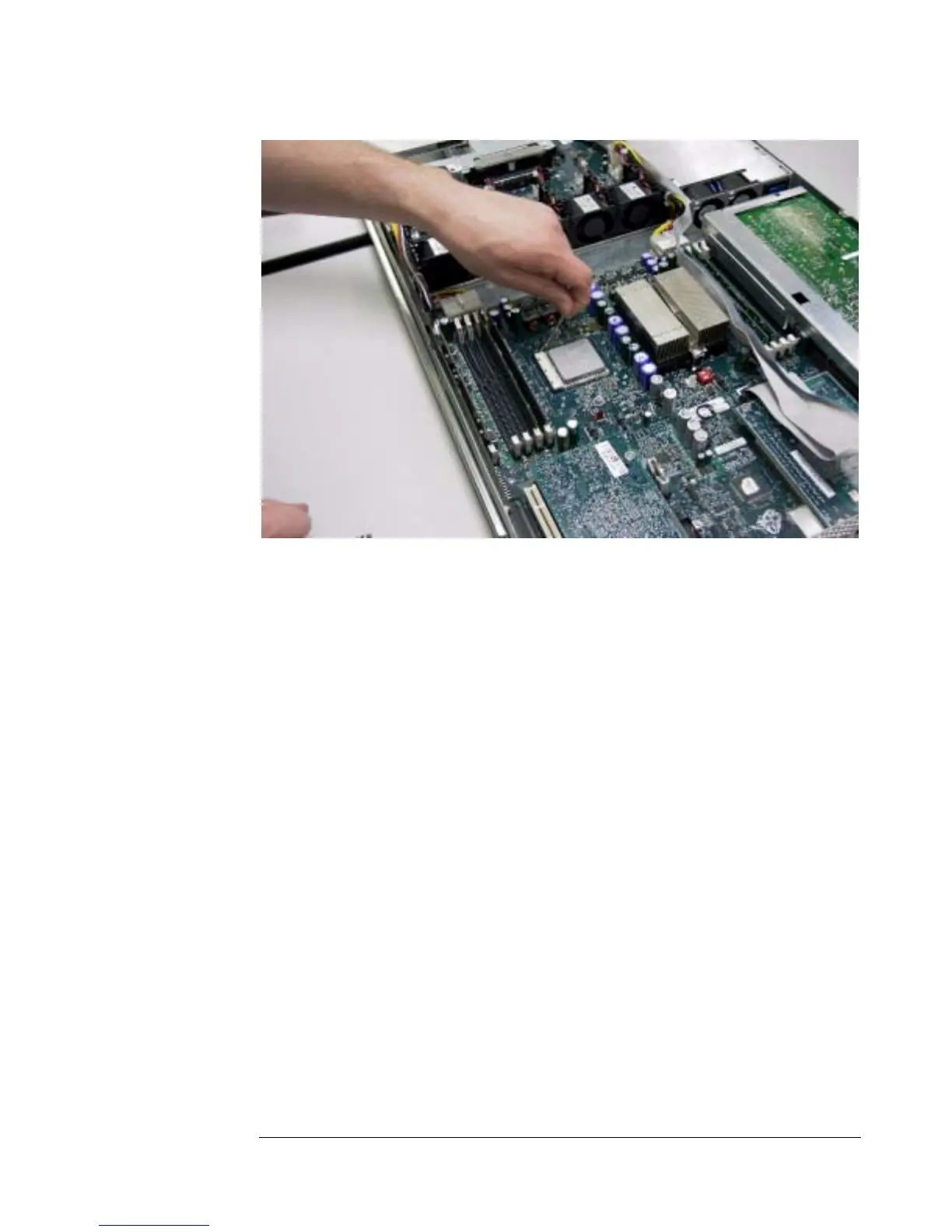
Figure 10 - Releasing the Processor
Installation Procedure
To install the processor, follow these steps:
1. Clean the surfaces of the processor lid and heatsink. Gently scrape off
all excess thermal interface material with a flat, plastic edge. Wipe the
surfaces clean with a mild solvent such as acetone or alcohol. Allow the
surfaces to dry.
2. Apply thermal grease to the processor lid as per AMD Athlon™ 64
Processor Thermal Design Guide, order# 26633 before replacing the
heatsink. AMD recommends using Shinetsu G-751 or Bergquist TIC-
3000 grease.
3. Attach the heatsink by screwing the clip back down.
4. Reattach the duct to complete the processor installation.
5-4


 To Next Page