USER’S MANUAL
6.8.2 Removing the SCSI Drive Cage
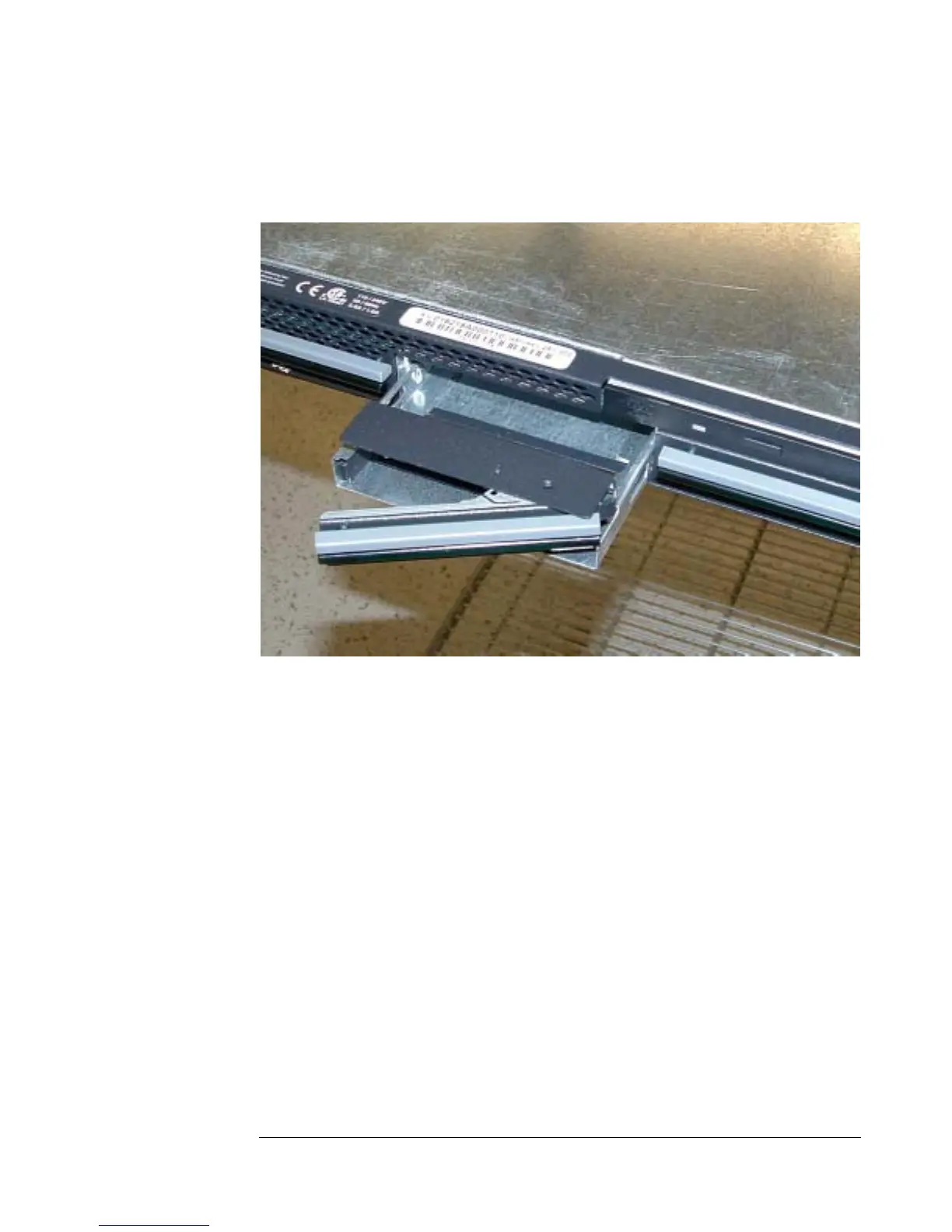
To remove a SCSI drive cage, pull the latch in the front of the drive cage, and then
pull the drive cage out of the front of the chassis as shown in Figure 23.
Figure 23 - Removing the SCSI Drive Cage
6.8.3 Removing the Drive from the Drive Cage
After removing an IDE or SCSI drive cage, the hard drive itself can be taken out of
the cage by removing the four screws that hold it in the cage.
6-12


 To Next Page