USER’S MANUAL
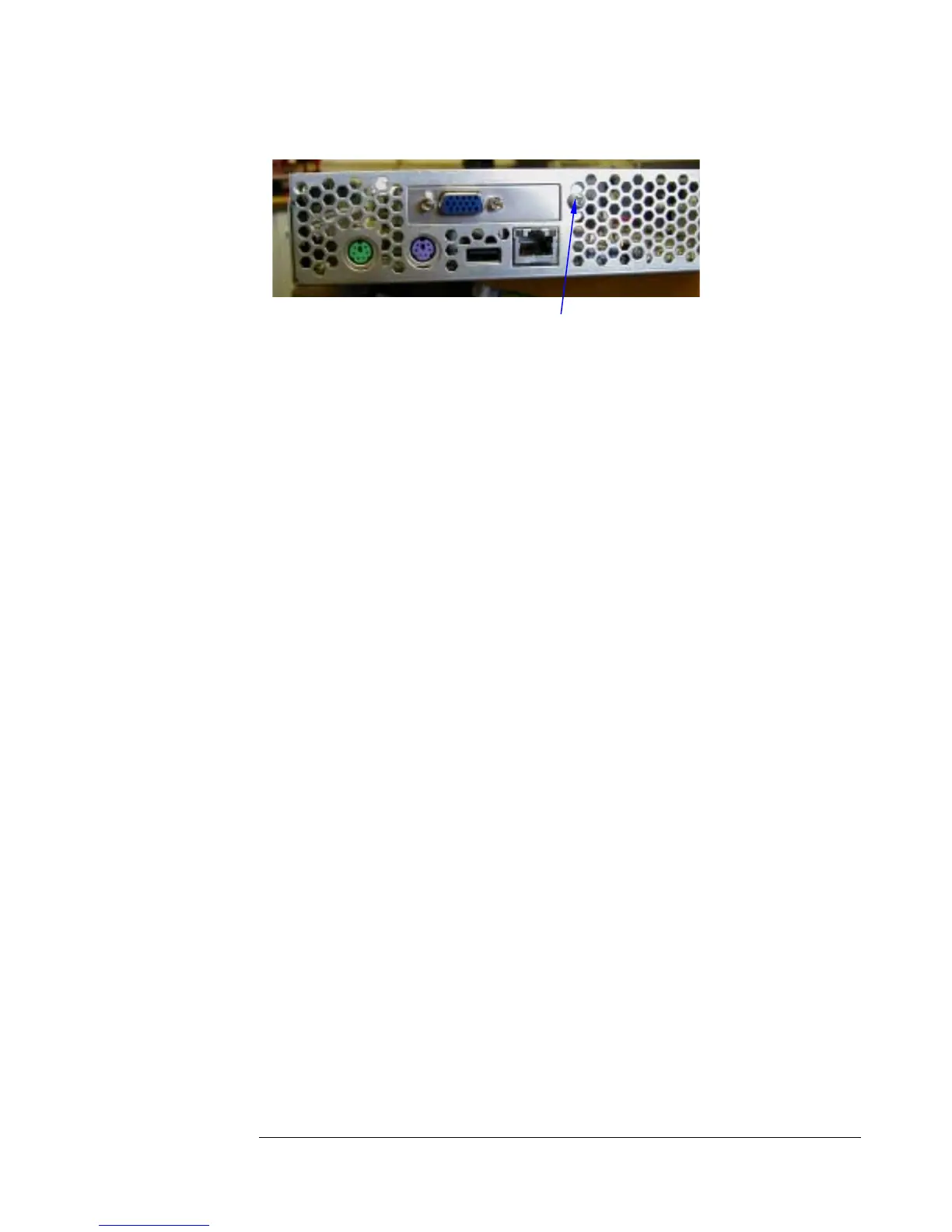
Figure 14 – Replacing the Video Card
Correct Mounting Hole
6.3 Replacing the Dual-Channel SCSI
Controller Board
The dual-channel SCSI controller board is held in place by two screws. Take the
screws out, and then the card can be removed. It is replaced similarly.
6.4 Replacing the Front Access Panel Board
There are several components that must be removed before the front access panel
board can be replaced.
Follow these steps to replace the Front Access Panel Board:
1. Remove the power cables for the five system fans, as well as the two
multicolored power cables that connect the front access panel board to
the motherboard. Refer to Figure 15 for the location of these cable
connectors.
6-3


 To Next Page