USER’S MANUAL
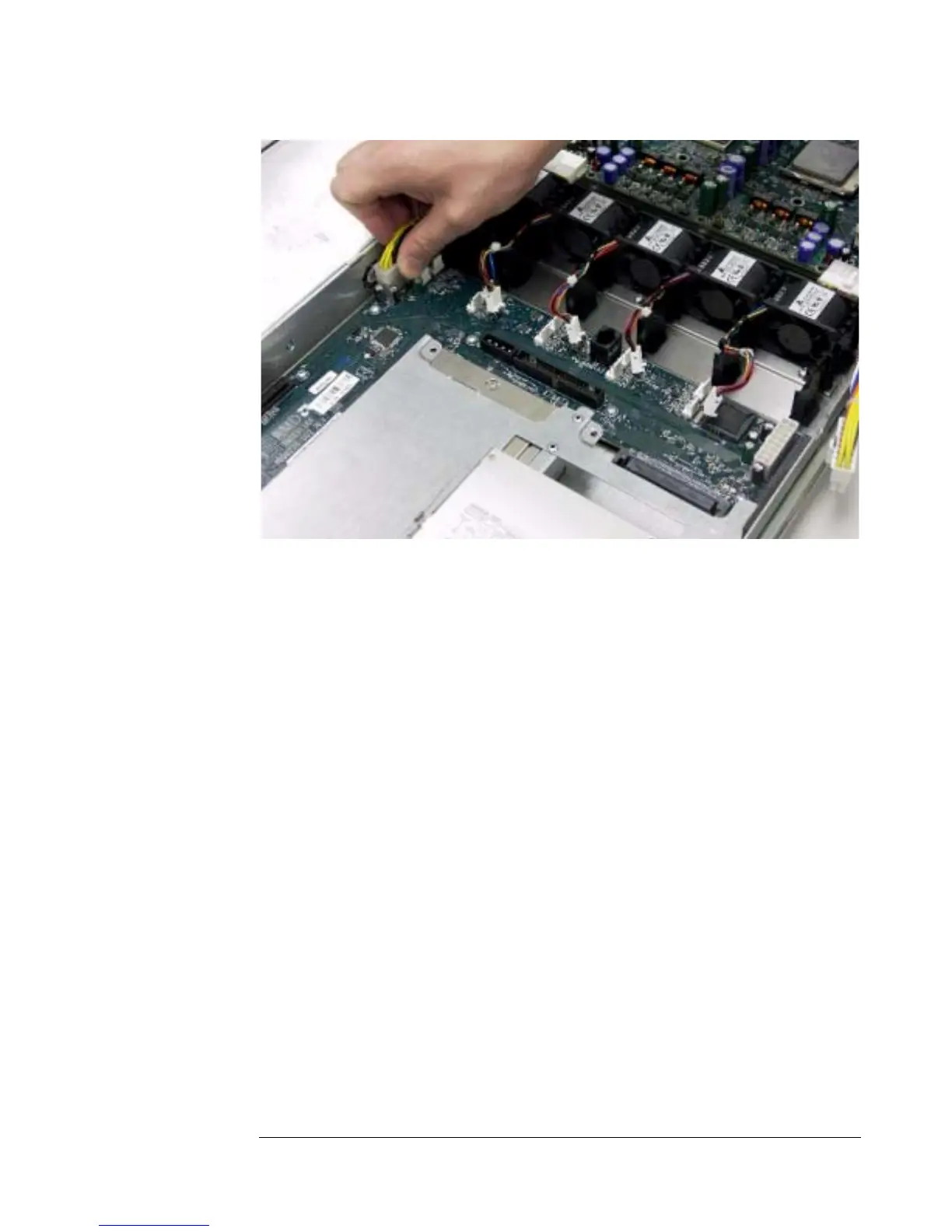
Figure 15 - Removing Power and Fan Cables
2. Disconnect the hard drives from the front access panel board.
Disconnect the cables if an IDE hard drive is used, or ejecting the hard
drive if the system is SCSI based. Refer to the section entitled
“Replacing the IDE Disk Drives” for hard-drive removal procedures.
3. Remove the power supply to free access to the front access panel board.
The power supply is held in place by a single screw, which is removed
as shown in Figure 16.
6-4


 To Next Page