USER’S MANUAL
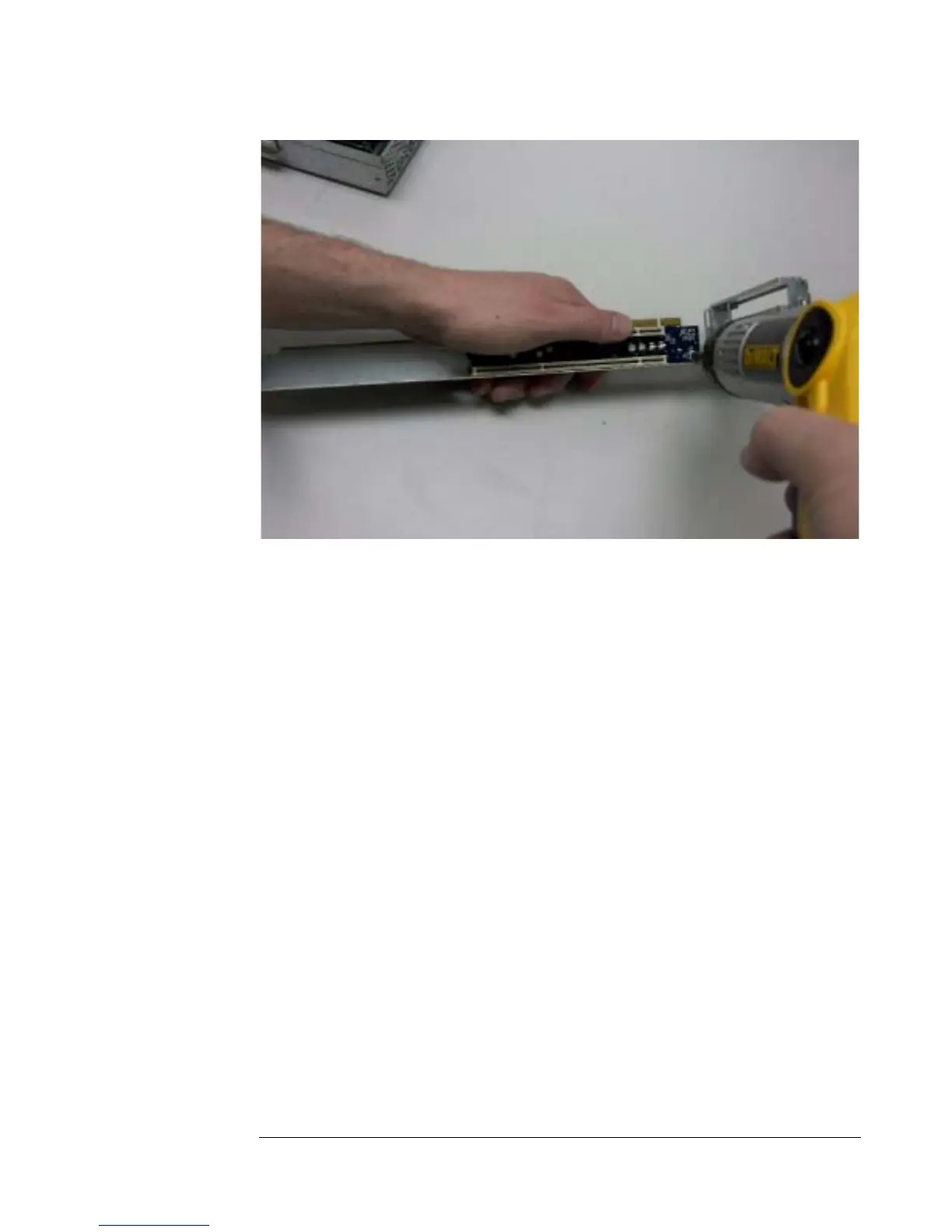
Figure 17 - Removing PCI Riser from PCI-X Cage
3. Replace and secure the new card.
4. Replace all PCI-X cards.
6.6 Replacing the PCI-X Cards
The A2210 system can support up to two PCI-X cards. The PCI-X cards are
contained within a cage in the rear of the chassis.
1. The cage is not held in place by any screws, so it can be lifted straight
out after moving the SCSI cable connected to Dual-Channel SCSI
Controller Board out of the way, as shown in Figure 18 and Figure 19.
6-6


 To Next Page