www.cellarcool.com | Page 35
Magnum Series
DISPLAY
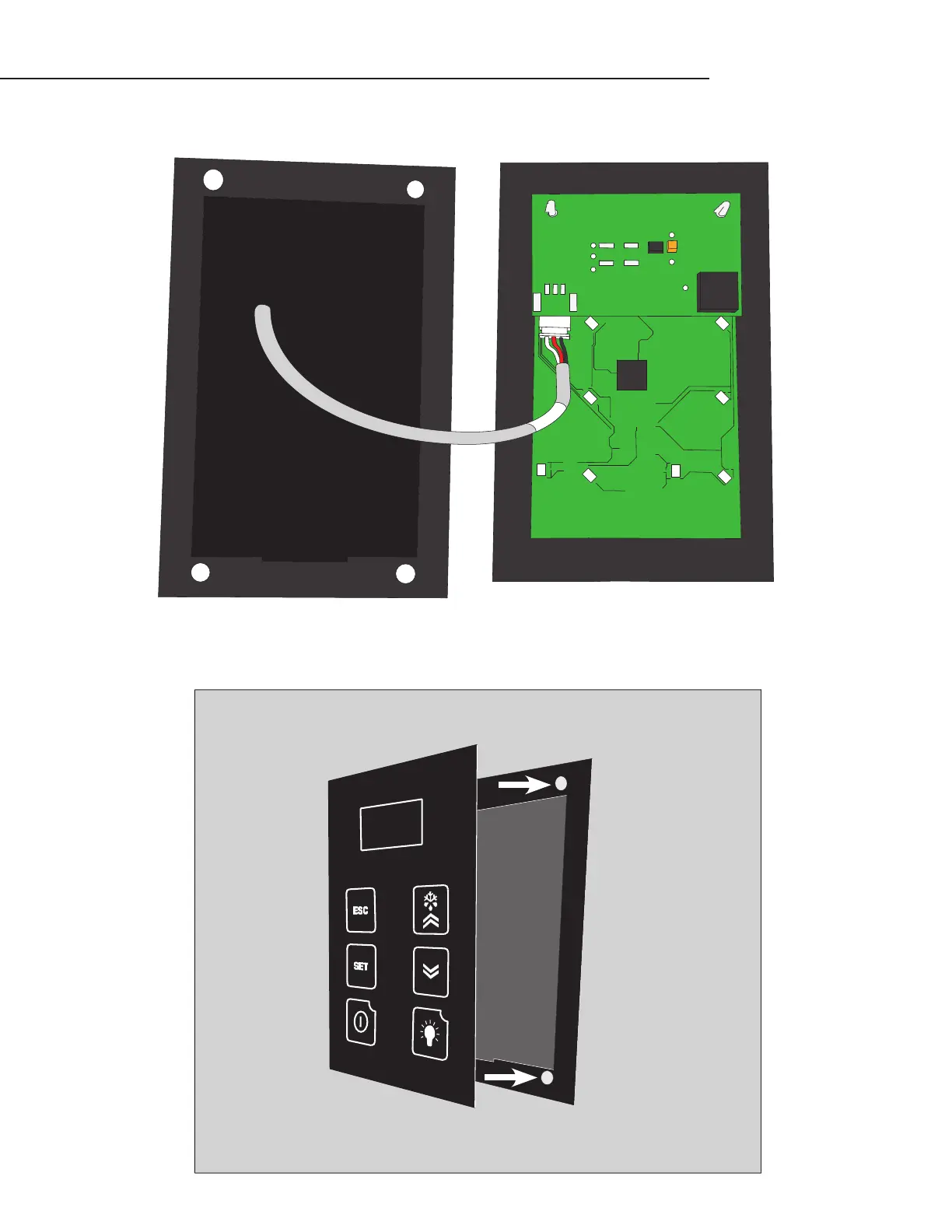
7. Connect the end of the display cable to the JST connector on the display panel.
BRACKET
DISPLAY
8. Place the display on the ush mount bracket as shown, attaching the back of the display panel to the magnets on
the mounting bracket. Make sure that the alignment tab on the back of the display panel sits in the notch on the bot-
tom of the bracket.
FLUSH MOUNT BRACKET INSTALLATION, CONTINUED
WALL



 To Next Page