55. Once the homogenizer assembly is properly seated in
the Z axis, carefully close the instrument top cover.
56. Remove the black cover from the bottom blade of the
homogenizer by gripping the tab and pulling down-
ward. If necessary, use a fi ngernail at the top of the
cover to assist with the removal.
WARNING
To prevent possible injury, use caution to prevent
touching the blade at the end of the homogenizer.
57. Close the instrument cover.
58. On the instrument keypad, press “Enter” to return to
the Maintenance screen.
59. Press the “Home” key two times to return to the Main
Menu.
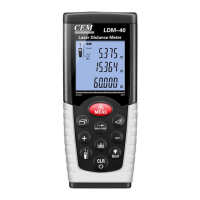
61. Lift the printer cover.
62. Place the printer paper
into the printer and
close the cover.
63. Ensure that the paper
is properly positioned to
exit the printer.
NOTE
If the printer paper is
installed backward,
the printout will not
be visible.
Printer Paper Installation
7
Wash Station Strainer Installation
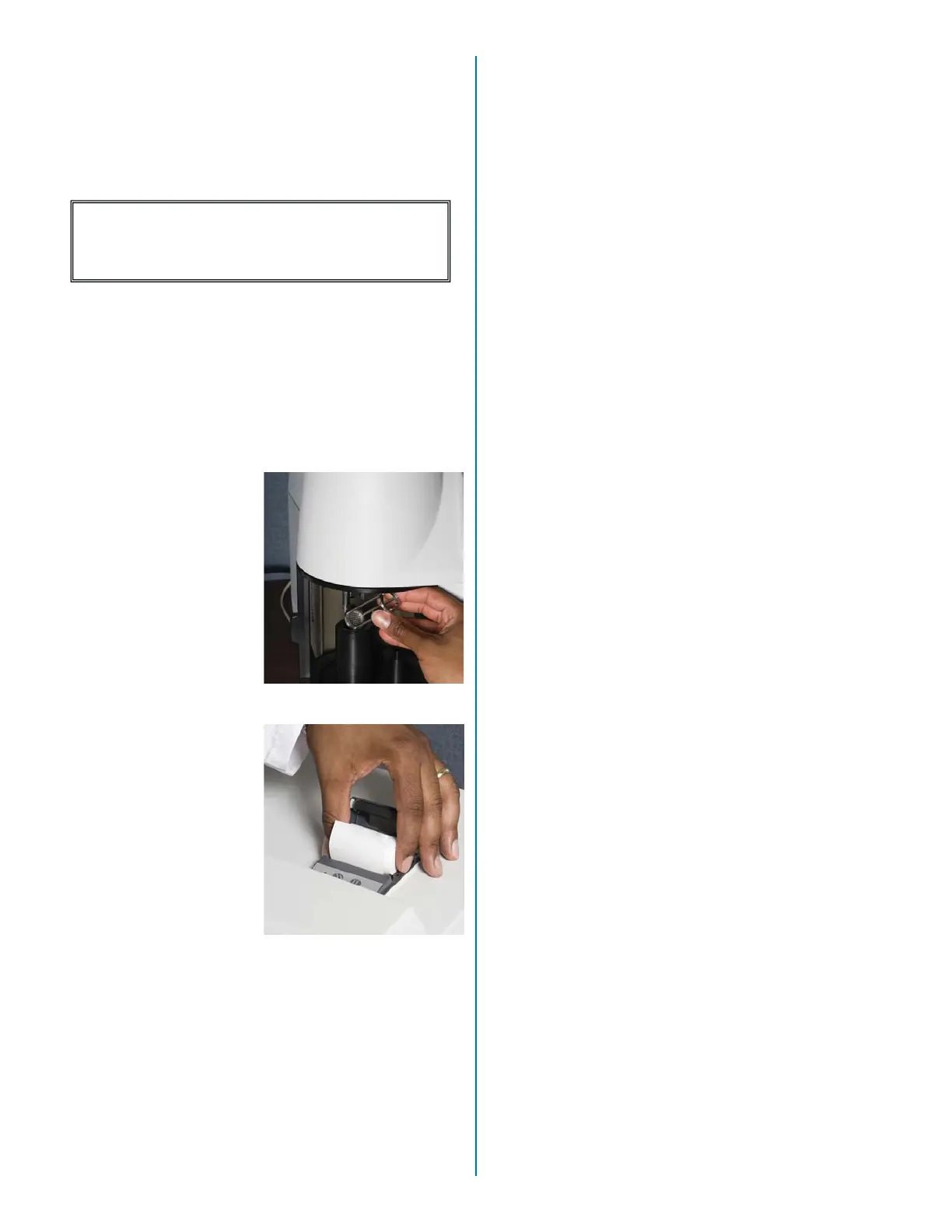
60. Place the wash station
strainer into the wash
station.
Note: The wash station
strainer should be inspected
daily and cleaned as
required.


 To Next Page