72 – Monitoring – User manual – v1.2
Monitoring - CanDis
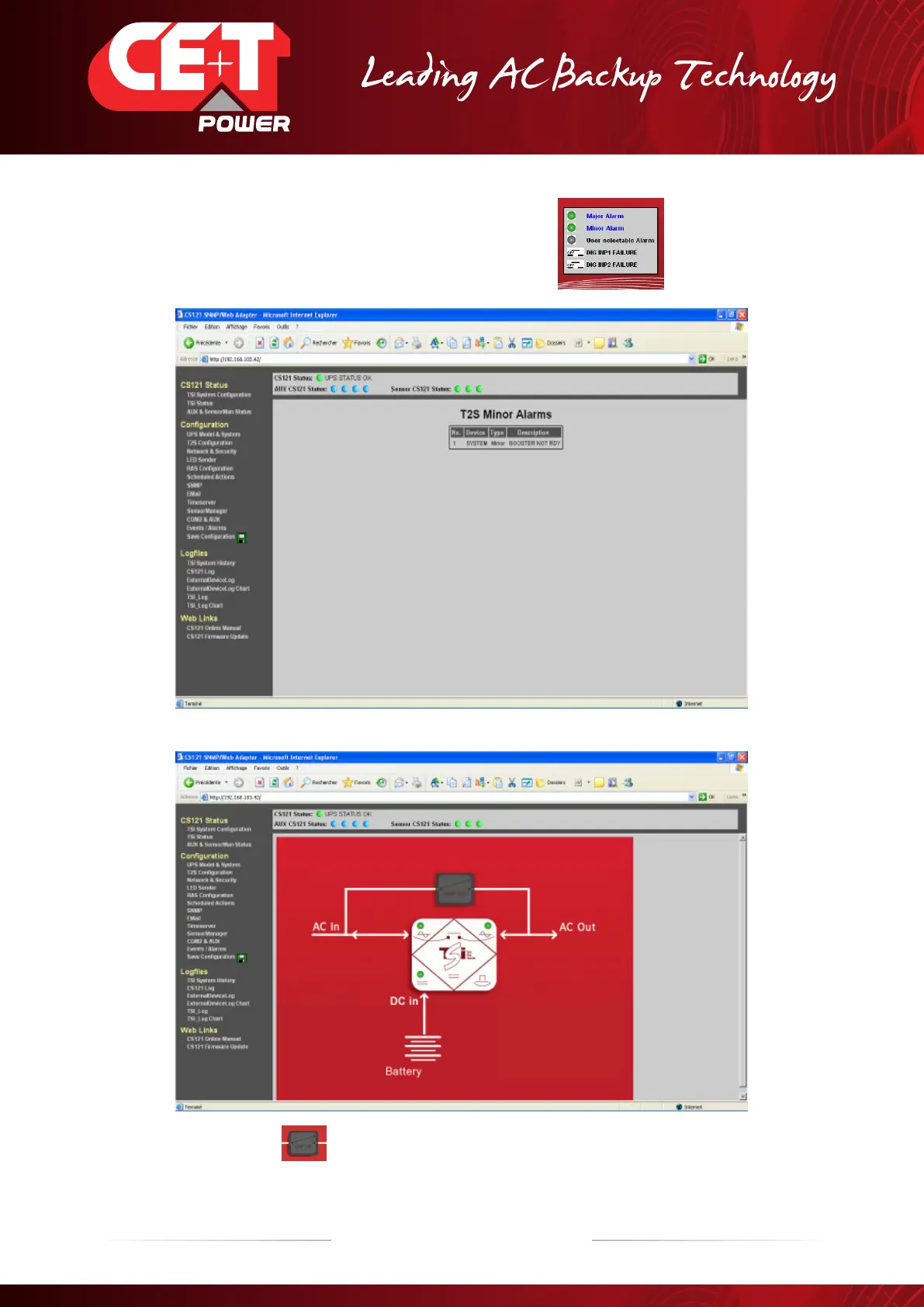
4. Green LEDs mean there is no alarm at the moment.
If LEDs turn red one or more alarms are present.
A click on the Major or Minor alarm line will bring up the following screen
(information concerning a minor alarm in this case).
5. The box on the middle “AC/DC/AC” converter will give access to the following screen.
On above screen, the “MBP” box is greyed because there is no MBP present on this system or because the text
configuration in the T2S file is not correct (see line 901 in section 7.6, page 57).
Text on input digital must be ;MBP ENGAGED; (“;” are essential and there is no space before and after the text).


 To Next Page